
Loads of marketing and creative teams choose Trello for basic project management when they first start out. However, as the business grows, many find it restrictive, and that's when they start looking for better options.
Campaigns multiply, and workflows become more complex. Client relationships become a priority, so the need for more advanced collaboration tools arises. On top of that, as your team grows, you look for better ways to manage resources and workloads to prevent burnout and keep utilization levels balanced.
In this list, we give you six of the best Trello alternatives for real-world project management. For each one, we tell you how they compare to Trello and give you the main pros and cons you can expect. You'll find a mix of tools with various combinations of project views. Some offer visual project management, others focus on giving you accurate project data so you can understand business profitability.
1. ActiveCollab – The best alternative to Trello
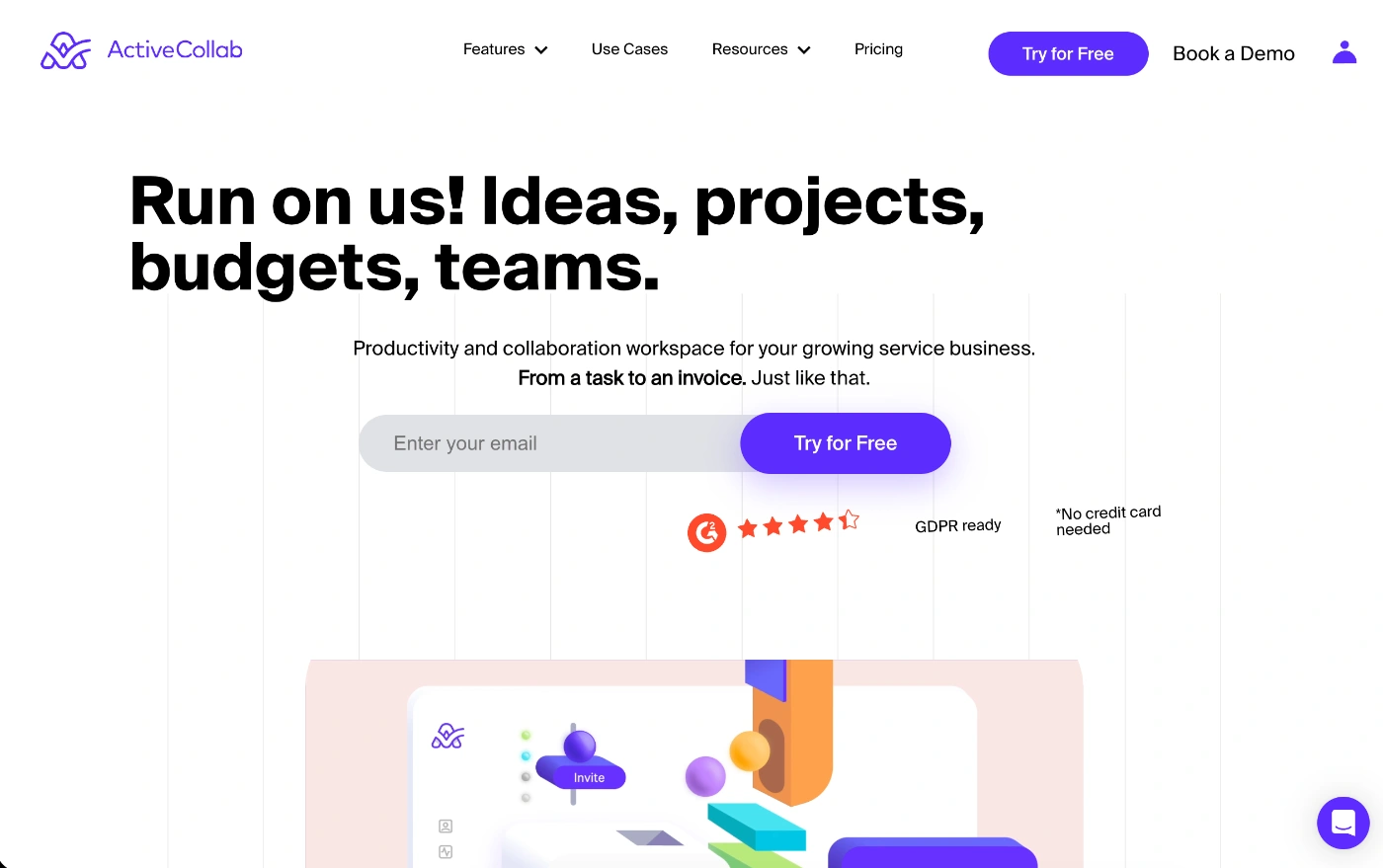
ActiveCollab isn't just a project management software tool. It's every marketing and creative team's home hub. The place where all your clients work and team collaboration come together, so you can organize campaigns, track and manage time and tasks, plan resources, and balance out workloads, before you finally send your clients an invoice and close the loop.
If all that sounds like a lot, it's because it is. ActiveCollab is an all-in-one tool that consolidates all the core features service businesses like marketing agencies and creative studios need, but usually rely on several tool combinations to carry out.
What makes ActiveCollab the best Trello alternative
For teams that currently use Trello and find it's a little lean for their growing needs, ActiveCollab can be the perfect alternative. When you compare ActiveCollab and Trello, you'll see t's not a full-blown, complex project management tool like the one professional project management offices use. Instead, it's a tool that's just enough for client-facing businesses. You get a level of comprehensiveness and feature richness with a level of simplicity and usability you're unlikely to find in similar tools.
You can create campaigns, timelines, and client project plans, break down large initiatives into smaller tasks, assign tasks to your team, track time, and even invoice clients and get valuable business profitability insights. It's a tool that basically covers the entire project lifecycle.
While Trello needs add-ons for every other functionality apart from Kanban board project management, ActiveCollab gives you everyting natively.
That's what makes it such a good fit for slightly more complex projects that operate on strict and moving deadlines and tight budgets.
Who is ActiveCollab for?
ActiveCollab is a project management tool that's been designed with service businesses (think marketing, advertising, design, and creative agencies) in mind, so its interface reflects this business type's standard workflows.
The business types ActiveCollab makes perfect sense for include:
Multi-project teams – Small and medium-sized agencies with 5-50 people that need to establish streamlined processes and manage complex workflows and multiple moving parts.
Creative directors & project managers – Many creative teams struggle with managing deadlines and having one source of truth for communication and client feedback. ActiveCollab keeps everything centralized in one safe place where every change, activity, and update takes place and is communicated.
Marketing, advertising & design – The tool lets you track billable and unbillable hours and manage task dependencies so you keep all deliverables on track, making sure clients stay happy.
Scaling service businesses – If you're a smaller team, you can start with basic project management features, but as you grow, ActiveCollab grows with you. In fact, if you take advantage of its productivity and profitability reporting, it will guide you on how to grow and scale your agency operations.
ActiveCollab's best features
Adaptive project management – Plan and assign tasks with deadlines and time estimates, view the entire campaign in multiple views, have your team track time, and then monitor the daily overview dashboard to see how the project is tracking to delivery.
Time tracking linked to financials – The tool's native time tracker automatically feeds into financials like budgets and timesheets, so you can evaluate project profitability and generate client invoices.
Workload & resource management – Unlike Trello, ActiveCollab has dedicated workload management, resource management, and capacity planning features. By using the workload view, you can monitor and improve employee utilization and prevent burnout.
Real-time client & team collaboration – You get a bunch of collaboration features, including in-app chat, task mentions and comments, discussions, file sharing, and activity notifications, so nobody misses anything and everyone stays in the loop.
2. MeisterTask
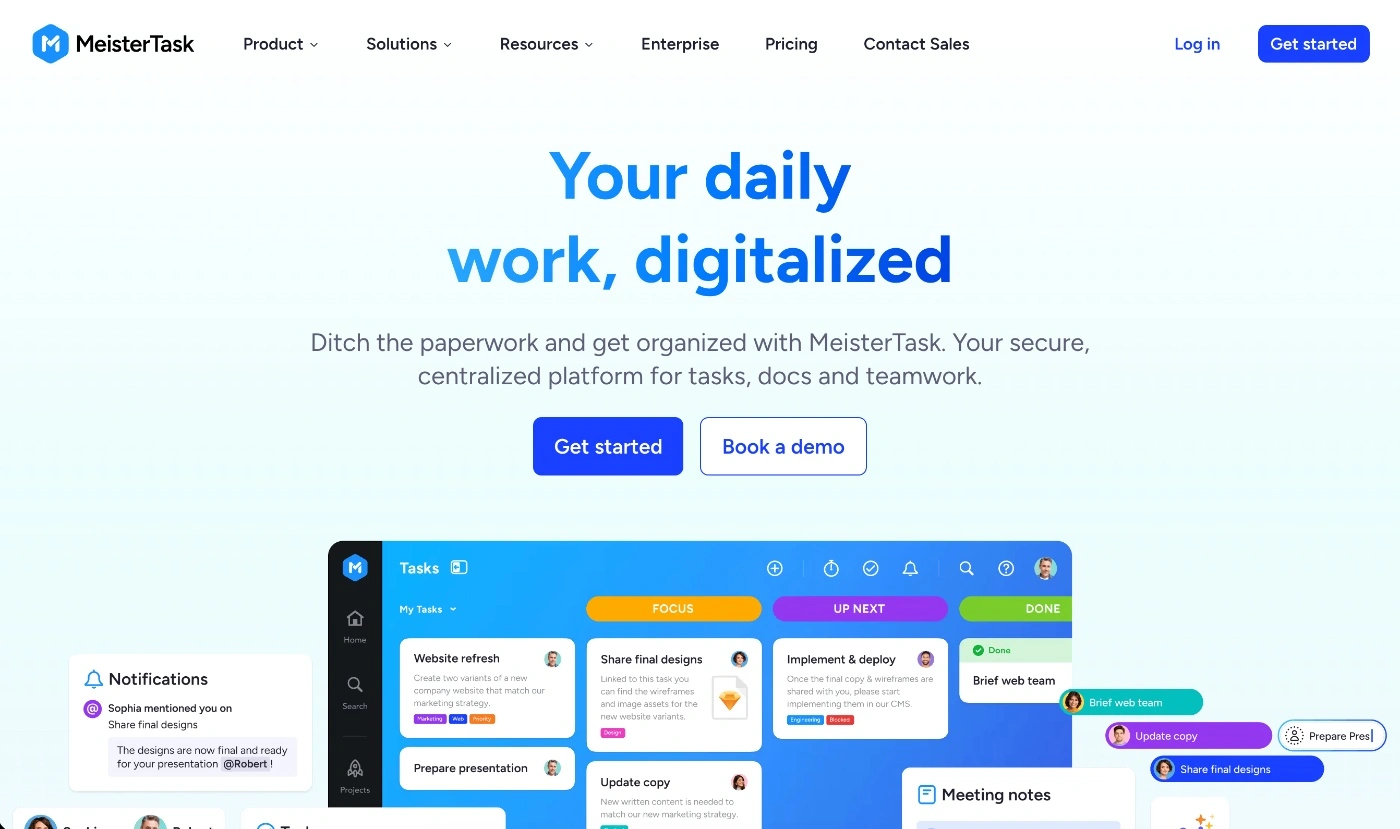
Another good Trello alternative is MeisterTask, which is also a visual task management tool. It's a platform that's well-known for its clean and intuitive interface. While it also operates on the Kanban board system just like Trello, it gives you more native features like time tracking and built-in automations.
What makes MeisterTask a good Trello alternative
One of MeisterTask's main advantages over Trello is its automation capability. You can automate repetitive steps on boards and help streamline complex processes and eliminate manual admin work.
The other thing you'll find with this tool is the solid reporting and dashboards you'll have at your disposal to understand productivity across your business. While Trello does offer some reporting features, they're fairly limited unless you use an add-on.
So while MeisterTask keeps the simple Kanban approach (the trademark feature that's made Trello a success), it goes beyond basic card management. The tool comes with a timeline view (Gantt chart), and gives you task relationships, so you have a more flexible system where you can manage task dependencies and make effective project scheduling decisions on the spot.
Who is MeisterTask for?
Ideally, MeisterTask is for small and medium teams that need more than what Trello has to offer, but less than ClickUp or Asana.
The business types MeisterTask would be a good fit for include:
Agile teams – Ideal for teams and businesses that prioritize accountability and need a tool that lets them set up a process where one individual owns one task.
Creative teams – If you already use tools from the Meister suite, MeisterTask will integrate natively, letting you expand the tool's functionality.
Micro businesses – For smaller teams that need solid time tracking and basic workflow automations to speed up their processes.
MeisterTask's best features
Native time-tracking & reports – Unlike Trello, which doesn't come with built-in time tracking, this tool will let you track task time and then generate reports so you know how many hours are being spent where.
Timelines & dependencies – A key necessity for complex projects, you can set and visualize task dependencies so you can monitor execution and spot bottlenecks quickly, which is something you can't do in Trello's Kanban boards setup.
Security & permissions – It's a tool that's GDPR-compliant and fits EU data protocols. While Trello is more open in nature, MeisterTask gives you more control, which is something businesses dealing with sensitive client data will appreciate.
Possible downsides of MeisterTask
Limited communication features – While the tool does have task-based comments, emoji reactions, and mentions, it doesn't come with a native in-app chat or document wiki.
Cost at scale – For larger teams that need the advanced features, which are only available in high-tier plans, it might be a little pricey.
3. Kanbanchi
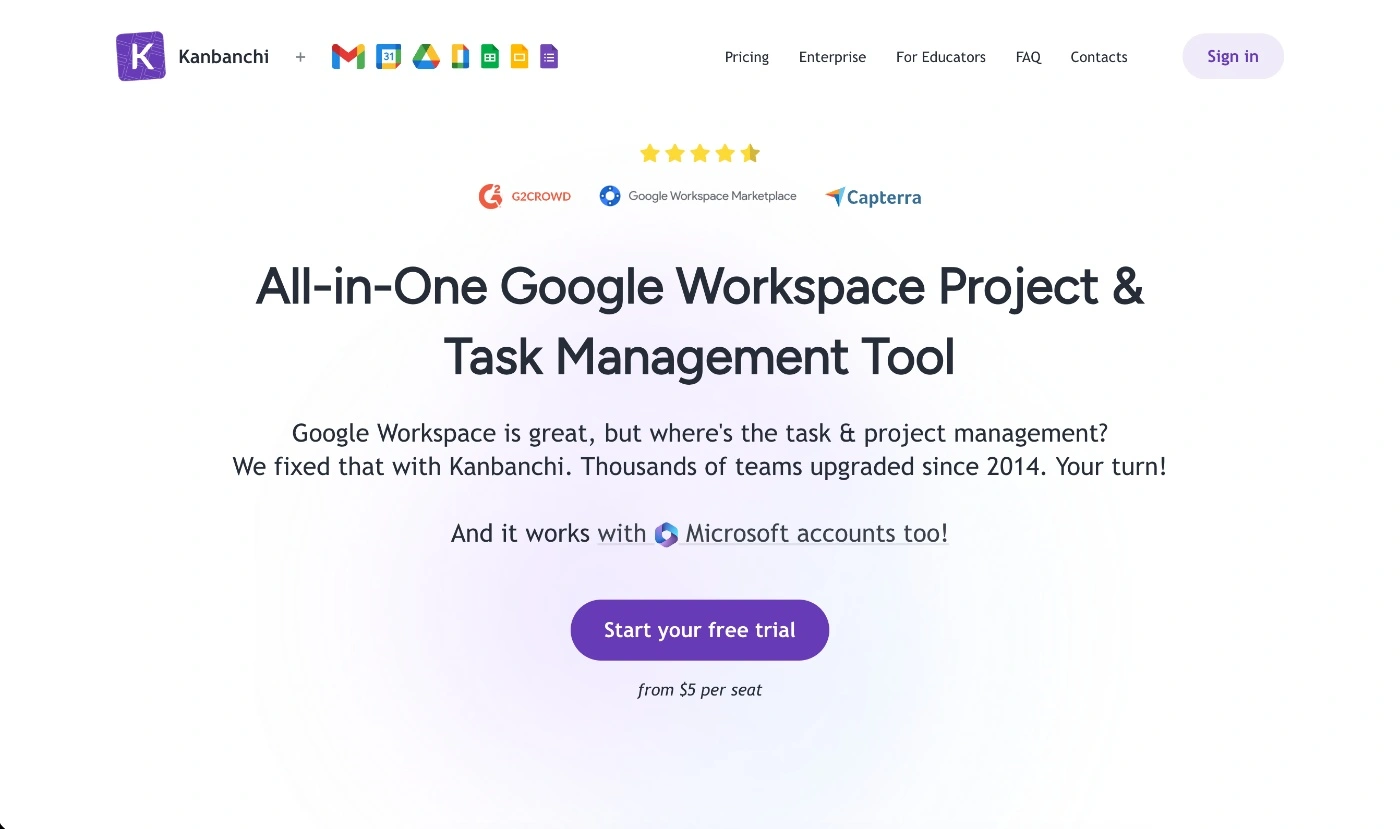
Kanabanchi is the project management tool for Google's ecosystem. It was purpose-built to integrate seamlessly with Gmail, Google Drive, Calendar, and all the other Google apps.
What makes Kanbanchi a good Trello alternative
If all your team and work processes are predominantly on Google, Kanbanchi is a good alternative to Trello if you want to add project management tools to the mix.
At its core, the tool gives you a Kanban board system just like the one Trello offers, but on top of that, it also gives you some advanced features like the Gantt chart timeline view and even a resource workload view.
The other core feature you get natively in Kanbanchi that you won't get with Trello (which is essential for marketing and creative teams working on client work tasks) is time tracking. Your team can use the timer on cards to record time spent and then have all that data in the Timing tab of your board.
Who is Kanbanchi for?
As mentioned earlier, Kanbanchi is a great option for teams that already operate within the Google Workspace system. When it comes to ideal business types and industries, it's flexible and can be used across many business models.
Small teams & startups – If you're a solo or micro team that needs a solid project management solution with the core basics that isn't too complicated, Kanbanchi will work well.
Education & research teams – You might be a department within a larger organization that has stakeholders and collaborators across the business that all operate on Google. It's a good project management software that will connect perfectly with the processes of your wider team.
Freelancers & Marketers – If you need to collaborate with clients on marketing content, Kanbanchi lets you share project boards just like you would provide access to a Drive folder.
Kanbanchi's best features
Multiple project views – You can alternate between four different views, including Kanban boards, Gantt, List, and Workload.
Brand and customization – You get a number of customization features like adding your brand logo to the interface and custom fields you can edit on cards for text, numbers, and date properties.
Time tracking & reporting – Track time spent on tasks or even billable hours for client work from within the time function you get in each task.
Possible downsides of Kanbanchi
Google Workspace focus – While its native Google Workspace integration is one of the tool's strong points, it can also be its downfall. If you mainly operate in Microsoft 365, other tools might offer more features that align better with your workflow processes and tool stack.
Limited integrations – You won't get as many third-party integrations as other project management software tools offer. While Kanbanchi does offer an API, if you rely on specific external tools like a CRM, it might be a problem.
4. Todoist
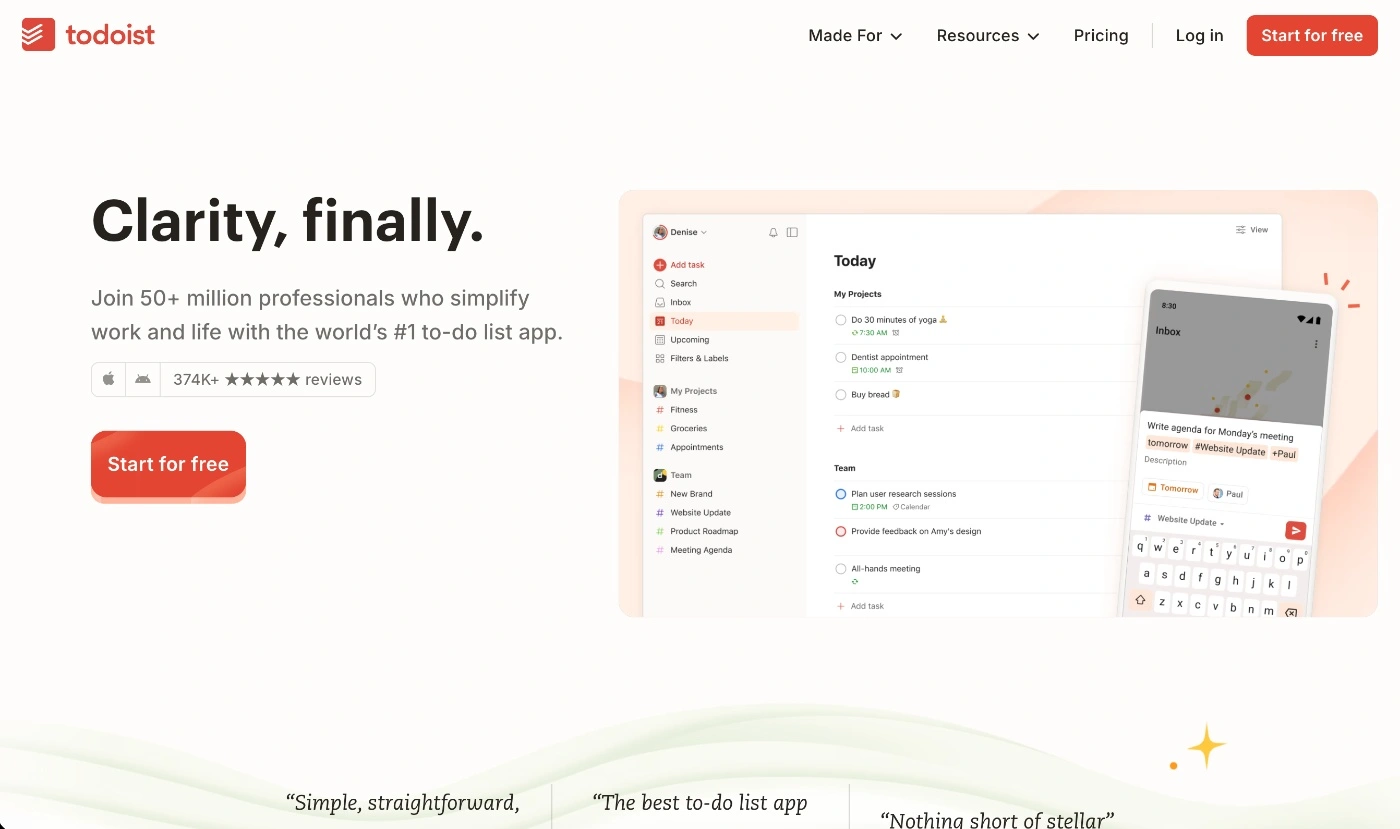
Todoist is a cross between a to-do list and a Kanban board. It's more of a task management system rather than a full-scale project management tool, but for smaller marketing and creative teams that run on simple processes and workflows, it can be just right.
What makes Todoist a good Trello alternative
Todoist is a good alternative for teams that want a cleaner and minimalist interface than Trello's. The one thing Todoist makes easier for users is task tracking. For example, it lets you use natural language for due dates like "Due next Friday" and checklists, which can help manage task delivery more efficiently and minimize the chance of missing deadlines. While Trello gives you features for due dates and checklists, it's much more intuitive in Todoist.
It's a great tool for managing personal productivity and taking on basic projects you can deliver while collaborating with the team. Taking a gamefied approach to productivity, Todoist's Karma feature lets you set daily and weekly goals and then rewards you with points every time you complete a task. So if productivity is a key priority for your team, this might be a great tool that helps everyone stay motivated and on track.
Who is Todoist for?
When you look at its setup and features, Todoist leans more towards serving individuals and small teams that need to manage work without focusing too much on complex workflows and processes.
It's a good fit for:
Micro marketing teams – You might be a boutique, micro agency, or a small marketing department team with five or fewer people, working within a business or organization. It will work well for managing recurring content tasks like social posts and newsletter sends.
Freelancers & solo creatives – It's good for freelancers and solo consultants who need a tool to get their side-hustle business up and running. You can set up projects for individual clients or organize personal creative projects.
Todoist's best features
Templates – You get access to 50+ ready-made templates you can use for setting up projects quickly. They range from work management to marketing, sales, education, development, as well as personal and wellness templates.
Multi-device tool – One of its standout features is the native applications and extensions you can get for mobile (iOS & Android), desktop (Windows, MacOS, and Linux), browsers (Chrome, Firefox, and Safari), and wearables like Apple Watch and Wear OS. Whatever is changed in one device syncs in real-time across all.
Project collaboration – You can share project tasks with teammates, assign tasks, attach files, and leave comments and mention people so everyone sees the same stream of communication and updates.
Possible downsides of Todoist
Limited team collaboration – While you get the basic collaboration features, you won't get a dedicated in-app chat for teams and clients, and there is no direct editing on tasks (only comments).
Caps on project collaborators – One thing that can be frustrating for teams is the cap each plan places on the number of collaborators you can have on an individual project. This is one of the things that makes it unsuitable for medium and larger teams.
5. Asana
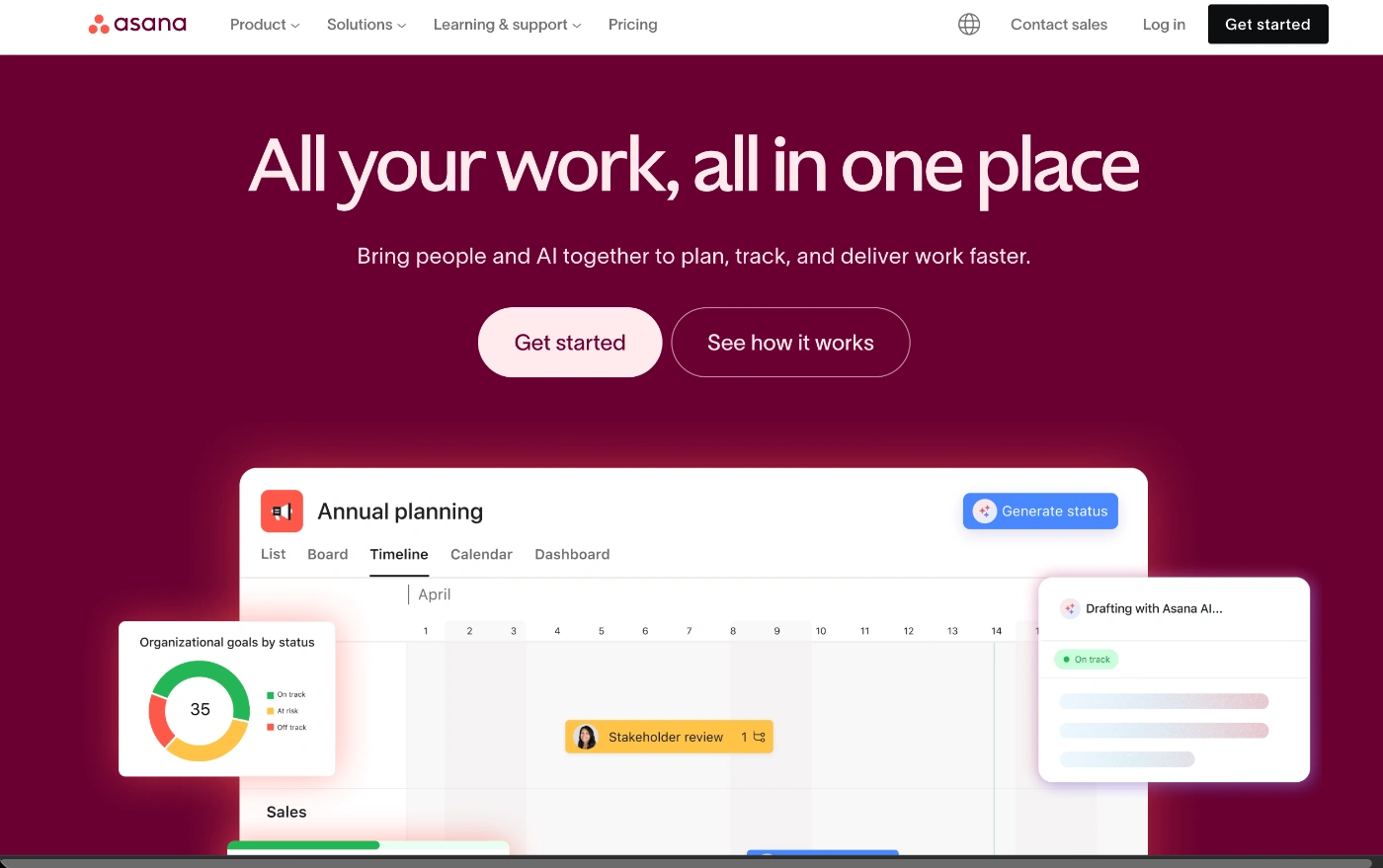
Asana is a comprehensive work and project management platform, and it's one of Trello's biggest competitors. It offers you all the things Trello does and then takes it up a notch by giving you robust planning features, workflow automations, and reporting dashboards.
It's a much more advanced feature set that isn't enterprise-grade project management level. Even though it's used by enterprises, Asana's interface is very much designed for non-tech-savvy teams.
What makes Asana a good Trello alternative
The thing that makes Asana a good Trello alternative is primarily the features and capabilities you get in a system that isn't overly complicated to adopt and use.
For marketing and creative teams that find they've hit a wall with Trello because of its restrictive board view, Asana can come in as a good alternative with more native features for things like approvals and proofing, especially for design and content workflows.
Also, if efficiency and streamlining workflows are a priority, this is something Trello can't help solve. Asana will let you set rules and automations to eliminate many manual admin tasks that slow campaign delivery down.
Who is Asana for?
Asana is a tool that can work for a variety of business types and sizes. It generally ends up being a good fit for teams that have outgrown task list tools and need something with more structure to run mid-to highly-complex projects.
Some ideal business types and teams Asana will work well for include:
Small and medium agency teams – If you run multiple client campaigns and need robust reporting dashboards.
Teams dependent on cross-collaboration – You might be a department within a medium or large business enterprise and have multiple projects to manage and deliver with stakeholders from across the organization.
Creative and design studios – It's a good fit for businesses that need to manage incoming creative requests, content calendars, and multi-channel campaign deliverables.
Asana's best features
Advanced task dependencies – If you deal with complex task dependencies, Asana lets you set one of the four task dependent relationships, and if any changes to task dates are made, your entire schedule will update automatically. On top of that, the tool will also highlight schedule errors and identify the critical path.
Approvals & proofing for creative – You can use the "Needs sign-off" workflow and let reviewers leave specific feedback on visual and creative assets.
Automation tools – Set up rules to set automatioons for routine tasks like field updates, and status changes, so you can prevent items from getting lost or missed in transit and move work items faster from person to person.
Possible downsides of Asana
Time tracking access – Unless you're on one of the high-tier plans, you don't get a core project and task management feature, which is time tracking. This is one of the biggest downsides of the tool.
Learning curve – If you're used to lean and simple tools, there will be a steeper learning curve with Asana. Even though it's not as cluttered as many project management tools, the amount of functionality it offers makes it more challenging than visual tools like Trello.
6. Any.do
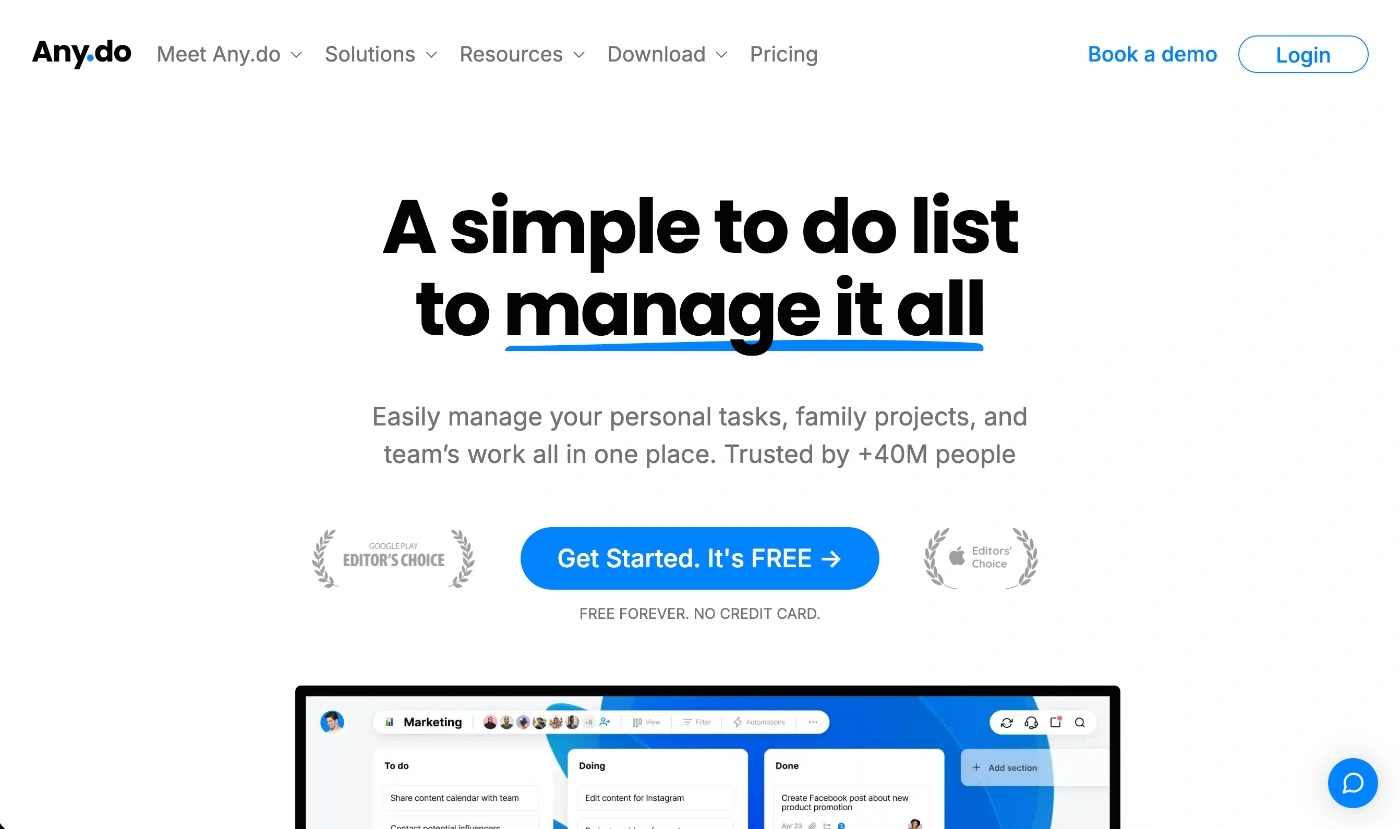
Any.do is another productivity tool that is similar to Todoist, as both are multi-device task management and productivity tools. It lets teams organize tasks in list view, calendar view, and the Kanban board style.
What makes Any.do a good Trello alternative
The thing that makes Any.do a good alternative to Trello is its simplicity and various integrations with communication and automation apps like Slack, WhatsApp, Zoom, and Zapier.
Also, while Trello prioritizes task management, Any.do adds the planner focus into the mix by combining tasks with your calendar in one place. The built-in calendar, which syncs with Google and Outlook calendars, lets you manage tasks with things like meetings, so you can help manage time effectively and plan realistically.
While it doesn't task dependency relationships, it does cover the basic communication tools you need to collaborate with the team. However, it does have caps on the number of collaborators for all plans except for the highest paid plan.
Who is Any.do for?
Any.do is ideal for individuals and small teams where simplicity and mobility are priorities. Many of its users depend on the app to manage both personal and work tasks, so it merges work life and lifestyle into one planning tool.
Some of the business types Any.do is ideal for include:
Freelancers & consultants – If you're a freelance marketer or designer who works part-time or full-time and needs to organize your client work in a simple tool alongside personal life tasks and chores, the tool will be a good fit.
Small agencies & studios – Small or micro teams can use the tool as a shared space to organize and track client work tasks and meetings.
On-the-go professionals – If you're a real estate agent or professional service provider that works on the go, you'll like the flexibility you get with having your entire schedule and plan on mobile.
Any.do's best features
Basic resource and workload management – While it's a simple tool, it does give you the People view, where you can see your entire team and the tasks they have been assigned. You can filter the view by due date and task label. For example, you can see which tasks are due for this week and who owns them.
"Moment" feature – This is a daily planning feature that helps you review and prioritize your tasks one by one. This is super helpful when your team has lots of things on and needs to manage multiple deadlines.
Communication tools – You'll get all the task collaboration features offered by Trello, but you'll also get a built-in team chat and voice tasking (through Siri, Google Assistant, and Alexa).
Possible downsides of Any.do
Limited project management tools – Because it's more of a task management and daily planning tool, it lacks the full scope of a project management platform that many other vendors provide. There's no task dependency or Gantt chart features.
No customization options – It's a basic tool, so you won't be able to add custom fields to tasks and workflow statuses.
Why Marketing and Creative Teams Choose ActiveCollab After Trello
Marketing and creative teams depend on clarity, speed, and collaboration. It's what makes their client work move along the pipeline. Trello might give you a nice visual setup to track the basics, but it lacks some core native features that established service businesses rely on heavily, like time tracking and resource management.
Here's the deal: The ideal project management tool is one that can keep up with and reflect your workflows and internal processes.
Trello's Kanban boards are great for visualizing creative pipelines, but they don't help if you need task dependencies.
For growing marketing and creative teams, the perfect project management setup is all about finding a balance between having enough of the right features and being easy to use. Some of the tools in this list are all about simplicity, while others bring advanced planning or reporting. But in the end, the thing that really matters is whether the tool lets you collaborate, stay visible, and keep your fast-moving creative workflows on track.
If you love Kanban boards and they work for your team, but you need something a bit more comprehensive on the task management front, with clearer project creation, visibility into project data and workloads, and billing and financial capabilities, ActiveCollab is a great alternative to Trello.
It's a tool that's been purpose-built for marketing agencies and creative teams. It basically becomes an all-in-one hub for all your client, team, and business workflows. You can manage campaigns, track time, manage resources, and collaborate with the team as well as clients and external stakeholders, all in one platform.
So, if you're yearning for a project management tool that centralizes all your client campaigns and business operations, but won't make you and your team jump through hoops just to get the hang of it, ActiveCollab is here to seal the deal.
Sign up for our 14-day free trial or book a demo with one of our people to get a one-on-one walkthrough of the platform so you can see how it's going to make your work life easier!