
Teams outgrow tools for all sorts of reasons. For some, it's rising costs, for others, it's a lack of advanced features. And sometimes, it could simply be because you and your team never warmed to the tool in the first place. You didn't like the look or feel of the UI. Nobody ever got the hang of it fully, and everyone just wants to ditch it and switch!
All those reasons and many others are completely legit. And if any of them were what triggered you to go and look for the best Wrike alternatives, you've landed in the right place.
In this blog, we give you a short but comprehensive list of the top 5 Wrike alternatives in 2026. We've decided to forgo the big-name project management platforms (simply because you already know them, and chances are, you've already tried them).
As you go through the list, keep in mind that no two tools are the same. Each one has its strong points and some weaknesses. But all five are strong Wrike alternatives that offer different levels of feature depth. Your job now is to choose and trial the ones that seem to be the best fit for your business size, type, and workflows.
1. ActiveCollab – Best overall Wrike alternative
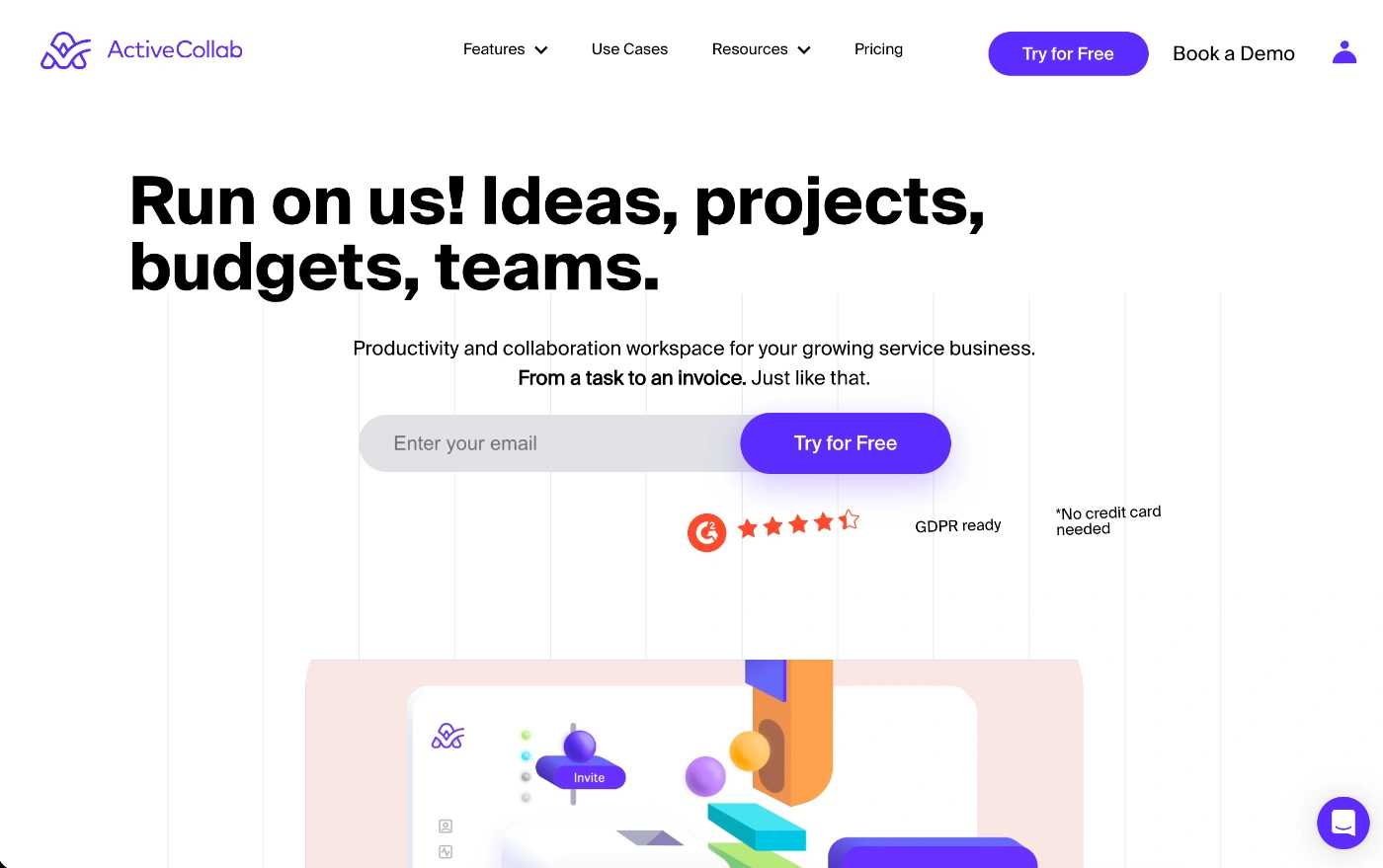
ActiveCollab is an agency-first project management software tool for teams that need an all-in-one ecosystem for all their client work and team operations.
The tool isn't just a task organizer.
It's a team and workload manager, a budget and profitability tracker, and a collaboration platform.
With ActiveCollab, you have a complete workflow platform that lets you go from the inital client proposal and quote, to invoice and payment, all in one neat, easy-to-use system.
We already covered ActiveCollab vs Wrike comparison in detail, but in a nutshell, here's why ActiveCollab over Wrike:
What makes ActiveCollab the best Wrike alternative
Unlike Wrike, ActiveCollab is a cost-effective tool that lets you cover the entire client project lifecycle through native features. With built-in time tracking tools across all plans and integrated invoicing and payments, ActiveCollab is one of the best Wrike alternatives, covering two core functionalities natively, which Wrike either only offers on higher-tier plans or via integrations.
Another thing you'll also appreciate is ActiveCollab's intuitive interface and agency-centred design. Both of these things make it a much easier tool to introduce to your team. With minimal setup and a minor learning curve, it's a much easier tool to master and adopt. So your team will quickly get to use the solution and discover its full potential in understanding your team's productivity and getting the best use of their time.
Who is ActiveCollab for?
ActiveCollab is a tool that works best for small to mid-sized client-facing service businesses. So if you're an agency or consultancy and you want a tool that can help you manage projects, clients, resources, and all the finances in one integrated platform, ActiveCollab has your name written all over it!
The team types ActiveCollab will work best for include:
Agency or professional service businesses like marketing, advertising, or design studios, software development, IT startups, and business consultancies.
Teams and businesses with 5-50 people, where the business is looking to grow, but they need the help of a simple yet comprehensive tool. ActiveCollab is a cost-effective option that comes with many business insights features to help growing businesses scale their operations.
Client service businesses that need billing & payments as an existing and ready-to-use feature within their primary project management software tool, where they can log hours and expenses, generate invoices, and accept payments via Stripe and PayPal.
Businesses that want team & client collaboration tools all in one place, so communication stays in one place, permission controls limit who sees what, and you hit perfection when it comes to client management
ActiveCollab's best features
With ActiveCollab, you'll get all the features a service business needs. Some of its best capabilities include:
Workload management & burnout prevention - Unlike some other tools with resource management, you don't need to do any additional setup to use workload management and capacity planning. You simply type in custom hours for each employee, do your resource planning based on those hours, and allocate tasks in a way that delivers optimal workloads and prevents burnout
Client management & access - Invite unlimited clients and external stakeholders to projects, choose the level of access you want them to have, and you and your team can collaborate directly on tasks as well as via in-app messenger (no need for Slack or email!)
Project budgeting & profitability dashboards – Find out which projects and clients are making money and which ones are not cutting it. Set project budgets, log time and expenses, and track spend in real-time. View the health and status of each project via the project overview dashboard so you can keep on top of your agency's success metrics.

2. Hive
Hive is a project and team management platform with collaboration proofing features. Although it's not a complete all-in-one agency tool, it's built around the concept of letting users customize, build, and adapt the tool to their needs via add-ons.
What makes Hive the best Wrike alternative
Hive is one of the best Wrike alternatives because it offers many of the same core features, such as task management, project scheduling, time tracking, proofing and approvals, and resource management.
However, while both tools offer comprehensive project management features and workflow customization options, Hive offers more communication and collaboration tools.
Who is Hive for?
When you check out Hive's users across review platforms, you'll notice more than half its user base are small teams and businesses, with key industry groups being marketing and advertising, followed by IT.
Even though they have several mid-sized and enterprise businesses using the platform, ideally, the tool is for smaller teams and startups.
Hive is a good choice for:
Creative teams looking for native proofing and approval tools for images and videos, within their main project management software
Hybrid and remote teams operating from different locations that need to stay connected and aligned on work items.
Teams that need flexibility to configure and set up a project tool with their branding, and have a user-centric tool that lets individuals choose how they visualize and manage their tasks.
Hive's best features
Comprehensive project management tools - You get multiple project views, subtasks, and task dependencies, and prioritization options.
Team communication – You get native chat, email integrations, and notes where you can collaborate with the team all in one place
Time Tracking & insights: Have your teams track time spent on tasks so you can keep on top of workloads and generate detailed reports on team productivity and project timeline success.
Potential downsides of Hive
Limited portfolio-level reporting and folder hierarchies mean it's not ideal for businesses looking to scale or larger enterprise teams
Many core agency features, like proofing or advanced resource management, come at an extra add-on cost, which can accumulate and add up to a higher price than you initially thought you would pay
Expect a steeper learning curve and slower team adoption
3. Smartsheet
Smartsheet is a spreadsheet-style work management platform for complex workflows. It comes with extensive project management features and automation rule options.
What makes Smartsheet the best Wrike alternative
Even though Wrike and Smartsheet offer a similar set of features when it comes to project management, they cater to different preferences.
While Wrike gives you more collaboration, resource management, and integration options, Smartsheet is far superior in reporting, analytics, and automations, which is a key need for teams dealing with large data-dependent projects.
Who is Smartsheet for?
Based on user data collected by review sites, about half of Smartsheet's users are small businesses, and about a quarter are enterprises. When it comes to industry types, the majority are administrative and operational teams across education and healthcare.
Smartsheet is a good option for:
Excel or Google Sheets teams that want deeper project management functionality without learning the UI of most traditional project management tools.
Large organizations looking for a project management tool with advanced controls, portfolio management, and integrations with tools like Salesforce or Microsoft 365.
Teams with structured workflows & compliance standards so they can set up processes and automations that are common in construction, professional services, healthcare, and IT sectors.
Smartsheet's best features
Familiar spreadsheet interface – If your team is used to a spreadsheet platform setup, Smartsheet will be easy to adopt.
Automations for complex workflows – You can take repetitive admin tasks, automate them, set reminders, and create approval requests without messing around with code.
Robust reporting & dashboards: Create real-time, customizable dashboards and reports that consolidate data from multiple sheets for high-level visibility.
Potential downsides of Smartsheet
If you want to use more advanced features to set up deep reporting, the tool is less intuitive and can be difficult to get the hang of.
Project management basics, such as time tracking and more advanced resource management, are only available via add-ons.
Edits made to documents are not exactly real-time, as any changes you make are not visible to others until you save or refresh the sheet.
4. Zoho Projects
Zoho Projects is primarily a project management platform that lets you plan, track, and collaborate on projects, but it also includes time tracking, budgeting, and issue management features.
What makes Zoho Projects the best Wrike alternative
The thing that makes Zoho Projects stand out as one of the best Wrike alternatives is its core feature set, easy-to-use interface, and more affordable pricing plans.
If you're already using other Zoho products, it can be a good out-of-the-box solution that helps you integrate and streamline your business operations and keep an eye on project progress in its entirety.
Who is Zoho Projects for?
If you look at review platform insights, about 90% of Zoho Projects users are small teams, and when it comes to industries, it's mostly used in IT services and construction admin workflows.
Even though Zoho Projects is a versatile tool that's been designed for a wide range of users, there are certain groups it is best suited to.
Zoho Projects is a good task management tool for:
Existing Zoho ecosystem teams that want to integrate seamlessly with other Zoho apps like Zoho CRM, Zoho Books, and Zoho Analytics.
Cross-functional teams that need to work together to deliver projects and need structured planning and collaboration tools.
Construction & engineering teams managing complex projects with multiple phases that need instant insight into project status, budgets, and delivery timelines.
Zoho Projects' best features
Detailed task management – With a hierarchical task breakdown and dependencies, teams can plan projects to the smallest detail and make sure everything is covered.
Integrated time, budget & invoicing – The tool's integrated time tracker means time logs feed into timesheets, which can then be used to generate invoices if you integrate with Zoho Invoice.
Issue tracking & customized workflows – You have a dedicated section for identifying, tracking, and resolving issues, and you can set up custom workflows and automation rules.
Potential downsides of Zoho Projects
It's not designed with professional service businesses in mind; it's more aligned to IT service teams and their workflows.
Expect a steeper learning curve than other simpler and more intuitive modern project management tools – especially if you want to take advantage of more advanced task management features.
While it offers reporting and analytics, for deeper insights, you may need to integrate with other Zoho apps.
5. GoodDay
GoodDay is a versatile project management platform where you can build and set up all the workflows your business needs. In a sense, it can be your all-in-one business management tool that streamlines project management with a CRM and productivity insights.
What makes GoodDay the best Wrike alternative
GoodDay is on this list of Wrike alternatives because it matches up with the core project management features, but it does this with less complexity, and it will probably do it at a better price, too.
Like Wrike, the tool will let you take care of every project step from planning to task organization, tracking, and team collaboration.
Who is GoodDay for?
Because GoodDay is a flexible and versatile tool, you'll be able to set up various workflows that suit teams across multiple industries. However, it's more suited to small and mid-sized teams rather than large enterprises.
GoodDay is a good fit for:
Cross-functional and hybrid teams that need a single hub for seamless and transparent workflows and cross-departmental communication, all in one place.
Teams on the lookout for an all-encompassing tool to replace multiple single applications and offer integrated modules for various functions, such as a CRM for the sales team, timesheets for HR, and budgets for finance, all within a single platform.
GoodDay's best features
Resource & workload management – You have several features that let you allocate resources and track team capacity to prevent burnout and make sure everyone's working at an optimal level.
Goal-setting & dashboards – If you need it, you have goal-setting and OKR tracking and analytics dashboards displaying instant insights into project progress and performance.
Unlimited hierarchies – It supports unlimited project and task hierarchies, meaning you can manage complex project breakdown structures without your interface becoming messy.
Potential downsides of GoodDay
The extensive feature set, customization options, and overall higher learning curve mean your team will need time to master the tool in order to use it to its full capacity.
Advanced security features like Two-Factor Authentication are only available on higher-tier plans.
ActiveCollab: The Wrike alternative waiting to be discovered
Businesses evolve, and so should your tech stack. Sooner or later, every team gets to a point where the tools that once made things easier actually start to make things harder. Wrike may be a powerful tool, but if it ends up feeling more complicated than it needs to be, is too pricey, or you just start to feel like it's not giving you (or your team) what you need, it's time to switch.
In 2026, service businesses need tools that give them complete visibility and control over workloads, team productivity, and project profitability. You need to know who's not delivering enough and who's working too hard. You also need to know how much cash is coming in, how many new projects you've got lined up, and how many freelancers or new hires you need to add.
These are all things ActiveCollab will take care of and deliver. It's an all-in-one agency and project management system that not only helps teams work effectively, but it also helps you scale your operation.
Want to run your service business like a well-oiled agency machine with a tool that covers absolutely everything?
A single tool that lets you take care of task and client management, client and team collaboration, budget monitoring, time tracking, capacity planning, invoicing, payments, and even reporting?
ActiveCollab will take care of the entire client project journey, from the very start – all the way through to the very end - quote to invoice to payment.
Forget tools that make you rely on integrations and add-ons. You don't need that mess. What you need is ActiveCollab. Every marketing, advertising, and creative studio with 5-50 people will tell you it's an agency's dream tool.
Fairly priced, easy to use, and so good you'll wonder where it's been all your agency life!
Sign up for our 14-day free trial or book a demo with us and give ActiveCollab a go.
You won't regret it – we promise!