
Monday may be a flexible project management tool that's easy on the eye, but is it giving you everything, more or less, than you actually need to run your projects seamlessly?
It's a tool known for its customization, but it also lacks some core native features that many service business teams treat as fundamental for any project management tool (think workload management and profitability dashboards). So if you're already out there looking for the best Monday alternative, that's a fairly good sign the tool isn't the perfect fit, and you want more.
To help give you a headstart, we're sharing a download of our top five best Monday alternatives for task management in 2026. We give you a couple of big-name competitors, as well as a few underdogs that are well-worth a mention and test trial. The tools in this list come with different task management features to track progress, and some are better aligned for remote team collaboration than others.
1. ActiveCollab – The Best Monday Alternative for Agencies & Consultancies
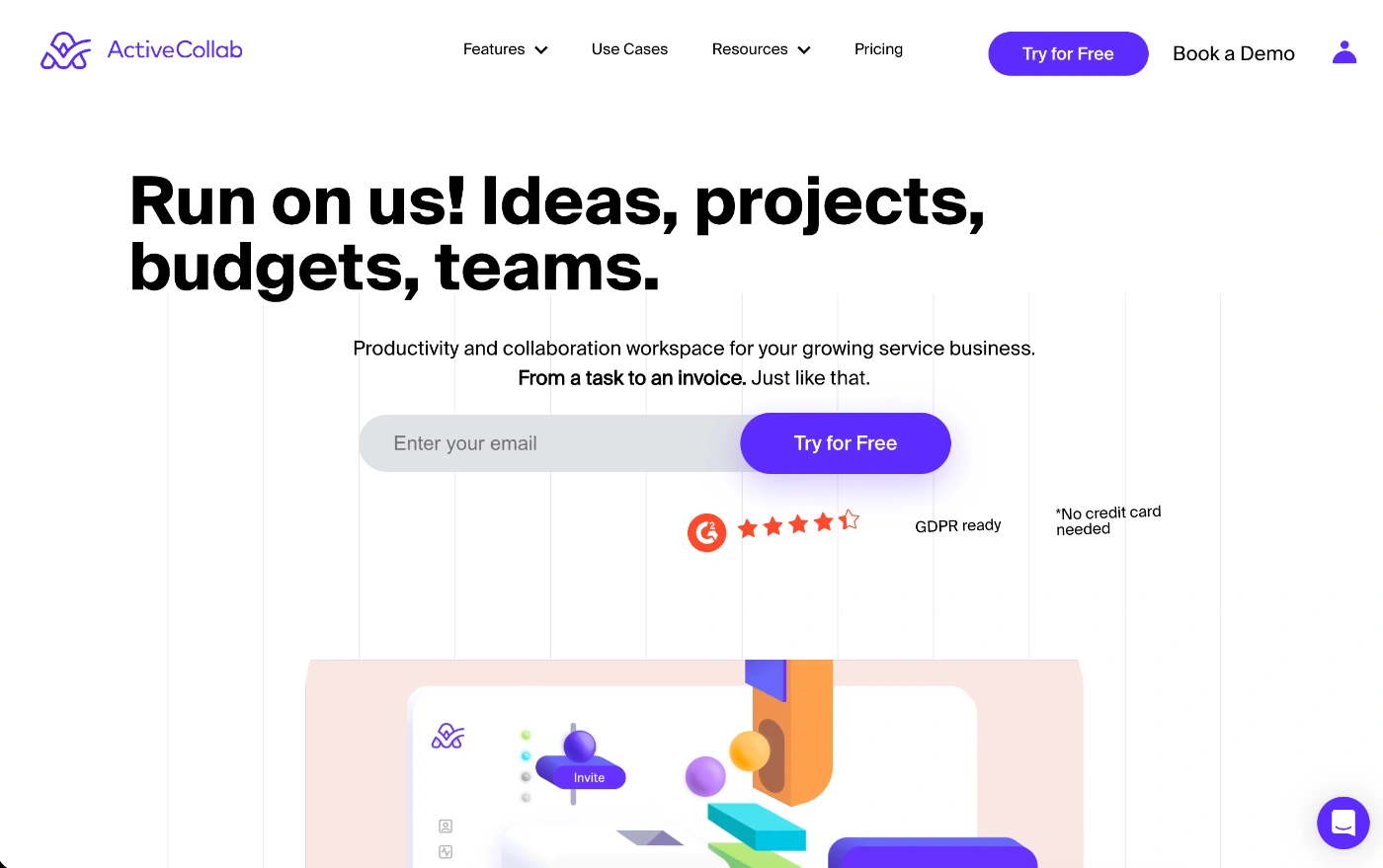
ActiveCollab is an all-in-one solution for client-facing teams. It literally gives you all the tools you need to go from the inital client quote to project planning, execution, and final invoice and payment.
So it's more than a task management platform. It's a project management space and engine that runs your entire business operation.
What makes ActiveCollab the best Monday alternative?
While Monday is a generalized tool for any type of project manager that focuses on getting project tasks through the delivery funnel, ActiveCollab does that while also giving you all the tools you need to bridge the gap between your team's project execution and financial profitability. Check out our comprehensive ActiveCollab vs. Monday comparison blog for the full download.
If you need an agency solution for your team workflows and client project management, ActiveCollab is hard to beat because it's already designed to reflect agency operations and offers more native features for core functions, which Monday can only replicate with multiple add-ons.
This is because ActiveCollab is more than just a simple project management software tool; it's a comprehensive platform that combines productivity, collaboration, team workload management, and client management, letting you manage everything in one convenient hub.
The other reason why ActiveCollab is better is that it comes all set up and ready to go. You can literally plan and launch projects instantly. On Monday, you need to put some time and effort into setting up your boards and configuring all the columns to suit your project workflows.
On top of that, while Monday is great for customizable task management, it's not made to connect those tasks seamlessly to workforce capacity (and workloads) or client billing. All these things make it a system that doesn't streamline the client project workflow the way specialized tools like ActiveCollab do.
Who is ActiveCollab for?
ActiveCollab is tailor-made for service businesses that need to manage multiple client portfolios, internal teams, and understand their agency business's profitability through key growth metrics. It works best for teams of 5 to 50 people who want an easy-to-use and affordable system that centralizes work for remote and in-office teams.
Having these three core capabilities wrapped up in one platform makes it a perfect fit for:
Marketing & creative agencies – Whether you bill on a per-project, hourly, or retainer, the tool can cater to multiple payment models.
Consultancy businesses – If you bill by the hour and need to share tracked time logs with clients, you can give controlled access to clients and provide the transparency they need, which builds trust.
Software development teams – Because the tool offers a comprehensive project management platform that caters to product developers, it works well for product teams and workflows.
Scaling service businesses – If you're keen on growing your business and need to understand and monitor key profitability and productivity metrics, ActiveCollab comes with reporting and dashboards to help you make smarter business development decisions.
ActiveCollab's best features
Complete estimate to invoice capability – You can plan and complete your entire client project lifecycle from within the platform. Create your project, invite unlimited clients, allocate tasks, have the team track time, and then turn those time tracking entries into invoices that clients can pay online.
Comprehensive project management features – With multiple project views (Gantt, Kanban, Timeline, and List), task dependencies, and subtasks, you can run simple and moderately complex projects on the platform and track project progress.
Team & client communication & collaboration – ActiveCollab lets you and your team partner with clients in the real sense of the term. Depending on the level of access you provide to clients, they can actively participate in task development, provide feedback and approvals, and communicate via the built-in in-app chat.
Workload management & capacity planning – Set your team's daily capacity hours and hop onto the Workload view to monitor and manage your team's workloads so nobody burns out or stays idle.
Monitor budgets & project profitability – Every project comes with an Overview feature, which displays how your project is tracking along when it comes to the number of completed tasks, budget, and expenses. This lets you keep a close eye and pick up any red flags before they become huge issues and lead to overblown budgets and delivery delays.
Customizable reports & dashboards – With a dedicated reporting feature, you can create customizable reports and dashboards to understand budget vs. actual cost, productivity across your team, and employee utilization so you can manage team performance through data.
2. Notion
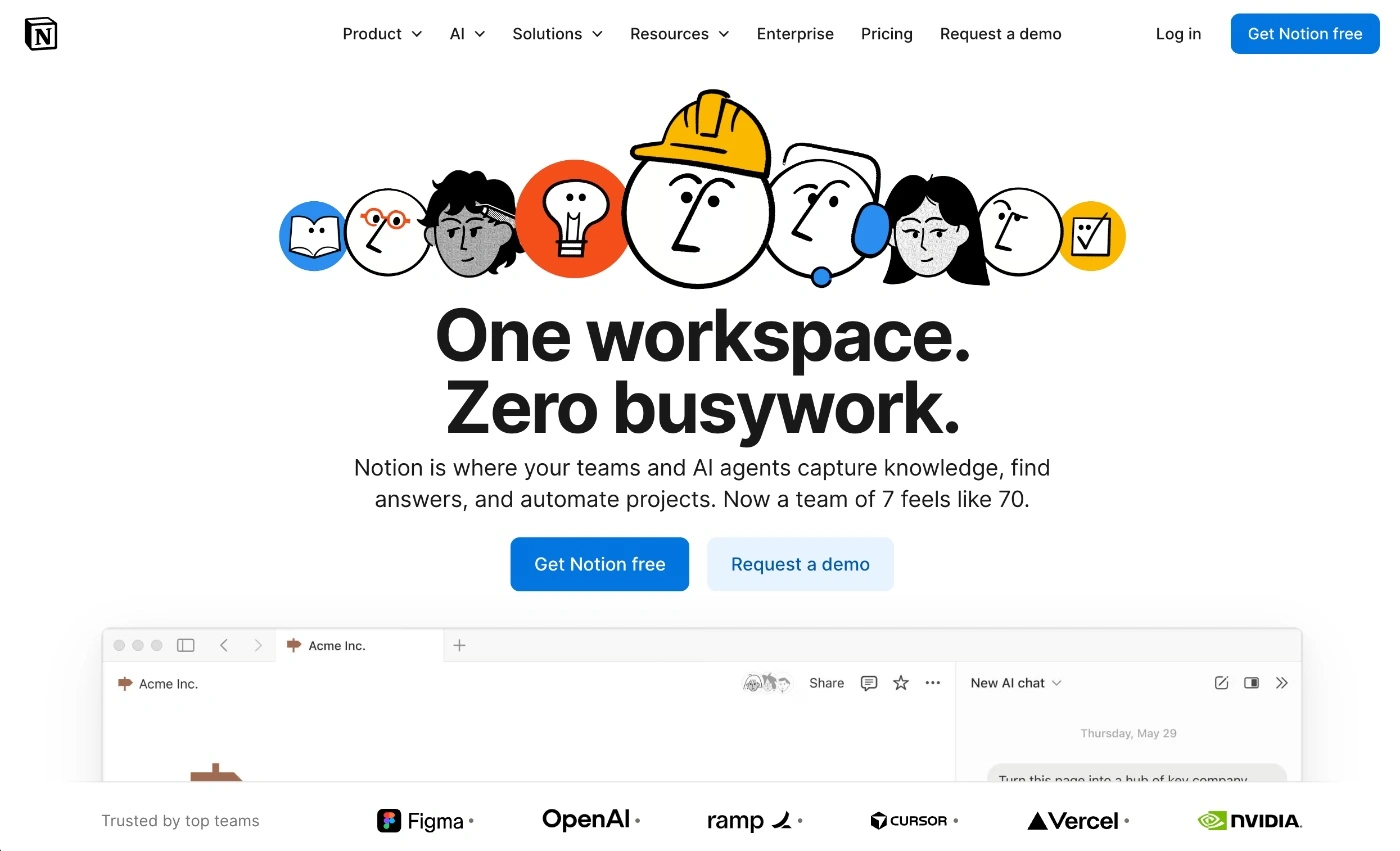
Notion is a highly customizable work management platform that allows you to build pages, wikis, and databases, as well as manage tasks and organize work projects all in one place.
What makes Notion the best Monday alternative
There are two main things that can make Notion a better alternative to Monday. The first is total customizability. If you're a team that wants to build out workflows and team project management pages from scratch (not just do simple task management), Notion gives you the blank canvas that will let you do exactly that.
The second is document and task management integration. Unlike most project management software tools, Notion lets you create documents and templates within the actual app. This is one of the things that makes the project management software so appealing to teams that work with briefs and templates. You don't need to work on external apps such as Google Docs and link to them from your project management tool. You can simply create and build them out to include all the components and elements you need within the tool.
So while Monday gives you a set spreadsheet-like structure, Notion gives you more of a document/Kanban board workflow, where you can build, run, and manage projects and create content within one system.
Who is Notion for?
The majority of Notion's users are small teams and businesses because it offers a platform you can use for multiple purposes. If you look at the major review sites, you'll notice most of the reviews come from users in the IT services sector, and a solid proportion also comes from marketing and advertising.
Having a tool that combines all the key features for project management, document management and creation makes the tool a good fit for:
Product development & engineering teams – Teams can centralize technical documentation, such as product roadmaps and user stories, directly alongside their tasks.
Content creation & design teams – Gives your entire team a platform to co-create, edit, and manage design briefs, and get real-time feedback and approvals on assets
Startups & small businesses – If you're a lean team, Notion can serve as a single source of truth that keeps everyone on the same page, minimizes context and tool switching, and also lets you reduce costs. It can help you organize projects and run everything from HR tasks and onboarding documentation to team task management and delivery in one place.
Notion's best features
Multiple project management views – You can switch between Table, Kanban, Timeline, Calendar, or Gallery view to manage projects the way you like best.
Notion Marketplace templates – With over 30,000 templates, Notion Marketplace lets gives you a selection of free and paid pre-built templates you can use. One great thing about the templates is that the Notion team reviews all templates before listing them to make sure they meet their strict quality and security standards.
Offline mode – This feature lets users mark certain pages for offline use so the content can be created and edited without an internet connection, where changes sync automatically once the user is back online.
Possible downsides of Notion
Lacks key project management features – You won't get native time tracking, which is a core project management feature. While you do get the option to add subtasks, you don't have the option of setting up complex task dependencies.
Steep learning curve & extensive setup – Because you start with a black canvas, it will take some time to set up and master the platform. If you're not prepared to build your system from scratch, this might not be the tool for you.
3. ClickUp
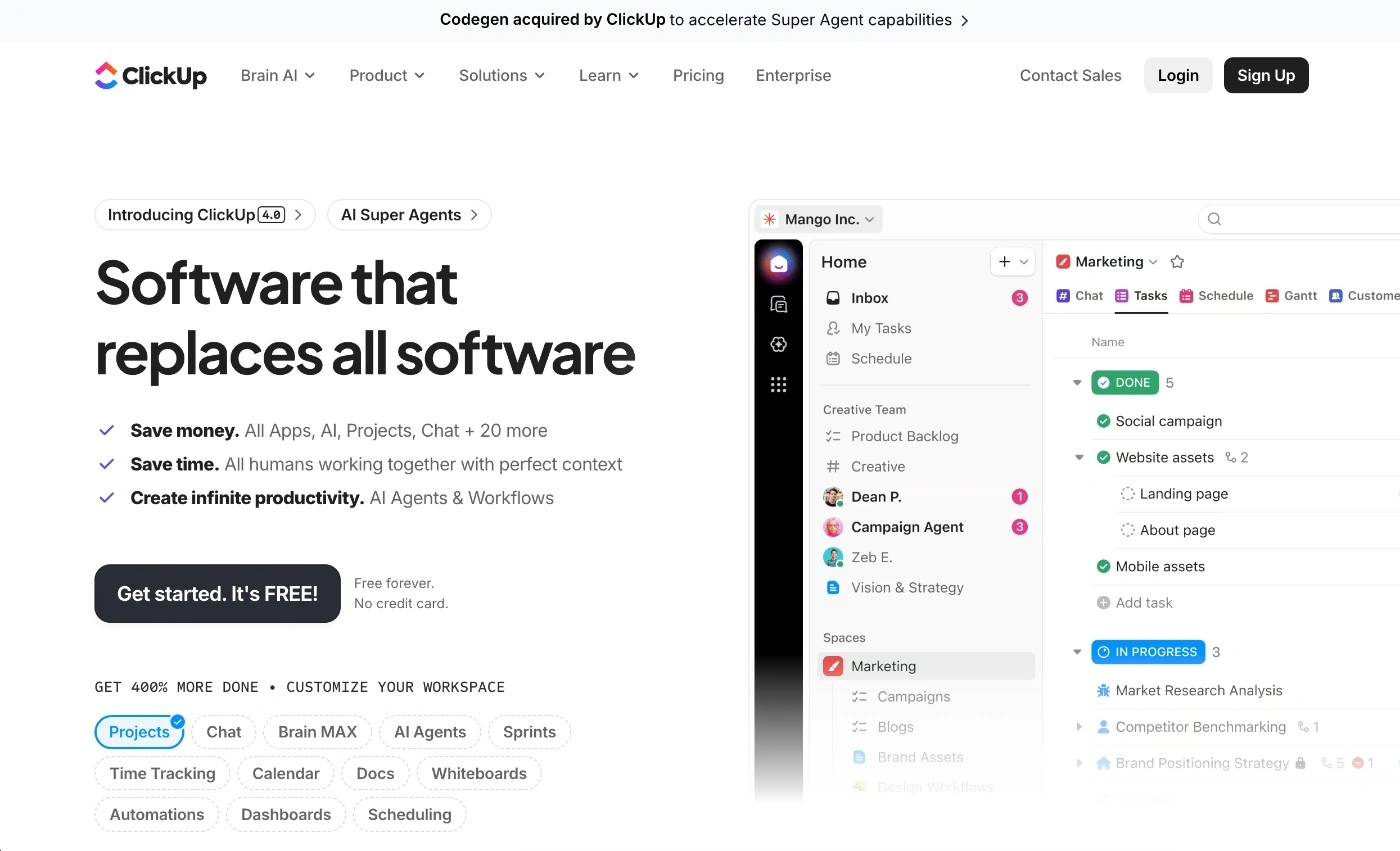
ClickUp is a tool that lets you do almost anything when it comes to project and workflow management. Its main aim is to consolidate and replace multiple tools so project managers can run the entire show from one platform instead of jumping back and forth between different apps to let them take care of the entire project management journey.
What makes ClickUp a good Monday alternative
While Monday works well for basic task management as well as more complex projects, ClickUp will be overkill for anyone who doesn't need advanced project management features.
And, if you're a team that doesn't like to mess around with add-ons and want an all-in-one tool that comes with native features for a complete solution for core project management workflows, ClickUp will hit the spot. It comes with built-in time tracking and chat, which Monday only offers via add-ons you need to configure.
The other thing ClickUp does better is organization. Because it offers multiple ways to structure your work, such as through spaces, folders, lists, and tasks, you can achieve a more refined setup for cross-departmental projects. Monday, on the other hand, works best for flat workflows.
Who is ClickUp for?
ClickUp is an integrated system that's a good fit for businesses of any size, and it's favored by IT and marketing teams because of its robust project management capabilities and its all-in-one solution nature.
Some team types that would benefit most from ClickUp include:
Lean & budget-conscious businesses – If you want a comprehensive project management platform with lots of native features for team collaboration, time tracking, and monitoring progress that help you take care of your entire business operation, ClickUp works well.
Tech-savvy and agile teams – Because it offers so much functionality, it's also complex, so it's great for teams that are already tech-savvy and need native sprint management, backlogs, and burndown charts.
Client project management teams – It's great for managing multiple client campaigns where you can house and manage requests, briefs and assets all in one place and manage complex project plans and schedules.
ClickUp's best features
Extensive project view options – You'll get all the standard views you'd expect in any project management software tool, as well as Mind Maps, Workload (for resource allocation), Box (to see who is doing what), Activity (aggregated history of updates for a specific section of ClickUp), and Everything View, which gives you a bird's-eye view that collates all tasks across the platform.
AI SOP generation – You can use ClickUp AI to draft a full SOP based on existing task data and previous project discussions.
Goal & OKR tracking – Unlike many other tools' goals and milestones features, ClickUp's Goals feature is dynamic. It links directly to tasks or monetary values, so as the team completes work, the goal's progress percentage is updated in real-time, so everyone knows how the team is tracking.
Possible downsides of ClickUp
Cluttered interface – Because you have so many features at your disposal, the user interface is busy and can be overwhelming until you get used to this project management tool.
Too feature-rich – While the tool's intention to create a seriously comprehensive all-in-one tool is great, it's got so much functionality that it might end up being too feature-rich instead of just right, which might bring more complexity than simplification to your workflows.
4. Teamhood
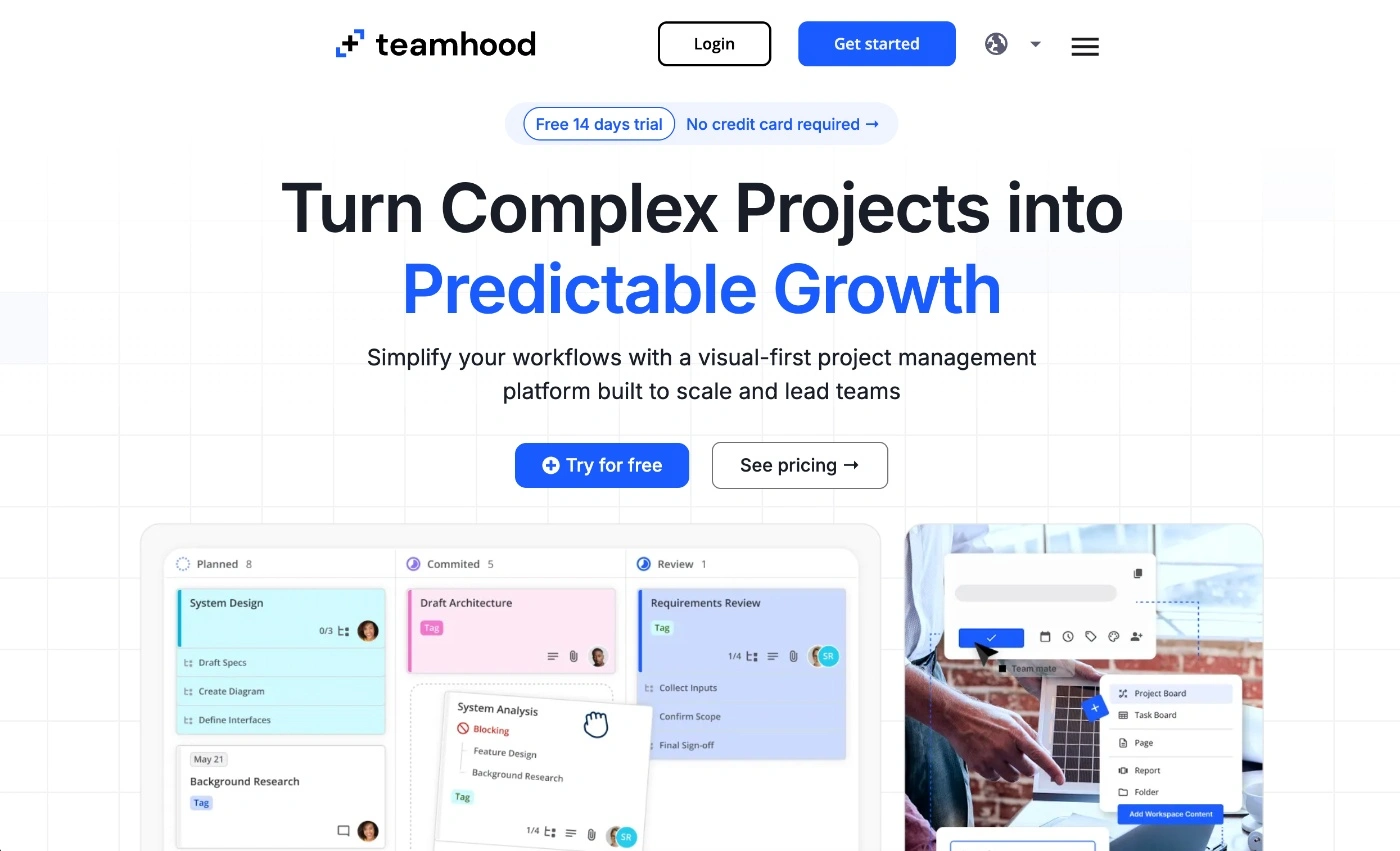
Teamhood is a bit of a hybrid project management tool that's designed to bridge the gap between strategic planning (think Gantt charts) and daily execution (think Kanban boards for tracking task and project progress).
What makes Teamhood a good Monday alternative
If you're after a project management tool that's quicker to learn and set up than Monday, Teamhood is a great alternative, especially for Agile-centric teams that like the Kanban system of operation but with more power.
Unlike the regular Kanban board view you get in most other task management tools, Teamhood lets you set up sub-statuses, swimlanes, and multi-level work structures, so you have a more robust system to organize tasks and manage large or complex projects.
The other thing you'll get is multiple tools already built into the platform for time tracking, hourly rates, and workload management, so you can keep a close eye on employee utilization rates, productivity, and profitability.
When it comes to collaboration tools, both platforms offer similar options, including task comments and @mentions, but neither offers a native in-app chat like ActiveCollab.
Who is Teamhood for?
Teamhood is a good option for teams that have outgrown basic task management tools but don't want to move to high-level project management software. So if you're past basic Kanban boards and need some resource planning tools and Agile metrics, it's a good fit.
Some team types Teamhood is ideal for include:
Project and portfolio management teams – Particularly if you need oversight of resources working across multiple departments and several client campaigns.
Engineering and construction teams – Helps to coordinate and plan out multi-year projects and then visualize phases, dependencies, and team workloads so you can understand and manage work schedules.
Consulting and professional services agencies – Manage and organize client work via a simple system without needing to turn to enterprise-level planning tools.
Teamhood's best features
Workload management tools – Using the workload view, you can visualize capacity and utilization and balance out task distribution across your team.
Hierarchical synchronization – You can sync items across different workspaces, so for example, when someone finishes a task, it will automatically update in the PMO board.
Time and cost integration – One of its best advanced features is integrated time and cost tracking, where you can set hourly rates for each team member, have them log hours for tasks, and then see both time and cost automatically roll up to give you a real-time view of profitability.
Possible downsides of Teamhood
Fewer integrations – Unlike Monday, which comes with an extensive ecosystem of third-party apps, Teamhood has a limited selection.
Steep initial learning curve – To use the advanced Kanban and hierarchical features, it will take more time to set up than Monday, but once configured, it's generally easy to use.
5. Lark
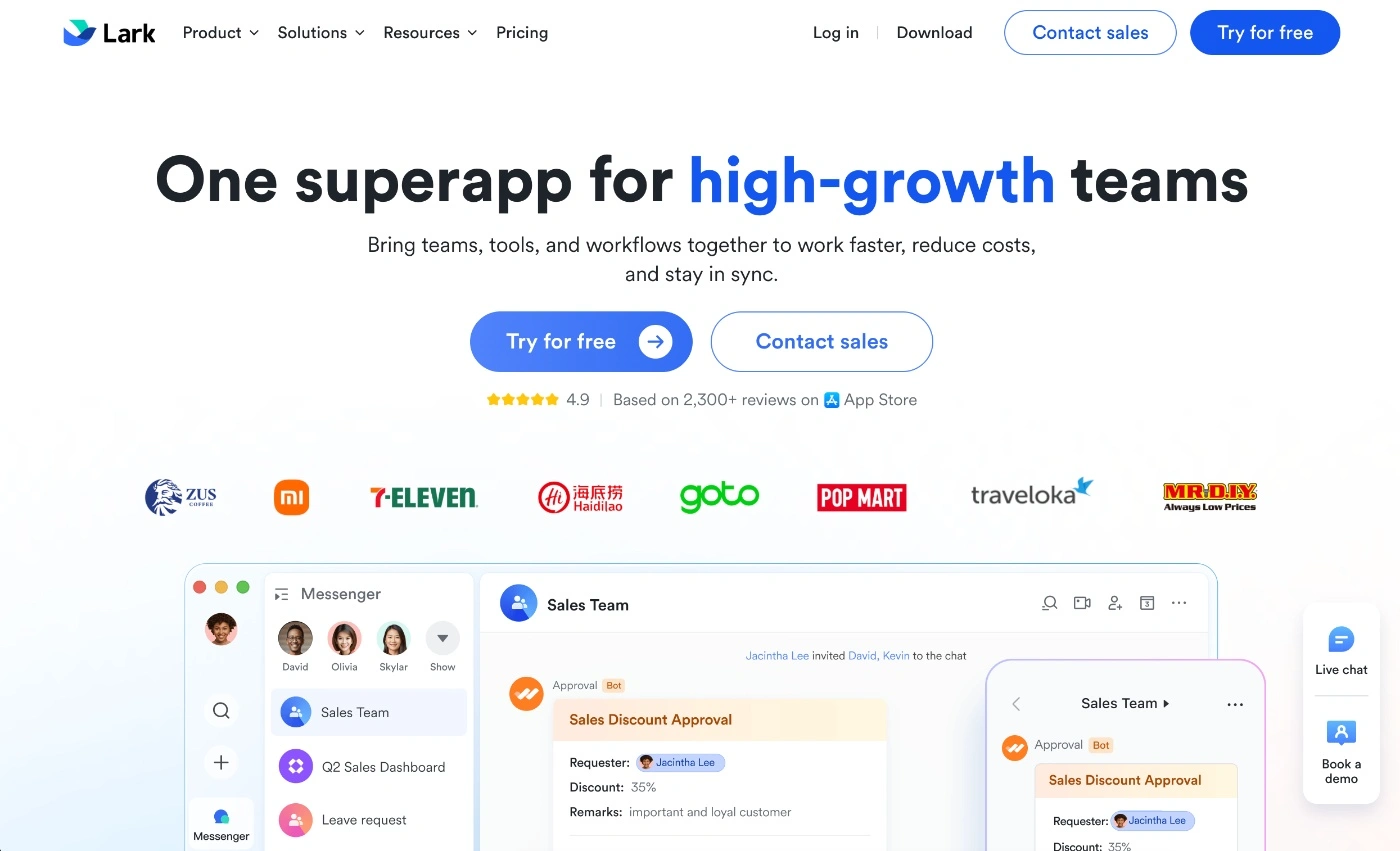
Lark is a project management platform that takes a collaboration-first approach and combines real-time communication with document creation and meeting tools all in one ecosystem. So it essentially combines tasks, documents, chat, calendars, and video calls, giving you one operating system for teamwork and project collaboration.
What makes Lark a good Monday alternative
Unlike Monday, which focuses heavily on board customization, Lark aims to deliver speed and efficiency through collaboration features and an out-of-the-box solution.
In Lark, all your tasks live alongside conversations, real-time chat, video meets and collaborative docs. For teams that need to constantly work together on tasks, it keeps everything in one place and helps you avoid context switching while having a conversation.
If you're after the same level of customization and automation tools offered by Monday, you won't get that with Lark. However, you will get a much smoother day-to-day workflow going, where your teams can discuss and make decisions fast.
Who is Lark for?
If you're looking for a tool that connects project collaboration and execution, Lark will work well because the two are tightly aligned.
Lark is a good fit for any team that values speed and communication, including:
Product development & operational teams – Any team that needs to align planning and execution and make sure they have quick access to communication tools for discussions, updates, and decision-making.
Remote & hybrid teams – With all the native communication features that let you connect from within the app, it's a great option for remote and hybrid project teams.
Collaboration-first teams – If your project work is heavily reliant on team and client communication, Lark gives you a selection of tools to keep conversations a key focus.
Lark's best features
All-in-one solution – The tool gives you a complete workspace where you can plan projects, create documents, and collaborate on work tasks.
Lark Base – You can use Lark Base to build no-code custom apps for project trackers or CRMS, and also set up triggers to automate tasks.
Co-editing & "Magic Share" – Teams can co-edit documents in real-time, and the Magic Share feature lets meeting participants collaboratively edit a document live on screen during a video call.
Possible downsides of Lark
Lacks advanced project management features – Lark works well for basic project and task management, but it won't cater to advanced reporting and deep customization.
Lacks time & profitability tracking – While the tool will help you track task progress, it doesn't come with native time tracking or any project profitability features.
Outgrown Monday? ActiveCollab is designed for growing agencies
As your team starts to expand, general-purpose tools like Monday start to show their cracks. Tasks keep moving along okay, but you start to struggle to get a clear picture of how much capacity you've got, how profitable you are overall, and how your client value compares. For businesses that work on tracked time and measure efficiency in the same way, that kind of disconnection can add up quickly.
This is where ActiveCollab comes in as one of the best Monday alternatives for marketing agencies and other teams that deal with clients on a daily basis. It’s built for service businesses with 5-50 people on board. Teams looking for a good amount of structure without needing to get bogged down in complexity, but who also want some level of flexibility without needing to be IT experts.
What you get with ActiveCollab is a whole workflow in one place – from collaborating with clients and planning out projects to tracking time, managing workloads, and sending out invoices. And as your agency grows, you get a clear view of who’s maxed out, which projects are making you money, and where you need to make some adjustments before things start to fall apart.
So when you go looking for a platform that actually works with how your business runs today, make it a must to consider how you see your business running in the near future. That's the only way you'll be able to choose a tool that grows with you.
If you’re juggling multiple clients, growing your team, and want to manage client deliverables in a better, more streamlined manner while keeping an eye on your margins, ActiveCollab is built exactly for that kind of growth.
The best part? You don’t have to figure it all out on your own. Book a demo and we'll get you a personalized tour of the platform and show you how the tool works!
Don't just make a blind tool switch. See if ActiveCollab is the right fit for your process and project needs via the demo or sign up for our 14-day free trial to test the platform out for yourself!