
Jira was always considered a perfect choice for big and heavy development teams as that's exactly the audience they built their product on.
However, the environment of big and heavy development teams is essential when choosing proper project management and team collaboration software, as agency business model and SaaS business model are not the same.
Agencies are focused on delivering that meets both internal quality standards and client expectations, so they need clarity, speed and software made to provide them with functionalities and setup fit for client deliveries.
That being said, for many agencies and service product teams, Jira easily ends up feeling more like a burden, because it's powerful but often too complex for teams that need to plan work, track progress, profitability and delivery.
So what are the best Jira alternatives in 2026?
1. ActiveCollab – Best Jira Alternative For Agencies and Digital Service Businesses
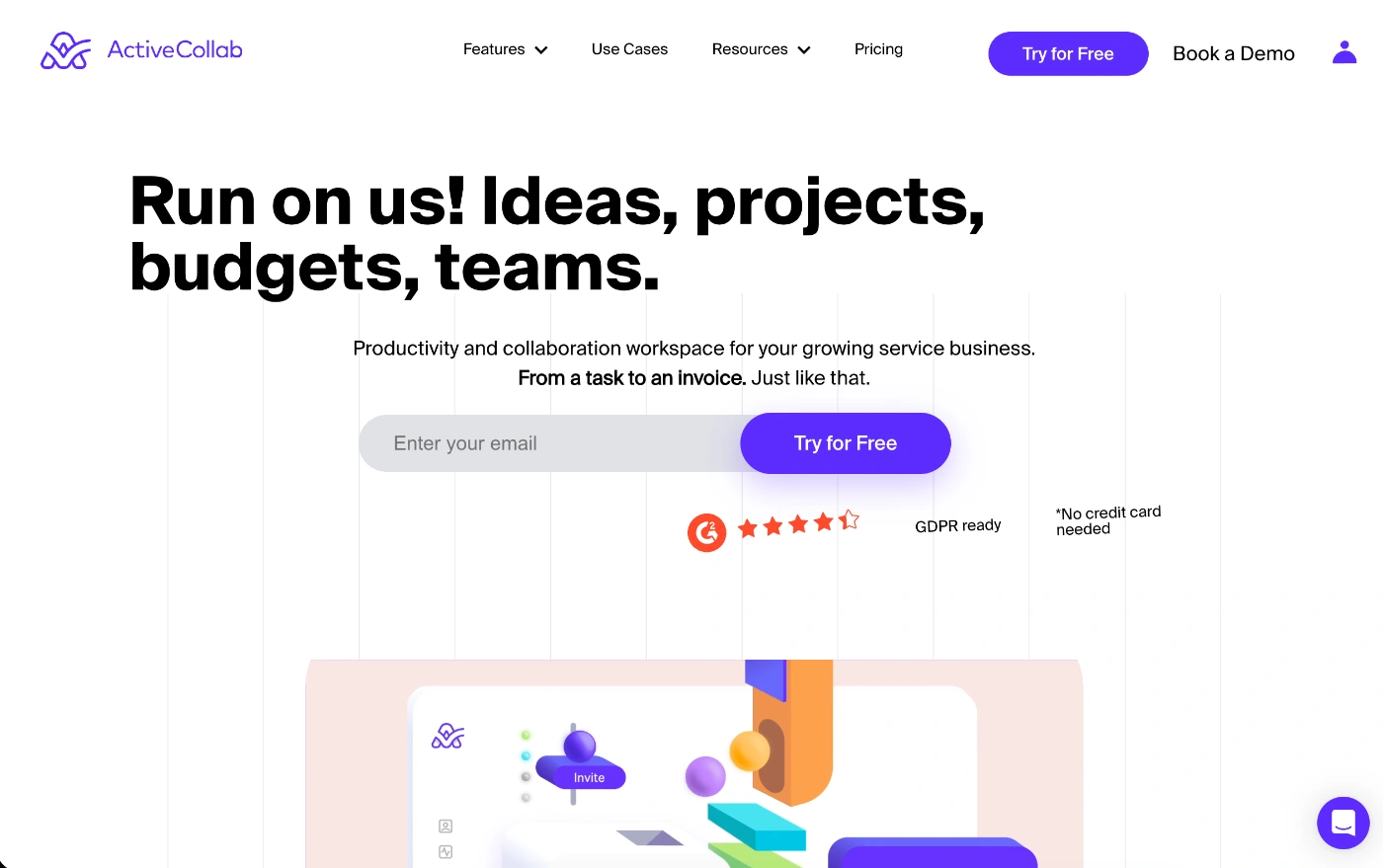
ActiveCollab is one of the best Jira alternatives if you're a team looking for an all-in-one solution to run the entire show, not just manage projects.
It's been designed for service businesses that need to plan, manage, and deliver projects profitably. What you get is an entirely interconnected ecosystem and workspace for your team and clients to collaborate and deliver work together.
We already covered in detail the comparison of Jira vs ActiveCollab but in a nutshell...
What makes ActiveCollab the best Jira alternative
The thing that makes ActiveCollab a great alternative project management tool is its intuitive interface and the fact that it's been built for the reality of service teams, not just project teams.
Think of multiple clients, deadlines, and priorities that all need to be planned out within your team's capacity.
But ActiveCollab goes several steps further.
Unlike Jira, this tool lets you communicate and collaborate with your team and clients in multiple ways. While Jira only offers comments and @mentions, ActiveCollab gives you in-app chat, and you don't pay for client access to projects (unless you want to give the highest level of permissions).
Also, Jira doesn't offer built-in invoicing or profitability tracking features, while ActiveCollab makes them a given.
So ActiveCollab is actually a more versatile project management tool than Jira.
It covers the entire client project journey from onboarding and job estimate, to project planning, task management, time tracking, budget and profitability tracking to the final invoice and payment.
While Jira can be set up to do all the things we've just mentioned, you'll need to rely on third-party apps and integrations to make it possible.
Who is ActiveCollab for?
Based on ActiveCollab's customer data, IT and software development, and marketing and advertising make up two of the tool's largest customer groups. So it's used and loved by everyone from product developers to IT servicing teams and creative and digital agencies.
ActiveCollab will work well for:
- Creative teams in the marketing & advertising sector (manage campaigns, briefs, and client feedback)
- Professional service providers like photography studios, or accounting and legal firms for client work tracking
- Software and product management teams (plan sprints and releases without the complex platform setup)
- Business consulting boutiques and coaching businesses that operate on a project basis and need to bill clients
ActiveCollab's best features
With ActiveCollab, you'll get a bunch of handy features any service business will appreciate. Some of its best features are:
- Workload management & capacity planning - Set custom hours for each employee and do your resource planning, and allocate tasks in a way that delivers optimal workloads and prevents burnout
- Client management & access - Invite clients, give them instant access to a project, collaborate directly on tasks, and select the level of access they have to view and edit work items.
- Project budgeting & profitability dashboards – Set project budgets, log time and expenses, and track spend in real-time. View the health and status of each project so you can keep on top of your agency's success metrics instantly with the project overview dashboard.
- Client invoicing & payments – The minute you invite a client, you can set them up for invoicing and payments (Stripe & PayPal).
Want to see how it works in real life?
2. Airtable
Airtable is next on our list of best Jira alternatives. As a versatile project management tool, it blends the simplicity of spreadsheets with project management features, so you get a good amount of structure.
What makes Airtable a good Jira alternative
What Airtable does is keep project management flexible and user-driven. It lets you create workflows that match your current systems and processes. So you get a good level of customization where you can plan and organize work that makes project tracking easy for your way of working.
Who is Airtable for?
Airtable is great for teams that outgrow simple task management tools, but don't need the complexity of Jira. It's also great for non-techy teams that want to build simple systems their way.
Airtable is a good option for:
- Marketing teams that need to plan campaigns, track deliverables, and manage creative assets
- Product and UX teams managing roadmaps, user feedback, and feature development task management
- Startups looking to centralize projects and data as they evolve and grow
- Operations teams looking to build internal systems for HR, inventory, or resource tracking
Airtable's best features
- Custom workflows – The dynamic, color-coded visual workspace makes it easier to manage and track data relationships and understand task status at a glance.
- Multiple views for different workflows – Design customizable boards and workflows that reflect your operating rhythm and view them in grid, Kanban, calendar, Gantt, or gallery setup.
- Automation & integrations – Configure automatic workflows and rules without coding for repetitive tasks and integrate with thousands of third-party apps.
- Templates – You have a library of marketing, product, and ops teams templates ready for use to jumpstart projects quickly.
Potential downsides of Airtable
- Can become complex as databases scale
- It offers limited native time tracking and budgeting tools
- If you want to use some of its advanced features, they do require additional setup
3. GitLab
Third on our list is GitLab, which is an open-source solution. While this is not a traditional project management tool (at all!), it's one of the best Jira alternatives for software development teams. Why? Because it's a complete platform that covers the entire software development project journey.
What makes GitLab a good Jira alternative
GitLab won't be the best Jira alternative for all teams, but it will be if your team lives and breathes software development projects. The tool combines project management and development tools into a single workspace, giving you end-to-end control over the whole software development lifecycle.
If you wanted to do that with Jira, you'd need to connect to third-party apps and integrations for things like coding and CI/CD pipelines.
Who is GitLab for?
GitLab is great for dev teams of any kind and tech-driven teams that want complete visibility of their projects from planning to deployment.
Some team types GitLab is a good choice for include:
- Software development teams that manage repositories, code reviews, and deployment workflows.
- Engineering teams looking to plan sprints, track issues, and monitor delivery pipelines.
- IT departments are taking care of version control, automation, and infrastructure changes.
- Product managers who need to align development priorities with business goals.
- Tech startups looking to scale projects with built-in CI/CD and secure code management.
GitLab's best features
- All-in-one DevOps solution – You have a single application, with one data store and one permissions model for your entire DevOps lifecycle, with automated pipelines and minimal setup.
- Advanced issue tracking and agile planning – Teams can log, track , and manage feature requests and bugs, configure Scrum and Kanban boards for issue tracking, and take care of hierarchical planning for epics and milestones.
- Strong security and compliance tools – You have built-in security scanning embedded within the CI/CD pipeline, and a centralized dashboard with detected vulnerabilities.
- Visibility across code & project dashboards – Track every action from issue creation to code changes, approval, and deployment, and view performance metrics and reports via integrated dashboards.
Potential downsides of GitLab
- Steeper learning curve for non-technical users
- Limited flexibility, as it's a robust platform built for complex projects
- Lacks native resource management features
- Offers standardized workflows and comes with fewer customization options than Jira
4. Linear
Another solid alternative to Jira is Linear. The best way to describe Linear is that it's a lighter version of Jira. It offers minimal project management features and issue tracking in a neatly designed platform, targeting software teams.
What makes Linear a good Jira alternative
Linear's main goal is to streamline the software development process and in that way boost efficiency. This includes planning and tracking tasks, launching products, and doing it all with a developer-centric user experience.
What makes it an excellent alternative to Jira is its speed and simplicity. While Jira focuses on providing deep and customizable workflows for complex projects, Linear offers a responsive user interface and real-time synchronization.
On top of that, its uncluttered, modern interface makes it easy to navigate, making the learning curve minimal.
Who is Linear for?
As a project management platform, it's tailor-made for product and software teams that want fast and efficient project tracking.
Some team types Linear will work well for include:
- Startups & tech companies who want fast setup and the ability to move from idea to execution quickly.
- Product designers & development teams that need to develop roadmaps, track project milestones, and work closely with engineers to bring their ideas to life.
- Small to mid-sized engineering teams that want to cut down on admin overhead and focus on launching a product.
Linear's best features
- Built-in Agile workflows – You have ready-made core project management concepts to choose from, including Sprints ("Cycles") and Roadmaps, so teams don't have to configure workflows themselves.
- Developer-focused integrations – You can connect with tools like GitHub and GitLab to automate status updates and get end-to-end traceability on task or issue tracking.
- Triage view – See all incoming issues and customer feedback where you can review and prioritize them before they're added to a project or cycle.
Potential downsides of Linear
- Not suited for enterprise or large teams with complex compliance needs
- Customization options are limited when compared to some other software project management tools
- Reporting and features are fairly basic so it won't be much help if you're looking to have an analytics tool as part of your project management software
5. YouTrack
YouTrack is another project management tool specifically made for software development and IT teams. It consolidates issue tracking, agile boards, time tracking, and reporting into a single platform with a user-friendly interface.
What makes YouTrack a good Jira alternative
If you want the kind of functionality Jira offers but with a less complex setup, you'll get that with YouTrack. Because of its flexibility, it will work well for agile teams and any Kanban, Scrum, or custom setup.
With native time-tracking, reporting, and knowledge management features, it lets teams take care of their entire workflow and operations in one place. And if you're a developer, you can easily connect and integrate it with coding apps like GitHub, GitLab, or Bitbucket.
Who is YouTrack for?
As a full-featured agile project management tool, YouTrack can also be used as an issue tracking platform, knowledge base, and even a helpdesk solution.
Teams and professionals that YouTrack is best for include:
- Software development teams for managing sprints, bug tracking, and handling release cycles.
- IT departments that need to manage incidents, service requests, and internal tasks.
- Agile & hybrid teams that want to plan backlogs and sprints with customizable workflows.
- Cross-functional teams that want to collaborate on technical and non-technical projects.
YouTrack's best features
- Customizable hubs – You get clean boards you can tailor and configure to your needs and workflow processes.
- Native time tracking & reporting tools – Log time and let the tool collect the data to produce reports and dashboards where you can get insights via burndown charts, flow diagrams, and reports.
- Integration with IDE & code platforms – Developers can connect the platform to key developer apps to streamline processes, centralize information, and limit context switching.
- Automations & built-in workflows – Use the drag-and-drop Workflow Constructor to build and automate workflows, or create custom workflows using JavaScript.
Potential downsides of YouTrack
- When compared to other project management tools, the interface feels dated
- Its focus is more on being functional rather than visual and user-friendly
- It's better suited to technical teams, not so much a traditional project management team collaboration tool
6. Wrike
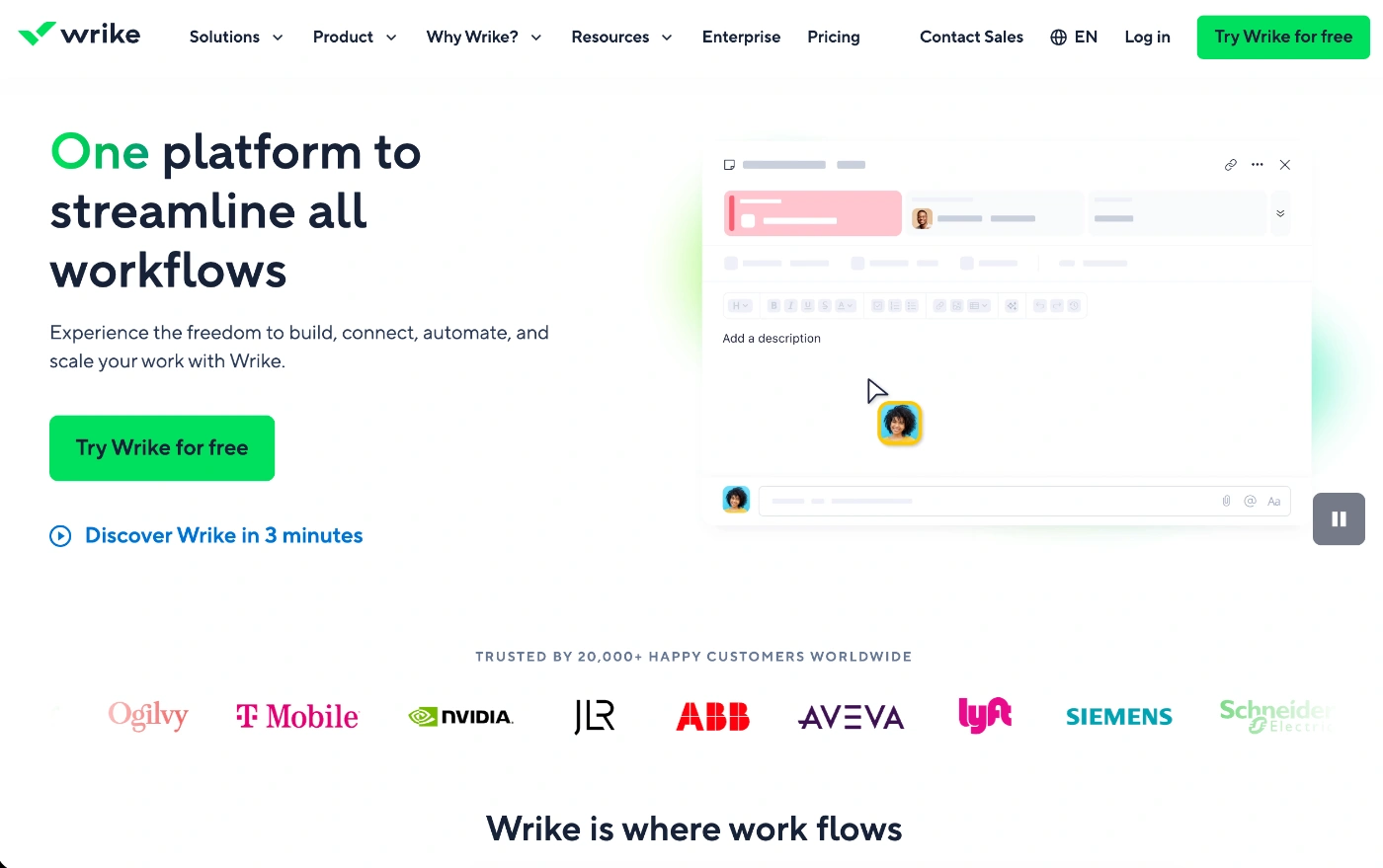
The final tool in our list of Jira alternatives is Wrike. As a project management software solution that combines task management, collaboration, resource planning, and reporting, it's one of the better choices for enterprises and growing teams.
What makes Wrike a good Jira alternative
The thing that makes Wrike a great "other" choice to Jira is its user-friendly design. It basically gives you Jira's structure without being overwhelming. It’s built on the concept of transparency, giving teams access to dashboards, workload views, and real-time reports without messy, heavy configurations.
On top of that, Wrike also provides teams with integrated proofing, automation, and resource allocation, making it ideal for agencies and enterprises that want both scalability and precision when it comes to utilization and workload management.
Who is Wrike for?
Wrike is a more robust platform than some of the other tools on this list. It's widely used and liked by larger teams in the marketing and professional services industry, but also by enterprise and corporate teams that need extensive reporting.
- Some of the team types Wrike will be a good choice for include:
- Enterprise project managers who need to plan multi-departmental project timelines, manage teams, monitor deliverables, and provide reports on project success
- Creative agency & marketing teams working on client campaigns who value proofing tools and reports.
- Operations and support teams looking for a tool that will let them optimize cross-departmental workflows and create customized reporting dashboards.
Wrike's best features
- Top-notch reporting & resource management – These are two of the tool's strongest features, with real-time visibility into resource constraints, team productivity, and reports that provide key metrics on progress.
- Enterprise workflow customization – Highly adaptable to meet the specific enterprise needs of various operations departments and scale operations.
- Proofing & approval tools – Streamlines approval processes of creative assets and documents, where stakeholders can comment directly on images, videos, or docs.
Potential downsides of Wrike
- Inital setup and onboarding can be complex, and it can take some time to master the tool effectively for successful project management
- Many essential and premium features are locked behind higher tiers, and pricing is on the higher end
- The user interface is not as user-friendly as some other project management tools, which offer similar features
Conclusion – How to choose the best Jira alternative for 2026?
Choosing a Jira alternative in 2026 isn’t about finding more features, because all the features that developers need are in 99% of cases already present within all other alternatives.
It's basically about removing the frication.
Creating tasks, boards, timelines, setting up time trackers, performance trackers, capacity planning and task dependencies... Those things are simply easy to get in any software.
But what actually matters is how easily your team can do the work without interuptions, easily update the progress, and make the smoothest delivery to the client, because in the end, that's all that matters – delivering the top quality work to the client.
If a tool requires super heavy configuration, steep learning curve and limits your freedom with forcing other in-house tools instead of allowing integrations, that's quite the overhead.
Usability is no longer optional.
If you're looking for a Jira alternative built for smooth and real deliver, and not enterprise overhead, that's exactly what we made the ActiveCollab for.
From idea to invoice, we made everything in between match your needs and provide you with super simple experience that works like no other.