
If you're running an agency, you're juggling more than just projects. You're managing a team, building relationships with clients, balancing and planning workloads, and you're doing all that while trying to stay profitable.
Now, if your project management software isn't letting you keep everything together and connected in one neat system, you don't have an organization problem; you have a tool problem.
As an agency founder, there are few things that will deserve more of your attention than the tool you choose to use to run your agency business. Choosing the right one will make all the difference. It will let you build a system that keeps everyone on the same page (team members and clients), and lets you handle growing project volume while keeping full visibility into every project's status.
Sounds like a lot (I know), but there are tools out there that can cover all bases.
In this list, we share the top 13 project management software tools that deserve to be considered. Some are super simple (ideal for small businesses), others are comprehensive (perfect for scaling agencies), and then there's the ultimate customization giants (best for enterprise teams).
Our selection process
Based on what did we actually pick these?
As a company who focuses solely on helping service businesses such as agencies and consultancies grow and scale through improved productivity and efficiency, we're quite aware of every pain point such service businesses have.
Therefore, our selection process was based on following criteria:
- What is the core feature software offers (based on publicly available data)
- Is the software focused on service-based businesses, and if so, what size of businesses it fits the best?
- What are other features agencies can also benefit from (based on publicly available data)
- What users think about the product (based on public reviews)
- What is the overall rating on G2 and Capterra
- What is the price
Based on the data we dug up during our research, any of the following you pick shall probably be a better solution than what you have right now, but in case you're already using some of the solutions mentioned below, there's a good chance you might find a better fit!
So without further a do, this is validated list of best project management software for agencies and consultancies in 2025
1. ActiveCollab – If you want to integrate everything & get profitabiltiy insights

ActiveCollab is the best project management tool for agencies that want an all-encompassing system. If what you’re looking for is a tool that connects absolutely every aspect of your agency workflow, then this is the tool you’re after. At it’s core is a comrehensive project management tool.
However, it comes with:
Built-in time tracking
Team workload and capacity management
Client management and billing (including payments)
Budgeting and profitability tracking (including reports)
In-app chat and collaboration tools for daily conversations (this is a bit of a ‘cherry on top’, since you won’t need to integrate with tools like Slack)
If you look at that list, you can see you’ve got all the agency basics covered. You can quite literally run the entire show, just with this one tool.
What makes it even better is the fact that the entire tool has been built with the service business workflow in mind. So it’s not just a generic project management tool like many others in this list.
Because ActiveCollab consolidates multiple business tools into one, it saves time and money for you as a business owner, but it also simplifies your ops.
On top of that, it also helps prevent errors and information getting lost because everything stays put in one place (centralizaiton is what your’re after, isn’t it?). All your daily client project tasks, time tracking, feedback, and team management is done and dusted in one place.
And then the extra cherry on top is the built-in team and client collaboration and communications features that come as a given.
ActiveCollab’s Key Features
Quote to invoice to payment workflow – One of the tool's best features is its integrated quote to invoice to payment workflow, which lets you take care of the entire client journey from start to finish within a single system
Real-time profitability management – Because ActiveCollab connects tasks, time, and budgets, you can track the health of each client project via the Overview dashboard, or analyze overall agency profitability by generating customized reports and dashboards.
Workload, capacity & utilization – You can use the tool’s Workload view for team management. workload management, and to balance the distribution of tasks via the drag-and-drop feature. Also, it lets you take advantage of dedicated capacity planning and team utilization features to plan future client work and reach an optimal level of employee productivity across your team.
Dynamic project management – ActiveCollab doesn’t just do basic task management. It takes all your task dependencies and automatically adapts timelines reflect the changes you make.
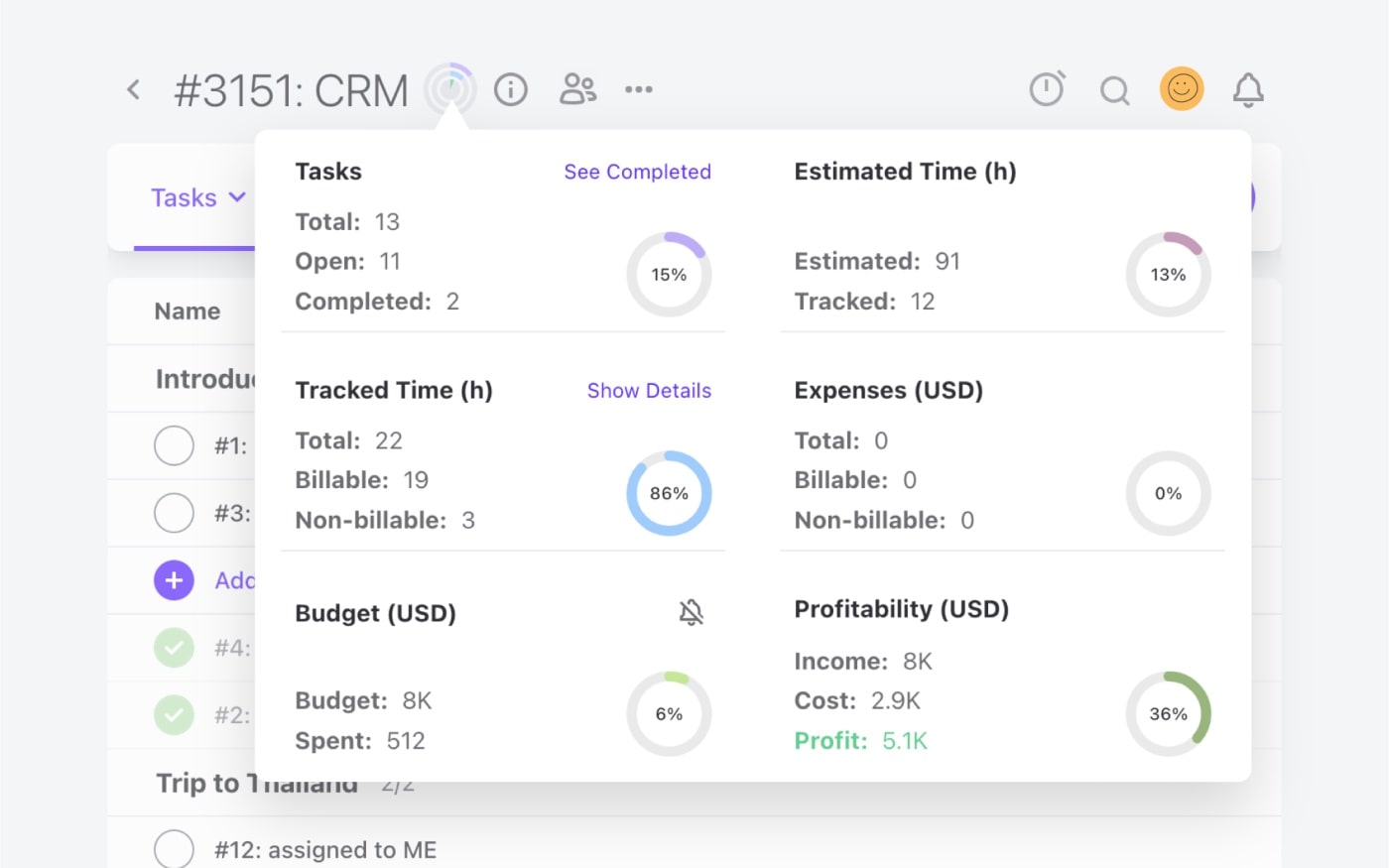
Pros of ActiveCollab
If there’s one thing that makes ActiveCollab really standout, its the way the system takes complicated fragments of your business and just simplifies and organizes everything on one platform. It becomes your team’s daily work hub for managing and tracking work, and the agency leads’ go-to tool for managing the team’s workload, team efficiency, and the business’s profitability.
Some other main pros of ActiveCollab include:
No need for integrations – Everything from in-app chat to invoicing and resource management is already built into the tool, so you won’t need to integrate with other third-party apps to manage your agency.
Super smooth onboarding & adoption – ActiveCollab is, without a doubt, one of the most intuitive project management tools on the market. The interface is straightforward, so it doesn’t require extensive training or tool champions for onboarding. That’s what makes it easy to adopt across the board, even for non-techy users in your team.
Built-in real-time collaboration with client – Depending on the level of access you want to provide your clients, you can choose between the free Client role for basic access to view and comment on project tasks, or the Client+ role if you want to include them on the project like an extension of your team.
Interested to see it in action?
2. Scoro – If you need a CRM & refined reporting
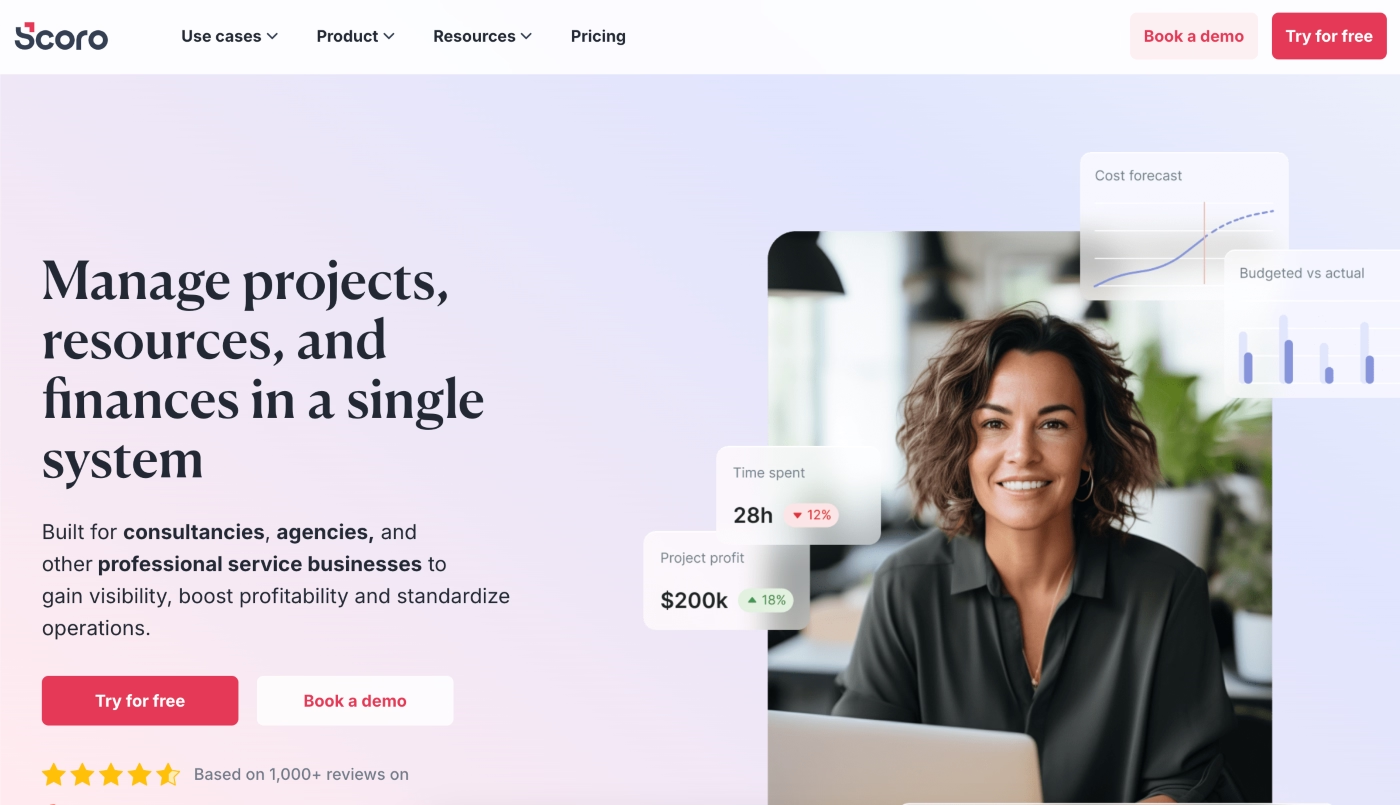
Scoro is another all-in-one professional services tool that combines project management with a CRM system and refined reporting capabilities.
It’s a “best fit” for medium to large agencies and companies that need comprehensive financial reporting. So think 50+ employees across industries like marketing, advertising, business consulting, architecture, engineering, and IT services.
Scoro’s Top Features
Dynamic KPI dashboards – Scoro gives leaders real-time dashboards to track key performance indicators for your people and business, including utilization rates, billable hours, profit margins, and revenue forecasts.
CRM & project integration – The tool’s native CRM feature allows large businesses to gather sales opportunities and turn them into client projects within the system once the deal is won.
Extensive resource planning – You have a bunch of tools that can support and speed up resource scheduling and capacity planning. For example, you can reserve time for a potential project to test our staffing scenarios and assign work to placeholder roles.
Pros & Cons of Scoro
While Scoro is a super comprehensive tool, its power also means it comes with a steep learning curve and a higher cost.
Some of Scoro’s key pros include:
Deep financial insights – Alongside real-time dashboards for project profitability and budget burn, it also comes with 50 report templates that can be used for specific roles or business goals.
Centralized operational control – Because Scoro combines all the operational elements of running a business, leaders tend to favor it for the operational control it provides, especially when they need to understand the health of the business when it comes to profit and cost.
Task automation – A nice plus of the tool is the basic task automation features you can set up, which include automatic project creation and resource booking, and recurring invoices and payment reminders.
However, make sure you keep in mind some of Scoro’s potential disadvantages, which include:
Limited communication & collaboration tools – Unlike some of the other tools in this list, Scoro lacks native in-app chat, which means you’ll need to rely on external apps to keep conversions within the tool.
Steep learning curve – Because of the extensive feature set, it’s not the easiest tool for onboarding and adoption. Initial setup is complex and can be time-consuming. Chances are you’ll need to have tool champions to lead the training process.
3. Teamwork – If you want to manage client projects at scale
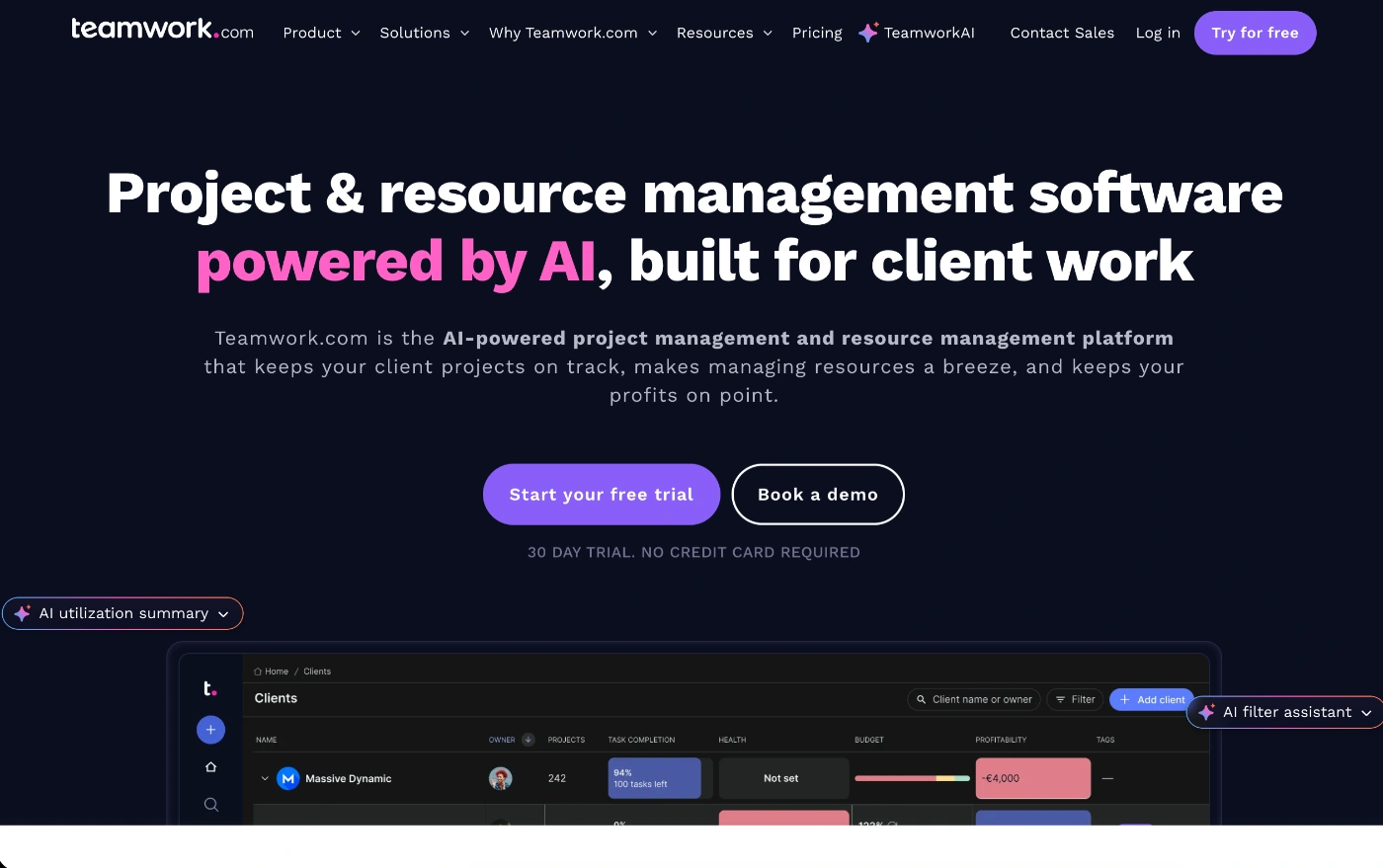
Teamwork is a project management and collaboration tool specially designed for client-facing teams that deal with many complex projects.
It’s a platform that can handle the entire lifecycle of client work, from initial project plan to the final invoice. Scoro works well for businesses of any size, but it’s particularly well-suited for teams that manage projects with multiple moving parts, complex task dependencies, and many stakeholders.
Teamwork’s Top Features
Complete portfolio management – One of Teamwork’s strongest features is its ability to let you track project performance across your entire portfolio and client base. That way, you can quickly spot the overdue projects, main budget risks, and potentially detrimental workload balances.
Optional CRM & support desk features – A nice perk (especially for IT businesses) is the optional CRM and support desk modules, which you can connect to your platform. That way, you take care of the entire client lifecycle from the initial sales outreach.
Advanced client access permissions – Many tools lack customizable client access roles. Teamwork gives you granular options to select exactly what your clients can see and do within their project.
Pros & Cons of Teamwork
While Teamwork is a project management tool that gives you everything you need to manage a client project from start to finish within one hub, it’s not ideal for smaller agency operations.
Some of the main pros of Teamwork are:
Extensive client collaboration tools – You can add free users for basic client collaboration or set granular permissions for paid client seats, where they can even add tasks to projects.
White-label options – If you want your agency to stay on brand with your project management tool, Teamwork lets you use your logo and custom domain, adding to the professional look and feel of your dedicated platform.
Integrated profitability tracking – The tool connects tasks, time tracking, and financials so you can see if a project is achieving the profit margins you have set.
A couple of possible cons to keep in mind are:
Complex setup – Because the tool is also designed for enterprise teams, its granularity and customization options can sometimes be too much for teams that don’t need an advanced level of control.
Advanced feature locks – Many of the advanced features that make the tool an all-in-one (such as resource planning, scheduling, and advanced budget management) are locked behind high-tier plans.
4. Bonsai – If you need contracts, proposals & invoicing
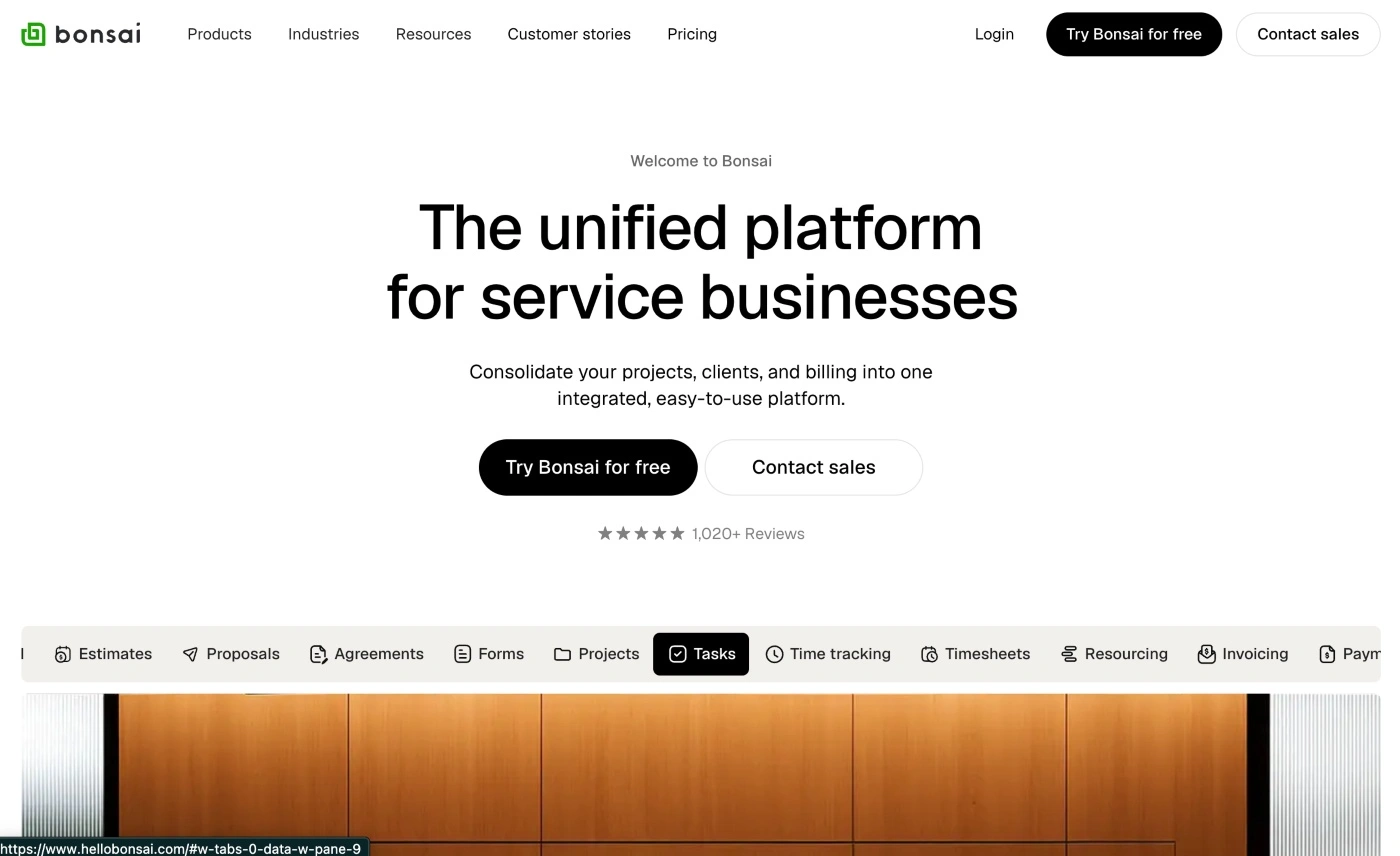
Bonsai is a business management tool that includes contracts, proposals, invoicing and key project management features agencies need to track client projects to deliver.
However, it’s more suited to smaller agencies, freelancers, rs and solopreneurs who want an integrated, simple tool to manage their work.
Bonsai’s Top Features
Automated contracts – You get loads of legally-vetted contract templates for a variety of industries, which you can customize and send to clients, collect signatures, and then turn them into invoices.
Expense tracking and taxes – You can collate business expenses and link them to client billing. And if you opt in for the Bonsai Tax add-on, you can also automate tax preparation.
Client intake forms – Bonsai helps you automate client onboarding through customizable, white-label forms that let you capture lead information and automate the early stage of a project.
Pros and Cons of Bonsai
While Bonsai gives freelancers a solid solution to centralize their client work, it also comes with some limitations.
The main pros of Bonsai include:
Unified client workflow – You can unify the entire client process from initial proposal to contract, approval, and e-signature, and project time tracking in one dashboard.
Intuitive & user-friendly interface – The clean interface makes it a super easy tool to learn and adopt quickly, and setup is minimal.
Multi-currency billing – Bonsai supports over 100 currencies, so it’s a great option for freelancers who have a variety of locations.
A few possible downsides to keep in mind:
Basic accounting – While it does have the Bonsai Tax add-on, it does lack robust accounting and financial reporting features provided by dedicated platforms.
Basic project management features – You get all the basic capabilities such as task management, multiple project views, and sub tasks, but there are no task dependencies,s and clients can’t actually see project progress.
5. ClickUp – If you’re after extreme customization & flexibility
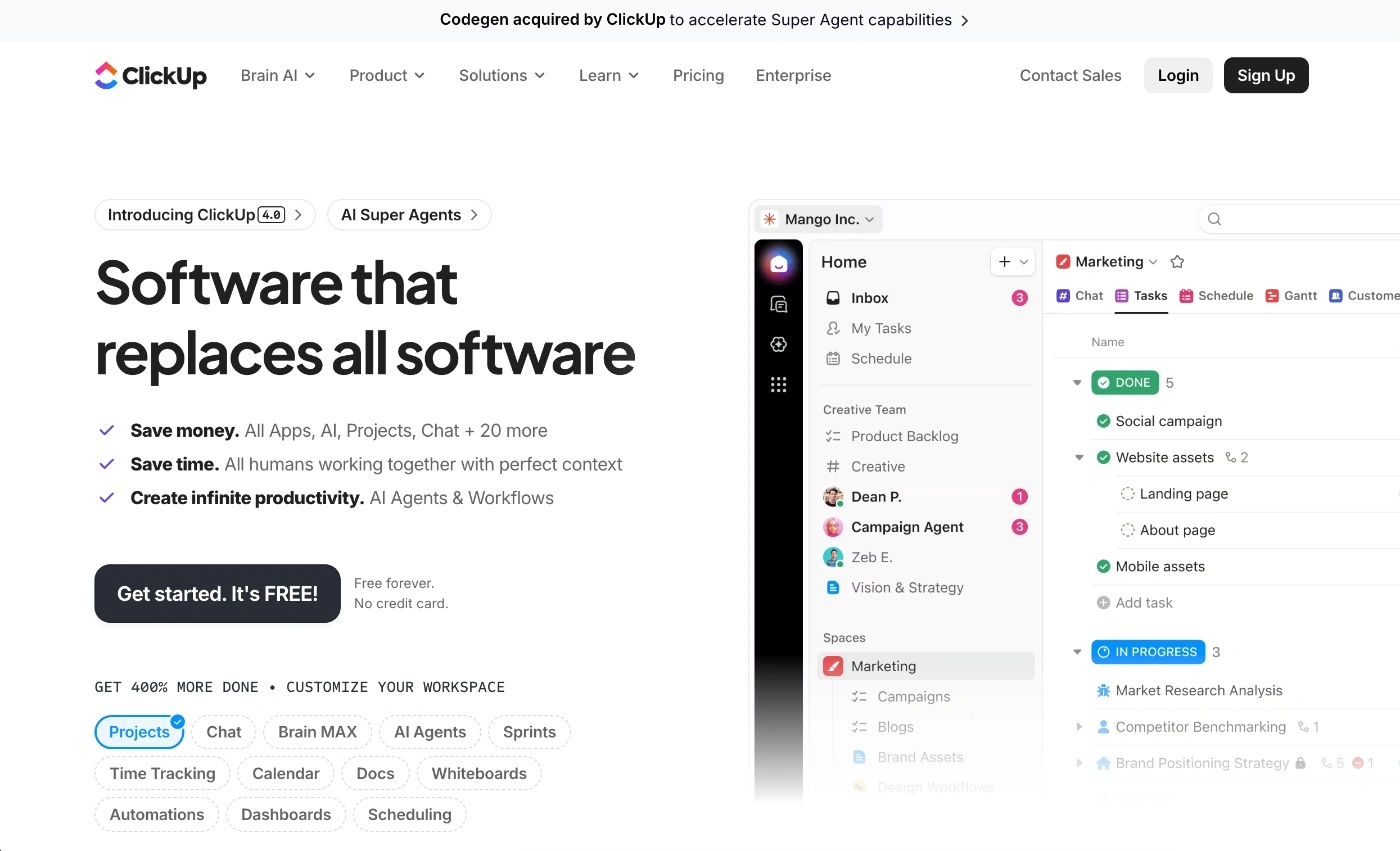
ClickUp is one of the most popular project management tools, particularly for teams that want extreme customization and a platform that also doubles as a productivity workspace.
It’s best for cross-functional teams in large organizations, but it also works for mid-sized teams that have outgrown basic project management tools or want hierarchical task management.
ClickUp’s Top Features
Deep customization – With a six-level hierarchy, you get extreme customization and scalability when it comes to structure, and you can also define custom fields and task types, making it great for managing complex projects.
ClickUp Brain (native AI) – This is an in-app AI assistant that helps you automate admin tasks. It acts as a digital memory bank, which lets you ask direct questions, and as an AI project manager that can create project plans and generate task summaries.
Docs & wikis – It’s not just a project management tool, it’s also a docs and wiki platform for collaborative documents like SOPs and knowledge bases that can link directly to tasks.
Pros and Cons of ClickUp
While ClickUp can be great for building out your agency’s workflows just the way you want them, it can also be a time-consuming venture if you’re new to the platform.
Some of the main benefits of ClickUp are:
Feature robustness – The tool can replace multiple specialized tools easily because of the robust feature set it offers users. It takes care of small and large business and project management operations.
Capacity to scale – The tool can be used for simple project management, but it can also be built out to manage more complex project workflows as the business grows.
Adaptable nature – ClickUp isn’t just for agency project management. The shear amount of customization options and layers actually make it adaptable to almost any business workflow and operation.
But there are also a couple of downsides to ClickUp, which you should keep in mind:
Overwhelming interface – This is particularly and issue for new users. The tool’s interface can be seriously overwhelming. Some might even call it feature bloat.
Depth of individual features – What we’re talking about her is quantity instead of quality. With it’s CRM and time tracking features, they exist but they’re definitely not as comprehensive as you’de expect them to be.
6. Productive – If you’re keen on financial tracking & managing your people
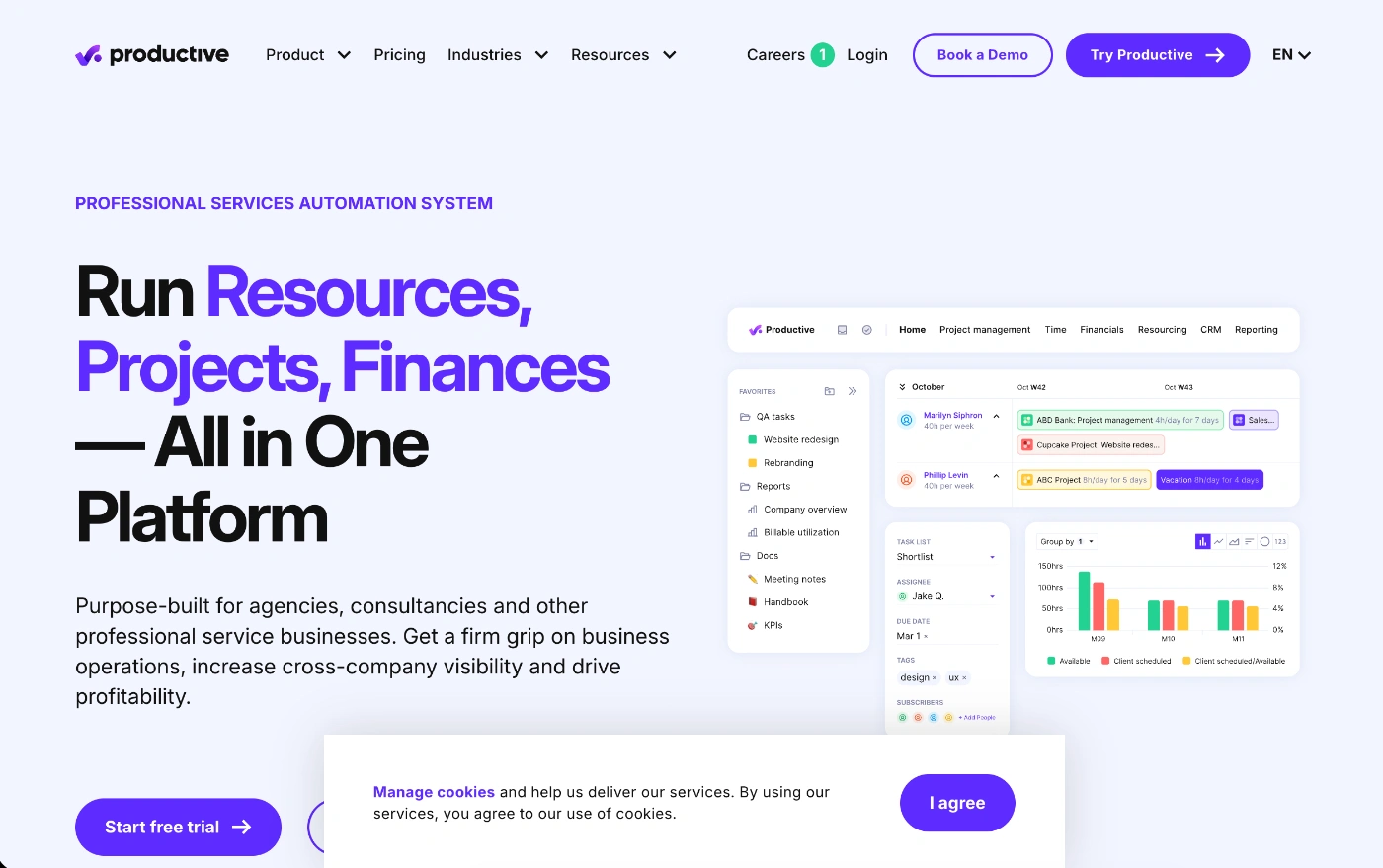
Productive is another all-in-one project management tool that wraps up agency project management, budgeting, resource planning, and billing into one platform.
It’s a nice fit for service businesses that are keen to get their hands on deeper profitability and employee utilizaiton insights.
Productive’s Top Features
Complec project budgeting – You can build and track project budgets to the last detail. This is possible because the tool integrates hourly rates, planned hours, and cost projections. So you pretty much have the entire project health score right in front of you throughout the entire project lifecycle.
People planning & task scheduling – If you’ve got a team you’re struggling to manage capacity for, Productive gives you a way to plan future projects and assign work based on capacity.
Sales CRM from start to finish – Need to manage your sales pipelines? Productive gives you a customizable Kanban-style dashboard to run the flow from start to finish.
Pros and Cons of Productive
Even though Productive brings a comprehensive system for agency management, which includes financial performance, be aware of the pros and cons it comes with.
Productive’s main pros:
Clarity around financial status – You definitely get detailed budgeting, forecasting, and profitability tracking. This is vital for agencies that want to understand how well their projects and clients portfolios are performing and reflecting in their profits.
Resource planning tools – Productive supports human resource management through multiple people management tools, including capacity planning, utilization tracking, and workload balancing.
Some possible downsides to be across:
The learning curve – Because it includes a kaleidoscope of financial and operational features, it’s going to take some time to set up and have your teams use these tools comfortably. It’s definitely not a simple, out-of-the-box agency management tool.
Too robust for smaller teams – Freelancers or small agencies may find the platform a bit much for their smaller operations.
7. Monday – If you need easy automations & like to organize work in boards
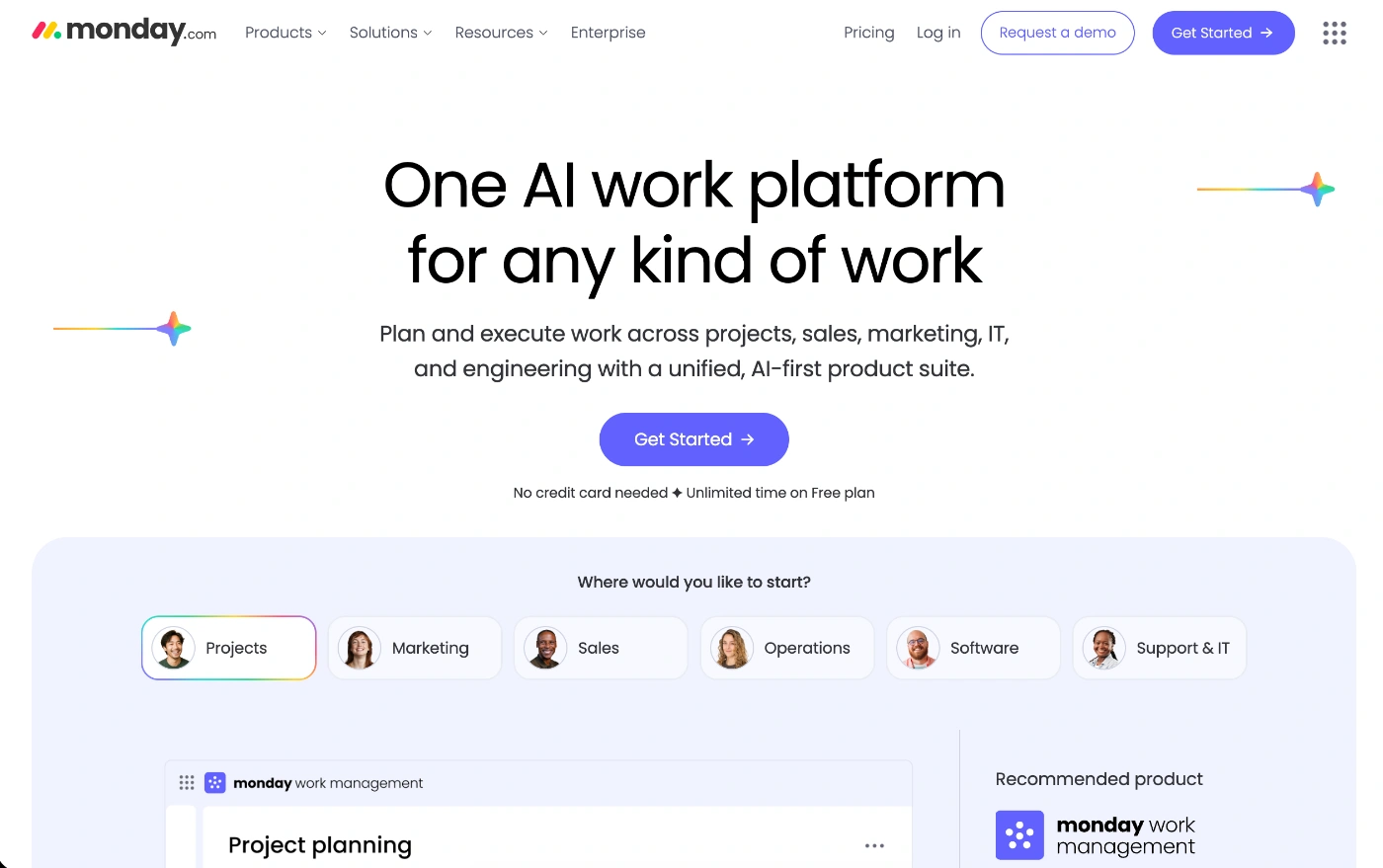
Monday is a visual workspace and project management tool that lets teams build out a custom application to fit their processes and workflows.
It’s a favorite amongst marketing and creative teams, as well as other professional service businesses and software development firms. As for team size, it can work well for anyone because you build it out to be as simple or complex as you need.
Monday’s Top Features
Creative request management (Workforms) – You can use this feature to standardize and speed up briefs from clients and internal teams, and then set up automations to immediately route the request to the right team (no manual handling).
Proofing & client feedback – For creative work, stakeholders and clients can leave feedback directly on images and videos, which keeps comments tied to the right version. The tool also has a dedicated file versioning feature. This is great if you want to prevent wait time on feedback loops and miscommunication.
Agency-specific AI blocks – Set automatic tags on incoming requests by urgency and get summaries on long feedback threads that can be organized into actionable bullet points. These features are great for targeting operational bottlenecks.
Pros and Cons of Monday
Even though Monday is a flexible tool, it can also take some time to organize your workflows because it comes as a clean slate.
The main pros of Monday:
Super customization – You have a tool that lets you play around with as many custom workflows as you like. You can build specific team workflows, and you won’t need to use code.
Bring your clients in – Invite clients and external stakeholders as Guest Users and let them view their projects without needign to reach out to you. Your internal data stays hidden.
Automations to simplify admin – You can speed up the standarized client work admin stuff so you spend more time on work and less on routine administrative tasks.
A couple of possible disadvantages of Monday:
You don’t have native chat – This can be real issue for agencies that want to keep conversions within the main workspace. But you can always integrate with other tools.
No integrated financial tracking – If you need a tool that will help you monitor agency and client profitability, there aren’t any native features.
8. Hive – If your priority is flexibility & collaboration
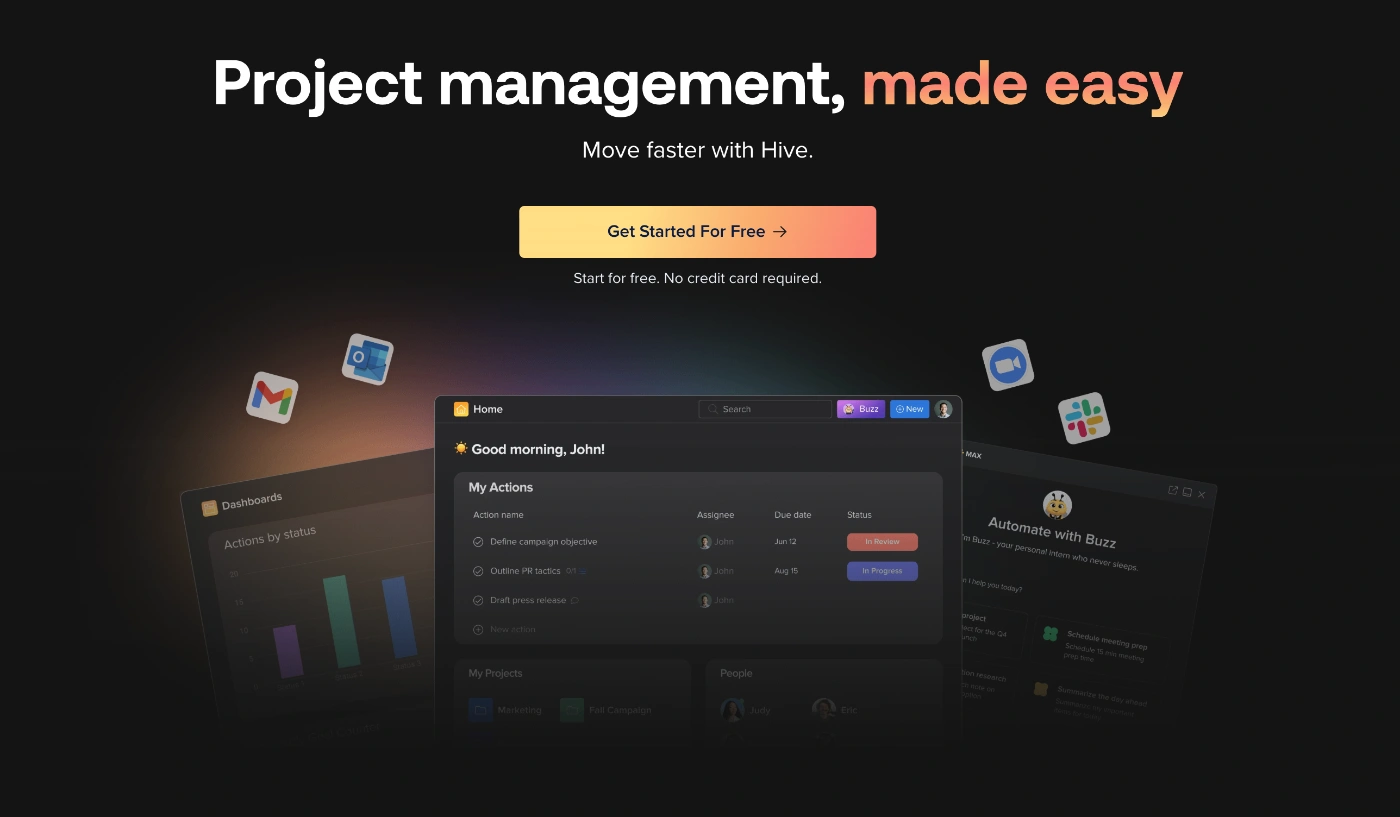
Hive is an agency solution for teams that want to unify tasks, communication, and resource planning.
It’s a great option for hybrid and remote teams that manage high volumes of client work and can work well for small and medium-sized businesses.
Hive’s Top Features
Built-in email & chat – You can use the ready-made in-app chat for daily conversations, and link your Gmail or Outlook account to manage emails directly from within the platform, and even turn emails directly into actionable tasks.
Advanced proofing & approvals – To simplify proofing and approval loops, you can set up a sequenced flow. Your stakeholders can leave eedback directly on creative pieces and use handy markup tools and highlighters.
Resourcing app feature – If you add the Resourcing app you’ll be able to manage and plan team capacity, set placeholders for future work, and rebalance employees’ workloads.
Pros & Cons of Hive
Because Hive unifies communications into its own hub, it’s great for agencies that want to eliminate lost or missed messages and feedback. However, to get access to some of the more advanced features like resourcing and external proofing, you’ll need to move up to a higher plan.
Some of the key pros of Hive:
Productivity reporting – For every project you run, Hive can analyze the data and spot positive and negative trends in productivity. That way, you can see where your team is spending more time than they should be, or when you need to charge more for your services.
Supports creative collaboration – If your team depends on working together to get project tasks to the finish line, it’s a great platform that supports creative collaboration for in-house and remote teams.
Multiple views in one click – Hive offers six project views (Gantt, Kanban, Table, Calendar, Portfolio, and Summary) that can be switched instantly to suit how each person works, and support what a particular role needs to see.
Possible disadvantages of HIve:
Limiting resource planning capability – The tool doesn’t offer the flexibility and customization for things like setting daily capacities (the way ActiveCollab does). This makes it hard to manage part-time employees and team members who don’t work the standard 8-hour day.
Lacks native billing and integrated reporting – For billing and financial reporting features, you’ll need to turn to a third-party app. This limitation is what prevents Hive from being an all-in-one agency solution that can take care of the entire client project journey.
9. Wrike – If you’re a large team delivering complex projects
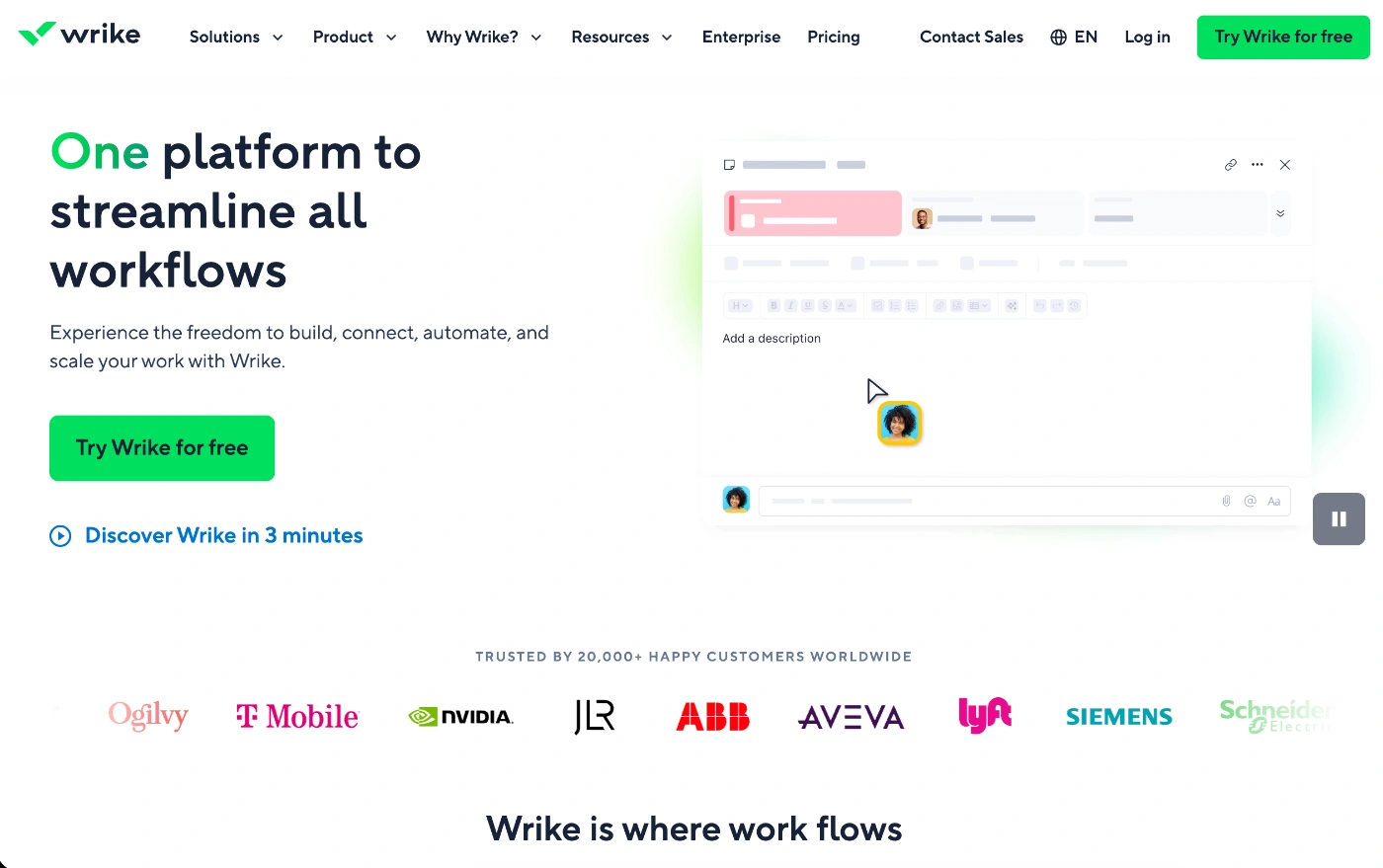
Wrike is an enterprise-level work management solution for agencies that manage complex, technical projects and need granular reporting and insights.
It’s best for teams of 50+ people and businesses that have clearly defined processes and workflows, which they want to build out in a centralized hub.
Wrike’s Top Features
Native proofing & digital asset management – The In-Tool Markup features let you leave comments on over 30 different types of files, including videos, HTML, and PDFs. You can also have your creative team upload designs directly from Photoshop, InDesing or Premier onto Wrike.
Cross-project dependencies & critical path – The app gives you one of the most robust Gantt charts and automatically updates entire project timelines based on delays in due dates and approvals.
Wrike Lock for security – If you’re working with high-security clients like finance, government, or Pharma, Wrike provides user-managed encryption keys, which give your agency and clients total control over their data.
Pros and Cons of Wrike
Because it’s a superior platform to its competitors when it comes to governance and data management, it’s a highly structured and robust tool. This also means its focus isn’t on visual simplicity, but more on comprehensive organization at scale.
The main pros of Wrike:
Flexible folder hierarchy – When compared to some other tools, Wrike’s nested folder structure is more manageable. This makes it a great choice for teams dealing with multiple worflow layers. Also, folders aren’t just there for storage. They actually act as data sources, which you can run reports on to quickly find info and answers you needl.
High-level reporting – View agency profitability and risk from a single Executive Dashboard that rolls up data from hundreds of individual client portfolios.
Blueprints (dynamic request forms) – Wrike’s dynamic request forms is a feature that automatically triggers project templates (Blueprints). This means you can instantly set up tasks and dependencies the minute a client submits a brief.
A few possible disadvantages:
Lacks native communication tools – Even though it’s super thorough when it comes to organization and data control, it lacks basic communication tools, such as in-app chat.
Incomplete billing features – While the tool comes with a native time tracker and timesheet data, it doesn’t offer invoicing and payment tools within its app. So if you want to connect the entire process, you’ll need to turn to external integrations.
10. Notion – If you want a tool to build systems, documents & content
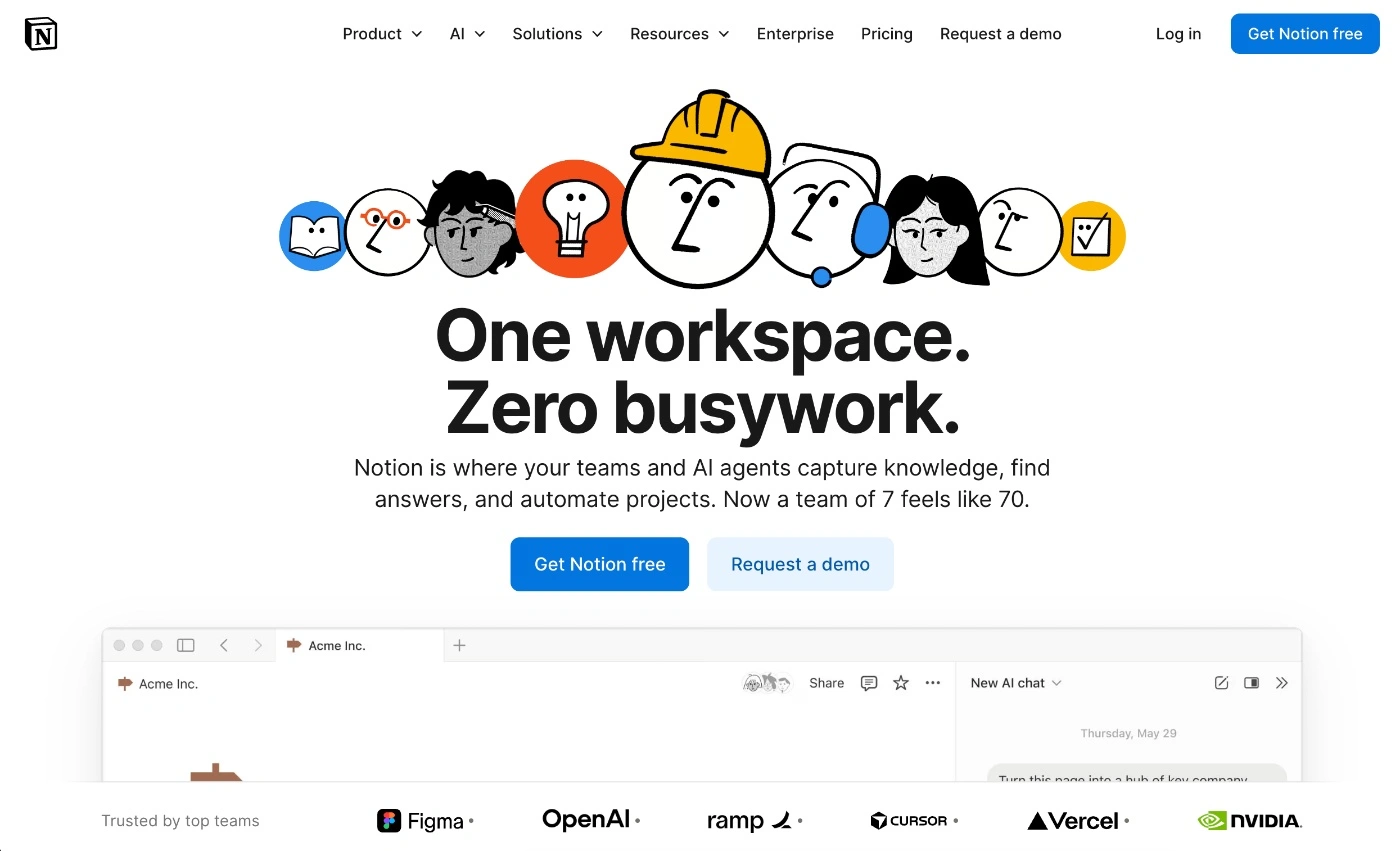
Notion isn’t a traditional project management tool; it’s more of a collaborative workspace that blends document creation and management with basic project management.
It works best for agencies that want a dedicated information organizer and work tracker, rather than a complete all-in-one agency ops and client workflow management tool.
Notion’s Top Features
AI for content & strategy – Notion AI is the tool’s dedicated AI assistant. It can summarize documents, brainstorm ideas, and draft content pieces, as well as respond to direct questions you ask about information already in your workspace.
SOPs and wikis – Few project management tools on the market let you create and manage SOPs, wikis, and handbooks, but Notion does. This feature is super handy for onboarding new team members and achieving consistency in service delivery.
Client portals & “private websites” – Another nice feature is the private websites and client portals option. They look just like a professional site, but it’s actually a protype where you can send clients via a link.
Pros & Cons of Notion
Even though Notion is great for some agency workflows (particularly content creators), when it comes to managing projects and client collaboration, it lacks some core internal agency management.
A few pros of Notion:
Embedded assets – You can directly embed Figma files, Loom videos, and Google Drive folders so clients and team members don’t need to leave the app to view and approve content.
Automation buttons – The app also lets you create action buttons that automatically changes status of tasks and ping owners on tools like Slack.
Relational database – You have the capacity to link everything. For example, an ‘X Client’ page can show you every related project, meeting, note,e and contact person in one view.
A couple of possible drawbacks of Notion:
Lacks native time tracking, timesheets & billing – Most agencies need a time tracker to collect billable hours and populate timesheets and generate client invoices. Not having these capabilities means agencies will need to depend on multiple tools.
No workload or resourcing tools – Another key operational need for agencies is managing employee workload and planning capacity for future projects. This is key to understanding employee utilization and avoiding team burnout.
11. Asana – If you need to link project tasks to goals & robust automations
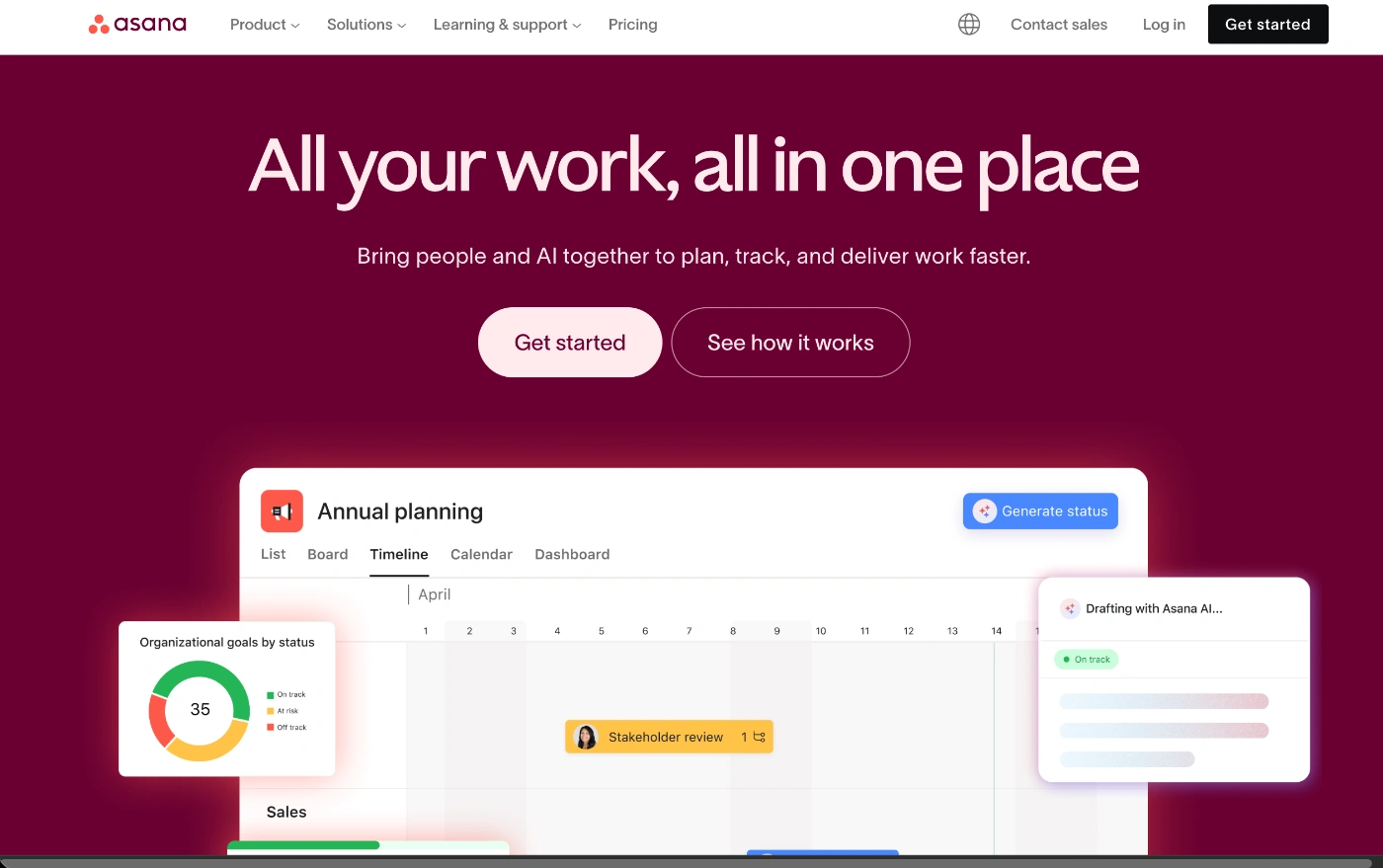
Asana is a highly structured project management tool that doesn’t just help with task execution, but also links projects to goals. Even though it comes with native time tracking, resource management, and high-level reporting, it doesn’t offer a complete agency business suite solution like some of the other tools on the list.
Because of its scalable nature, it’s a platform that works well for small agencies and large enterprise businesses.
Asana’s Top Features
Multi-homing for tasks – This is a unique feature that lets you house a task in multiple boards simultaneously. For example, you might have a brand logo design folder that the entire team uses, and you can have it stored in each department’s workspace.
Workload & capacity planning – Asana gives you a real-time heat map to help you manage and balance workloads so you prevent burnout risk. You can also assign ' weight’ to tasks in hours or points.
Portfolios & executive dashboards – This is a dedicated dashboard for agency leaders, which gives them a complete view of client portfolio health. It shows you which projects are on track, at risk, and off track.
Pros & Cons of Asana
One of the best things about Asana is the balance of solid feature offering and platform usability. However, it does have a rigid structure,e which might not suit every agency’s workflows.
A few of the main advantages of Asana:
UI ideal for creatives – Unlike more complex project management tools like Wrike or Jira, Asana’s UI is clean and easily navigated by creatives like marketers and designers.
Native proofing tools – You get powerful proofing and approvals features where you can leave ‘pinned’ comments on images or PDFs, and then Asana turns the comment into an actionable task.
Advanced automations (Rules) – One of Asana’s strongest features is the automation rules you can set for complex handoffs. You can set up a multi-step rule logic that connects tasks, projects,s and external tools.
A couple of possible disadvantages of Asana:
Limited financial and profitability tools – The platform’s priority is organization and productivity, not business management. So it lacks core agency management features like invoicing, expense tracking, and deep client profitability reporting.
No native chat – Asana focuses on keeping collaboration linked to actual project tasks and lacks native communication tools like in-app chat,t which can be beneficial for daily interactions and check-ins.
12. Basecamp – If you want minimalistic project management
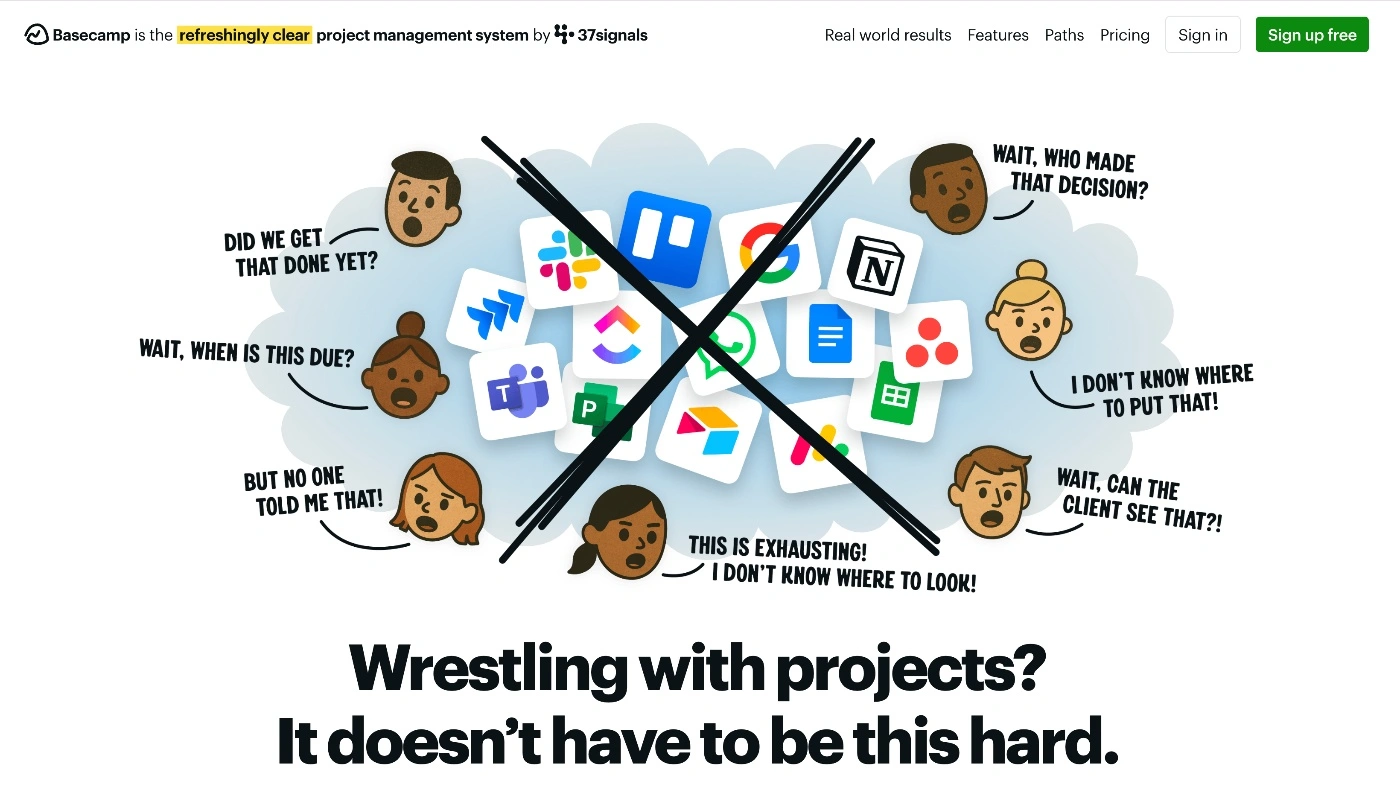
Basecamp is one of the best minimalistic project management tools on the market for agency teams because it combines basic task management features with unified communication.
It’s ideal for smaller teams (not more than 50 people) that work on linear projects that don’t need dependencies or subtasks.
Basecamp’s Top Features
Visual project tracking – Unlike most other platforms, which operate on a percentage model for task completion, Basecamp uses the Hill Charts concept to visually display project progress. Uphill means you are still figuring out the approach (planning and brainstorming), Downhill means you are executing tasks.
Centralized project hub – Basecamp acts as a centralized project hub for your team and clients, where you create and track tasks, and interact with clients directly within the platform.
Client collaboration – You can invite clients to the project, and decide exactly what you want clients to see using the ‘Client Side’ toggle, and then collaborate to get tasks finalized with client input.
Pros & Cons of Basecamp
Basecamp is the sort of tool users either love or hate. Those who love it do so because it keeps things clear and simple. Those who hate it do so because they find it too limiting for their operations.
The greatest benefits of Basecamp:
A minimalist ‘all-in-one’ – It’s not going to give you all the tools you need to run the entire agency operation, but it will give you enough (communication, client collaboration, task list,s and scheduling) to keep things organized and on track.
Automatic check-in feature – The tool helps save time for busy teams with the automatic check-in feature, which asks team members things like “What did you work on today?” and “What’s blocking you?”
Message Board to replace emails – The Message Board feature lets you hold discussions and post long-form announcements, which helps avoid messy email chains.
Some drawbacks of Basecamp:
No time tracking or resource management – The lack of native time tracking is a bit of a show-stopper for most agencies. On top of that, you also have no way of managing your team’s time, capacity, or workload,s which is a key need for agency leads.
Lacks reporting and data insights – Unlike the more robust tools on this list, you won’t find any financial data insights or profitability tracking tools and reports.
13. Trello – If you want super simple, visual Kanban workflows
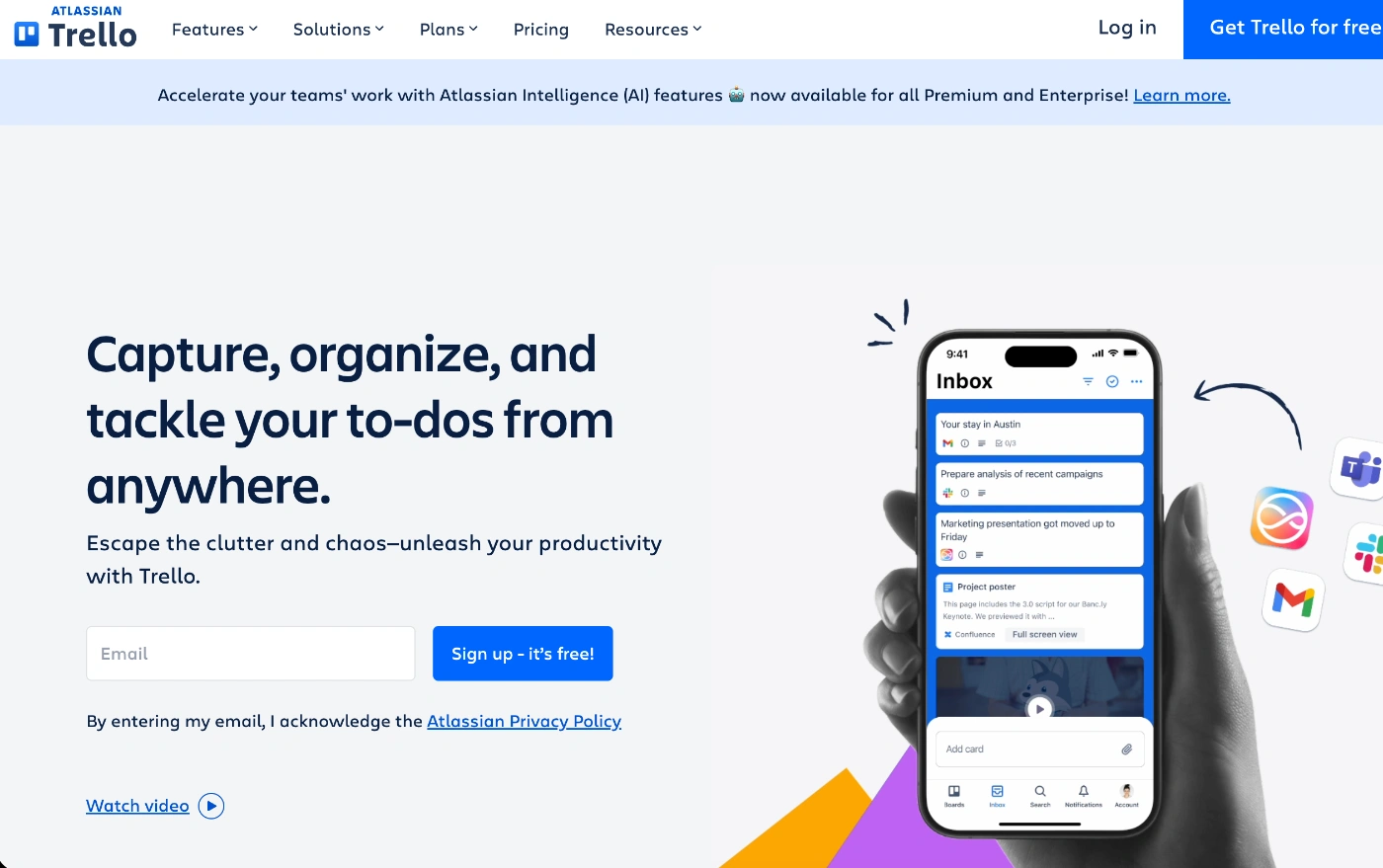
Trello is the oldie but the goodie on this list. It’s one of the earlier project management platforms built around the Kanban boards concept, and it's where many freelancers and agencies start when they need to organize client projects.
It’s best for smaller agency teams that like visual task tracking, or those with simple project workflows. However, it does offer a limited feature set, and you may need to turn to add-ons to expand its capabilities.
Trello’s Top Features
Butler & buttons – The tool’s built-in robot, Butler, lets you set rules to streamline and automate administrative tasks like moving a completed task to ‘review’. You can also create card buttons to automate and action like changing the label or notifying a team member.
Sub-tasking – You can assign an individual checklist for sub-tasks with separate due dates and apply it to different team members.
Master Boards for templates – You can standardize workflows by setting up a Master Board that let syou turn a process into a repeatable workflow across client portfolios.
Pros & Cons of Trello
One of the nicest things about Trello is that it can be set up quickly. However, once your agency scales past a certain point or your projects get more complex, it can hit a ceiling.
Some of the main pros of Trello:
Zero learning curve – Its visual board structure and drag-and-drop functionality are intuitive and require no training, so adoption is super smooth. This is something that can’t be said for more robust agency project management tools.
Visual pipeline clarity – You get an instant ‘heat map’ of all your client project progress, which lets you see where there are delays and bottlenecks you need to address quickly.
350+ Power-ups for more functionality – When you do hit a wall with Trello, you can always turn to some of their library of power-ups that offer everything from communication tools to analytics, reporting, and productivity.
A few drawbacks of Trello:
Lacks agency ops features – You won’t get native time tracking, resource management,t or billing features. While you can turn to third-party integrations, you do need to consider the additional cost.
Board overwhelms – Once you get to 20+ clients, it will be hard to get a bird's-eye view of project progress.
ActiveCollab: Bringing Your Agency's Work, Team & Profitability Together
The best project management software for your agency is the one that connects everything and fits your workflows. Ideally, you want a system that integrates project tasks with time, team capacity, client invoicing, and profitability tracking.
If you have these core pieces sitting in different tools, you are wasting precious time that should be spent strategizing and scaling your business. You don't want a system that drains time; you want a system that gives you and your team time to actually deliver work without additional admin pressure.
What works best for one type of agency won't work well for another. But you know best what your agency needs to run optimally. Some depend heavily on reporting, others prioritize client management features to make project onboarding easier, and others just want a tool that combines all the core operational agency functions.
ActiveCollab is that last one. It gives you a ready-made hub to take projects from idea to invoice. Letting you create and plan project timelines, while also giving your team a built-in time tracker, so you stay on top of billable tasks and make sure you price your services reasonably.
Whether you're just starting out and need just the basics or run a steady, growing agency team, ActiveCollab can adapt to your business maturity level. It's a tool that connects and integrates your entire agency ecosystem, but most importantly, it's a tool that's easy to adopt, use, and navigate daily.
If you haven't already, book a demo with one of our team members to see if ActiveCollab is your perfect fit!
And if you're ready to test it out for yourself, sign up for our 14-day free trial!