How to connect to QuickBooks?
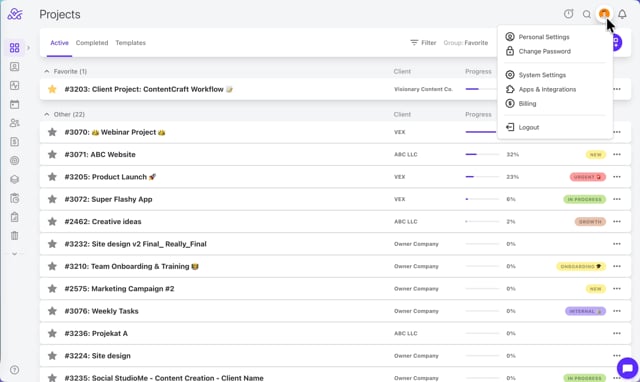
- Step 1: From the top right corner, click on your profile icon then Apps & Integrations
- Step 2: Under the Accounting, select QuickBooks
- Step 3: Click on Connect to QuickBooks
- Step 4: Set the Default item type ( it is changed on the QuickBooks level)
- Video Tutorial: https://vimeo.com/1150844167
- Note: Only the Owner and the Member+ role to Manage time and finances role can see, change and add these settings and they will apply to the entire account. The Member+ role to Manage time and finances. The Member+ role must be part of the Owner company to see these settings.
How to disconnect from QuickBooks?
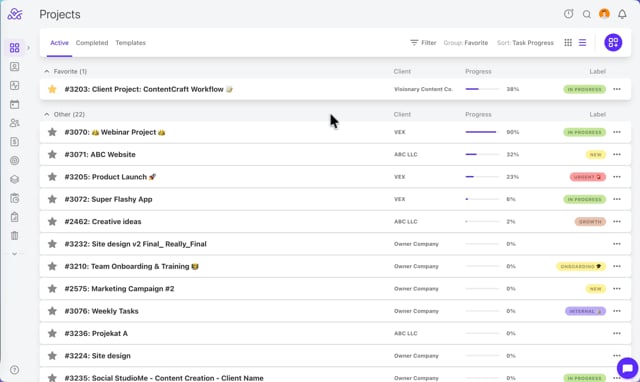
- Step 1: From the top right corner, click on your profile icon then Apps & Integrations
- Step 2: Select QuickBooks and configure
- Step 3: Click Disconnect
- Video Tutorial: https://vimeo.com/1150844189
For more information about Quickbooks and ActiveCollab integration please visit the site : https://activecollab.com/help/books/invoicing/quickbooks