
What’s new since the 8.0 release
Two updates have landed for self-hosted installs since this post first went out.
Two-factor authentication. Your team can now switch on a second step at login. ActiveCollab emails a one-time code, and each person also gets a set of backup codes for the times they cannot reach their inbox. Code requests and attempts are both rate limited, and administrators have command-line recovery for anyone who locks themselves out.
MCP support. Your self-hosted workspace can now talk to AI assistants over the Model Context Protocol, the same way the cloud version does. It is switched on by default, and an assistant connects through OAuth, so you never hand out a password. Everything stays on your server.
Want the full picture before you buy? See ActiveCollab Self-Hosted.
ActiveCollab self-hosted version 8 was released on February 3, 2026.
It brought over 100 new and improved features that help you better manage your projects, clients, and resources - all while staying in full control of your data and system maintenance.
We tailored new sections and functionalities to your needs, making sure to keep things simple, yet powerful, so you can harness the full potential of your ActiveCollab workspace.
Boost collaboration and productivity
Whether you’re working on complex cross-functional projects, managing different clients or looking to simplify your current operations, effective communication is key.
With ActiveCollab, you can centralize all your communications, keeping everyone in the loop and on the same page. Ensure the right level of transparency with roles, permissions, and many project- or task-based options.
Instead of having important documents and files scattered across various cloud depositories, emails, and chat apps, you can store them in ActiveCollab’s Discussions, Files, and Notes, and access them in a couple of clicks.
Use in-app Chat for quick updates, catch-ups, and friendly interactions. Create group or one-on-one conversations, and discuss particular topics with a single member or the entire team.
Schedule team meetings and client calls via Calendar, and set reminders to help you never miss any important meeting, no matter how hectic your workday gets.
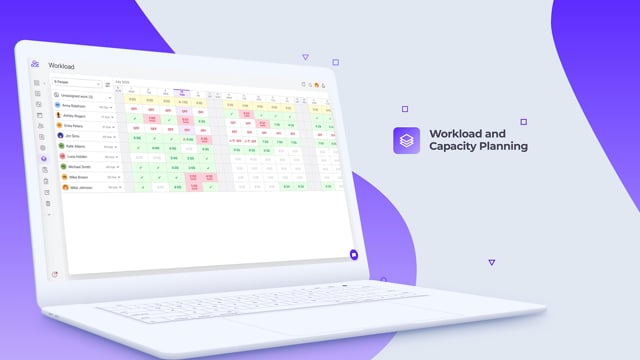
Manage workload and plan capacity more efficiently
To avoid task overlaps, prevent burnout, and maximize utilization, you need to know exactly how much work there is to do and how much time your team’s got available.
In ActiveCollab 8, you can optimize the way you manage your teams and workload by:
setting individual capacity, availability, job types, and rates,
monitoring workload and progress in real time,
splitting task estimates for multi-day tasks,
adjusting to time actually tracked, not just estimated,
breaking down tasks into more manageable chunks (subtasks and dependencies),
tracking and managing time, including time off, time estimates, and time spent on tasks,
analyzing insights for more informed decision-making and adjustments,
creating Virtual Users (people placeholders) to assess future needs, costs, and staffing requirements, and more.
Monitor your finances and ensure profitability
Effective cash flow management is one of the major challenges businesses like yours face.
We built tools to help you stay on top of your finances at all times:
define everyone’s internal hourly rates, so you always know how much someone’s work will cost you,
look into time estimates, time records, and job type rates to build a solid pricing strategy and appropriately charge for your services,
track all your expenses and project budgets to prevent cost overruns,
create budget alerts to make sure nothing goes by unnoticed,
consult Assignments and Time Dashboards for more detailed financial information,
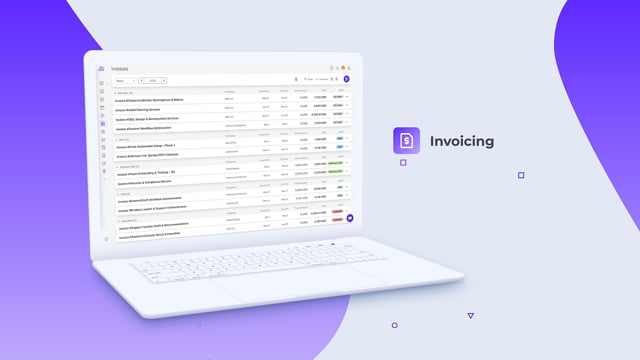
create, send out, and analyze invoices and quotes directly via your workspace,
keep an eye on client payments to identify patterns and send payment reminders as necessary, etc.
You’ll see which types of work are most profitable, who your top paying clients are, where efficiency is lacking - all so you can make important strategic decisions and ensure your business’s financial health.
Build stronger relationships with your clients
Inviting clients to your ActiveCollab workspace is a great way to improve client communication and build stronger relationships. Instead of long email threads, you can now talk with your clients and ask them for feedback and approvals directly in ActiveCollab.
Give your clients additional permissions (chargeable role), so they, too, can create and be assigned tasks. This way, your team will have less ops work to do and more time to focus on their own tasks.
Even when your clients are actively taking part in projects, you can still keep certain project info private by hiding specific [internal] tasks from your clients.
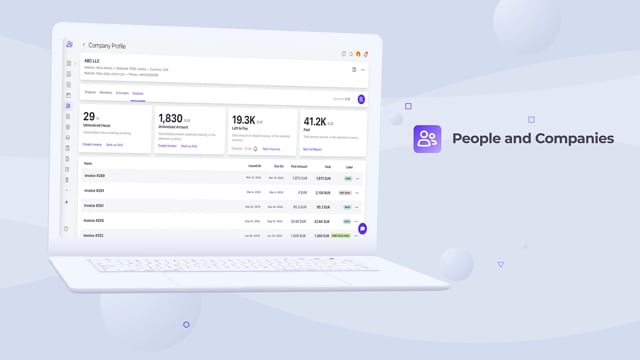
All your clients have a dedicated profile in the People section. Everything’s there: member clients, their projects, estimates, and invoices, with a detailed overview of uninvoiced tasks and hours, pending and completed payments, and overdue invoices.
Use this mini dashboard to assess your clients’ payment patterns, issue invoices, and send payment reminders.
Get better insights into your work and resources
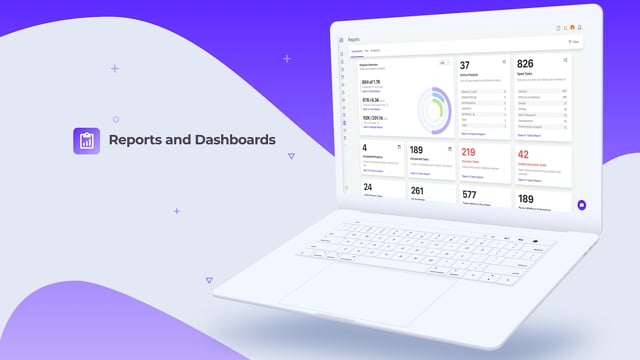
We upgraded the entire Reports section to make it more visually appealing and customizable.
The Assignments and Time Dashboards help you measure work, assess performance, and report on achievements. Use the dashboards to identify trends, potential issues, top performers, and progress over time. Apply filters if you want to get a closer look at specific projects, clients or team members.
For example, some of the key information you can track via the two dashboards include:
number of completed vs total tasks
number of tracked vs estimated hours
amount spent vs set budgets
overdue tasks
tasks without assignees or time estimates,
billable vs non-billable hours,
pending payments..
Each dashboard features charts, histograms or a leaderboard, for a visual overview of select information.
Since everything is easy to follow and analyze, you’ll be able to focus on key business metrics you want to dissect and act with confidence.
The new Tasks, Projects, Invoices and Time reports come with additional filters and grouping options, so you can create custom reports more easily. Save the filters you often use as presets, and apply them the next time you want to check results.
Improve efficiency and time management
Superb time management is essential if you want to better coordinate activities, schedules, and priorities, prevent burnout, create quotes, and appropriately charge for your services.
You need to know where your time goes. You need to know how much a task will take, and how much each of your team members has got available every single day.
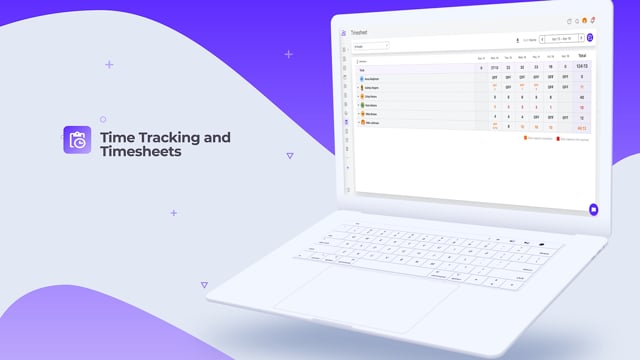
Now, you can track time spent on projects or tasks, which will help you organize and plan your workload, set rates, and optimize employee utilization.
Time tracking is key when you’re planning future projects as it gives you an approximation of how much time will be required to complete work (and compare tracked time against estimates) - so you don’t leave your clients hanging or overburden your team.
With Timesheet and Workload now showing when someone’s off, under or over capacity, you’ll always know where to adjust. You can also add time records retrospectively, in case someone hasn’t submitted theirs on time.
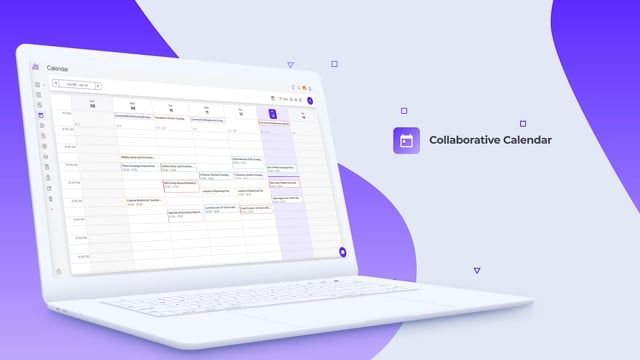
Calendar has also been revamped to include daily, weekly, and monthly views, each showing useful information that will keep everyone in the loop.
The daily view is great for checking daily priorities and reminders, seeing who’s unavailable, and what meetings have been scheduled.
You can also import external calendars and keep everything in one place, using filters for easier navigation.
You can add calendar events to your team’s Workload for a more accurate picture of their availability. If someone’s got a two-hour client meeting, you’ll know not to assign them a task at that time.
Stay organized throughout a project lifecycle
The entire Project section has been upgraded to give you more flexibility and structure, so you can build better workflows and manage your projects more efficiently:
task start and due dates,
filters,
reminders for tasks, notes, discussions, and events
improved Editor,
duplicate projects,
List, Column, and Timeline project views,
AI task and subtask suggestions, and much more.
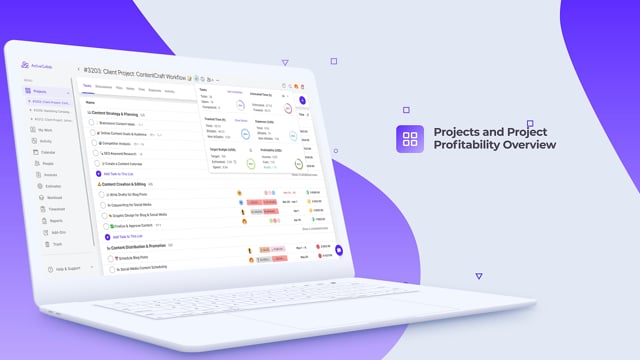
A major addition is the Project Progress Menu, which displays key project information in real time, helping you mitigate risks and ensure project success:
open, completed, total tasks
time tracked and estimated,
budget and expenses,
uninvoiced items,
profitability,
cost summary report.
And since it’s optimized for mobile, you can manage your projects while on the go.
Getting started with ActiveCollab Self-Hosted 8
If you have questions about running ActiveCollab on your own server, email us at support@activecollab.com.
If you have an older version of ActiveCollab, you’ll be able to upgrade your license to the latest version. And if you’d like to purchase a license, let’s talk: we’re here to answer all your questions.