
If you like to create your own order, then Smartsheet will knock your socks off. Truly, it's an awesome tool if customization and automations are what you're looking for.
But if you're looking for efficiency, simplicity, and perfection synergy in an all-in-one system, there are better options out there – options we'll discuss a lot more in detail in this article.
So, before you make your alternative Smartsheet tool choice, take the time to check out what's out there. You might even surprise yourself. Perhaps you'll find a tool that ticks all your boxes and is specially made for your kind of project management, business type, industry, and size.
Find out what we think are the best Smartsheet alternatives, which you need to consider before you sign on the dotted line and place all your faith into one solution.
1. ActiveCollab – Best Overall Smartsheet Alternative
You saw it coming, didn't you?! We promise, it's for a reason!
We already covered in detail Smartsheet vs ActiveCollab comparison, but let us explain briefly, why we believe that ActiveCollab is the one if you're considering switching from Smartsheet.
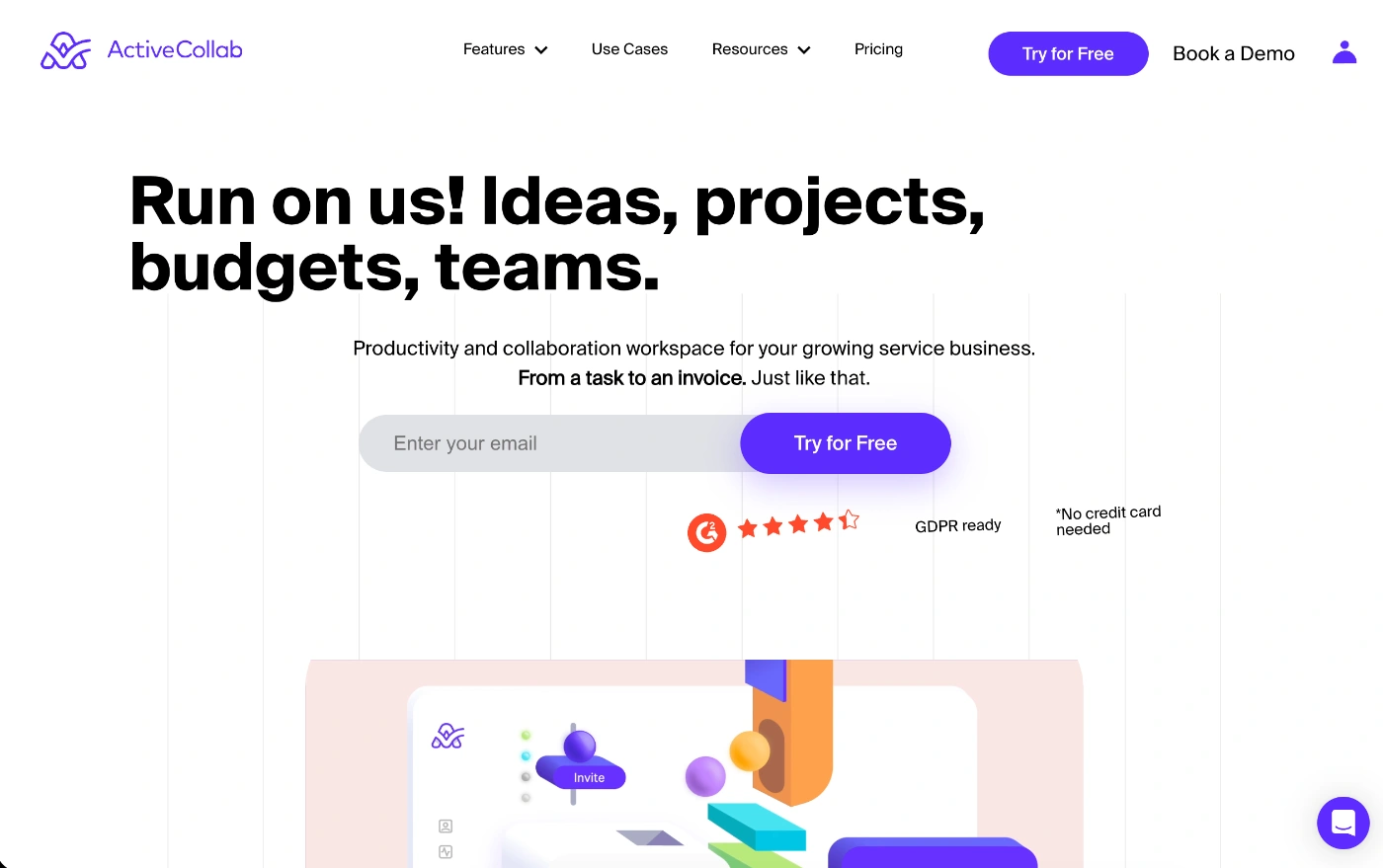
ActiveCollab is the all-in-one project management, collaboration, and client workflow tool built for service businesses and agencies.
It's an intuitive platform that combines client work and management with internal operations in a way that makes it easy to track and deliver every project profitably.
Covering the entire client project lifecycle, the tool becomes your centralized tool and source of truth for all the moving parts in your business.
From the inital quote to the final invoice, you can take care of everything in one place.
You can create project timelines, plan and allocate tasks, manage and rearrange workloads, and track time and budgets to make sure you stay within your resource capacity levels and margins. It's a tool that centralizes and streamlines agency and client operations.
What makes ActiveCollab the best Smartsheet alternative
There are two main things that make ActiveCollab the best Smartsheet alternative for service businesses.
The first is its user-friendly design and almost zero setup time.
The second is the native features it brings to the table for every single stage of an agency's client project management.
With ActiveCollab's agency-focused design, it's a tool teams can adopt and use quickly, without dedicating hours to setup and training. The platform has been developed and constructed in a way that lets small and medium-sized teams (who might not be particularly tech-savvy) hit the ground running and launch projects instantly.
On the other hand, while Smartsheet comes with many advanced project management features and automations, it also comes with a much steeper learning curve and longer setup time.
With built-in time tracking across all plans and integrated invoicing and payments, ActiveCollab is one of the best tools on the market for agencies that don't want to keep switching between multiple tools to manage project budgets, time logs, and client billing.
You can literally organize and run the whole show in one tool.
So, unlike Smartsheet, which is complex and relies on multiple configurations as well as third-party integrations to meet the full scope of agency needs, ActiveCollab provides an out-of-the-box, ready-made agency solution.
If you need automations and advanced customization, Smartsheet will do, but if you want simplicity and completeness, ActiveCollab's your pal.
Who is ActiveCollab for?
ActiveCollab is best for small to medium-sized teams of 5-50 people that do client project management.
It's also particularly good for agencies looking to scale their operations because it gives you some handy reporting features to understand client and project profitability, as well as employee utilization.
Some key business types that ActiveCollab is perfect for:
- Agencies & consultancies – Think marketing, advertising, and PR agencies, creative design studios, and business consultancies that charge by the hour.
- Client-first team – If client collaboration is a priority for effective project management, ActiveCollab has multiple client access roles where you get to choose and control permissions, so you get everything you need to communicate and collaborate seamlessly, without giving away internal workflows and information.
- Scaling agencies and businesses – With business insight features and time tracking that integrates with financials, the tool can help guide you to grow sustainably.
ActiveCollab's best features
- Workload & resource management – With visual workload management, you can quickly identify which team members are being under- and over-utilized and make adjustments with the easy drag-and-drop function.
- Integrated budgeting, time tracking & invoicing – All tracked hours and expenses directly feed into workloads and timesheets, so you can take billable hours and turn them into client invoices instantly. Time and expense logs also feed into project tracking and profitability features, so you can monitor how much time and money each project is burning in real-time, so you can act fast if needed.
- Client management & collaboration – You can invite an unlimited number of clients into your ActiveCollab workspace and choose between the free "Client" role (mainly viewer permissions) and "Client+" role (advanced active contributor permissions). Let your clients collaborate on tasks, use in-app messages to stay in touch, share files, leave task comments, exchange feedback, and approve deliverables.
2. Microsoft Project & Portfolio Manager
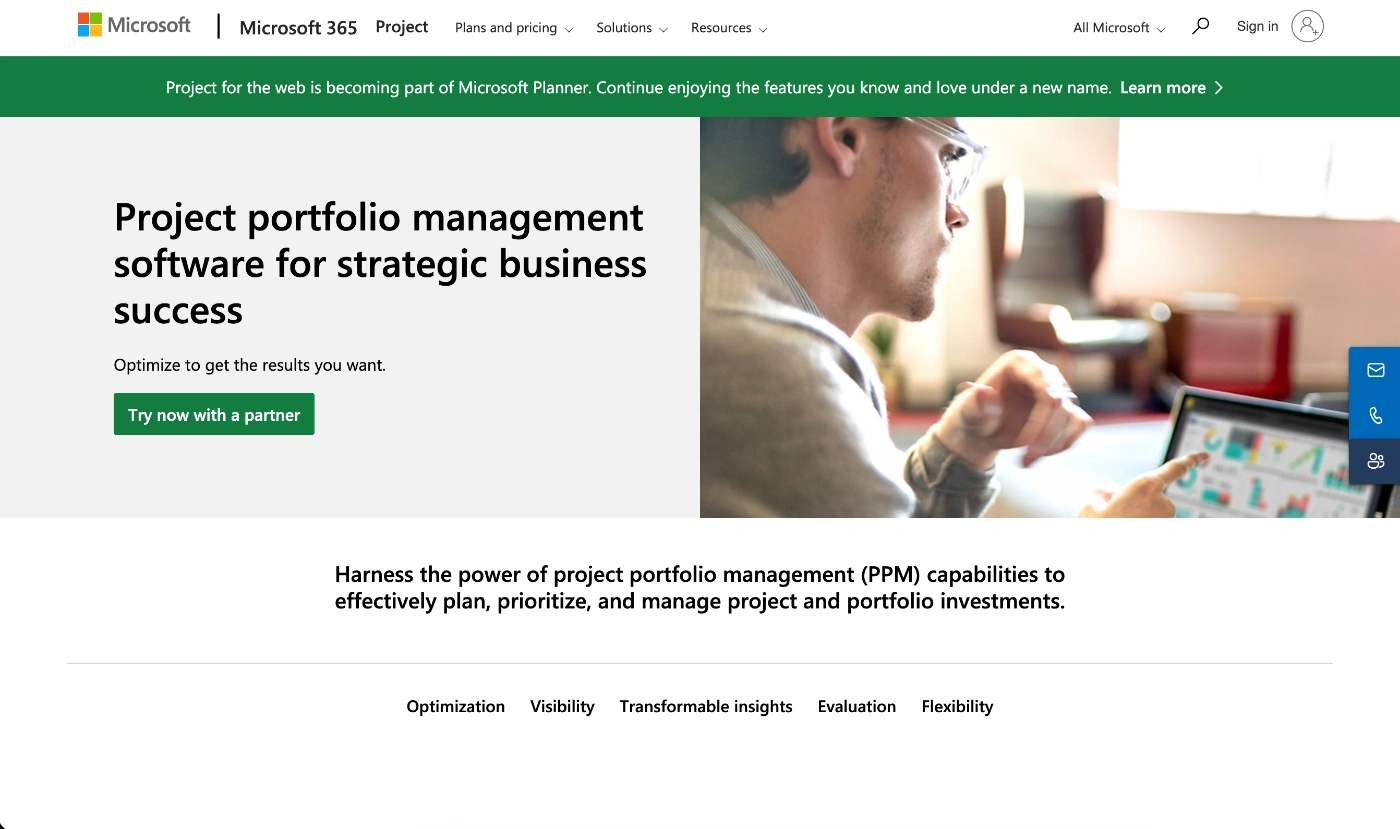
Microsoft Project & Portfolio Management is another great Smartsheet alternative because of its deep planning features. It's a dedicated project scheduling tool that lets you do Critical Path Analysis (CPA), resource management, and leveling, as well as portfolio tracking.
What makes Microsoft Project a good Smartsheet alternative
The thing that makes Microsoft Project a top Smartsheet alternative is its robust feature set, which is similar to the one offered by Smartsheet. However, unlike Smartsheet, where the unlimited spreadsheet-like flexibility might leave teams lost, Microsoft Project's highly structured approach and design are for comprehensive and more traditional project planning.
On top of that, experienced project managers tend to like Microsoft Project's familiar interface and templates. So if you're used to the MS Office tools, the learning curve will be minimal with this tool, and an added benefit of it is it integrates seamlessly with the Microsoft ecosystem.
Who is Microsoft Project for?
Ideally, Microsoft Project is best for medium and large businesses or enterprises that have a dedicated Project Management Office and project managers. So, it's perfect for seasoned project managers who run multiple complex projects and need full control over scheduling and resources.
Some of the business types Microsoft Project is best for include:
- Building industry project teams – Think construction and engineering firms that need to manage costs and budgets, and advanced resource scheduling and utilization of labor.
- IT project management teams – Particularly those using the Waterfall-style planning approach.
- Enterprise teams – Especially good for enterprise project teams that need advanced reporting via SQL databases or Power BI.
Microsoft Project's best features
- Advanced project management – You get advanced Gantt chart capabilities, and you can set up detailed timelines, all with dependencies and milestones.
- Scheduling engine – An automation feature that calculates schedules based on work effort, resource availability, and any dependency constraints.
- Top-notch resource management – Create resource pools for people or equipment, assign tasks, and manage overallocation issues via workload charts.
Possible downsides of Microsoft Project
- Steep learning curve – It comes with lots of functionality and options, but it's also a complex tool to learn and adopt.
- High cost for smaller teams – Unlike Smartsheet's affordable per-user pricing, Microsoft Project comes with higher per-user pricing, or you need to have an enterprise license.
- Limited collaboration features – It's not made for real-time collaboration in the way that more intuitive and modern project management tools are.
3. Airtable
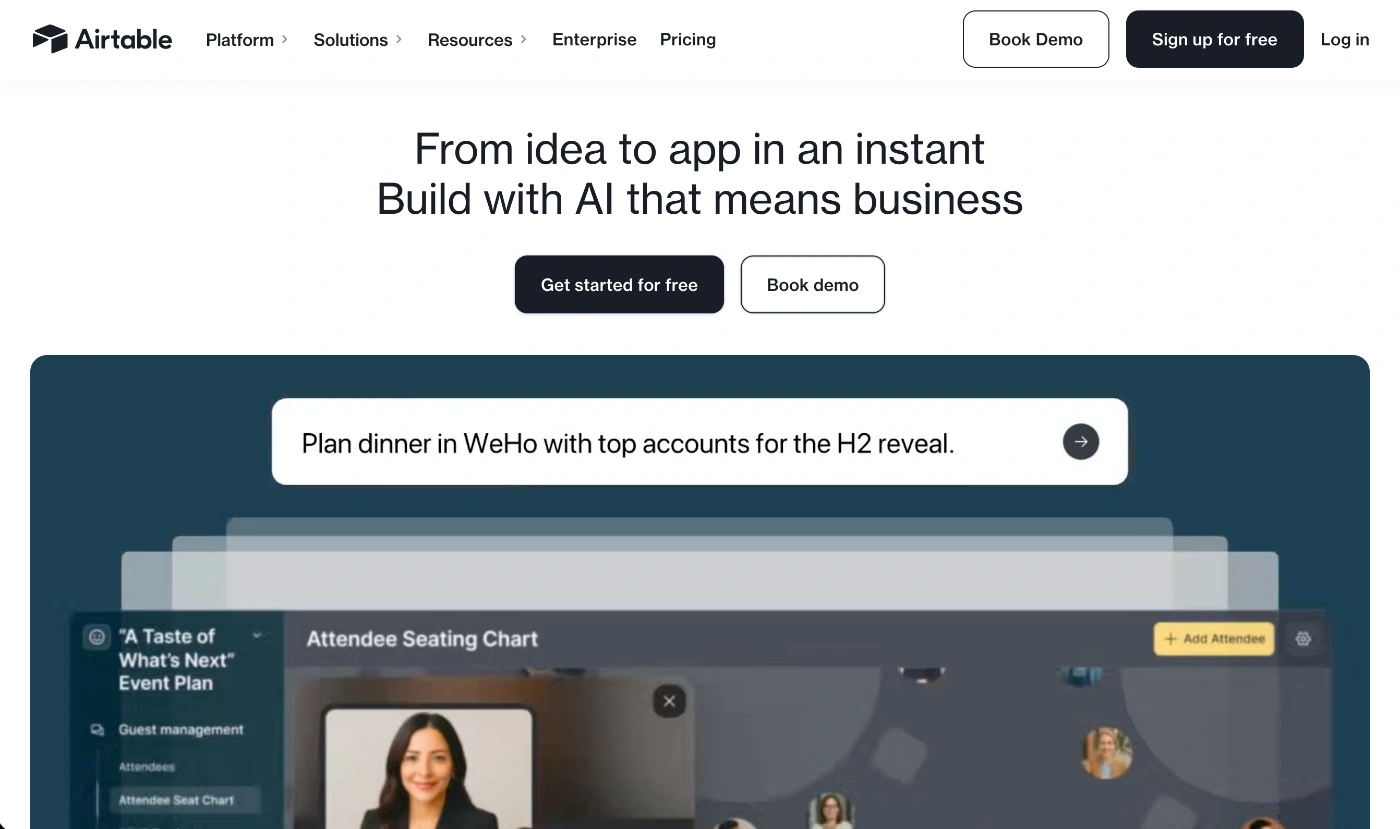
Airtable is another solid smartsheet alternative that's a bit of mix between a spreadsheet and a database. The project management tool lets you build your very own tailor-made solution by designing tables (your workspace "base") with custom fields, where you can link records between tables and switch between multiple views (grid, Kanban boards, calendar view and gallary).
What makes Airtable a good Smartsheet alternative
If you like the structured project management grid-feel of Smartsheet but want a more user-friendly interface and more customizable dashboards, that's what Airtable makes possible.
The two tools are similar in the sense that they are ultra flexible in terms of how y9ou view and manage project information.
One key perk of Airtable's project management tool is its ability to create relations between tables of data and structure insights in more dynamic ways. This feature alone makes the tool a highly versatile alternative to smartsheet, one you can use for standard project tracking as well as for Customer Relationship Management CRM contact lists.
Who is Airtable for?
Airtable is a great visual task management tool that's ideal for small teams as well as organizaitons. It's particualarly good for cross-department collaboration.
When it comes to industries, it's used right across the board. What makes it a good fit isn't so much a particular industry's workflow. It targets users looking for the "pefect middle" project management tool that's not too simple (like Trello), nor too complicated (like Jira).
Some of the main business types that use Airtable include:
- Product teams – Mainly to centralize roadmaps and run sprints, manage feedback and track bugs and feature requests, and ultimately as a single source of truth for the entire developent lifecycle.
- Marketing teams – Primarily used for campaign planning and management, as well as for content calendars, asset management and for tracking marketing performance.
- Event planners – Ideal for managing vendor details, clients, budgets and event schedules.
- Program managers – Particularly those working on Not-for-Profit (NFP) organizations where they need to have oversight of many interdepenent projects, budgets and resources, but also to mange reporting dashboards.
Airtable's best features
- Customization features – Airtable offers a good level of customization by letting you organize your work into "bases," where each one can have multiple tables, and each table can have customizable fields .
- Templates & extensions – There is a whole collection of pre-built templates for project planning, content calendars and product roadmaps. It also has its own "apps" (previously known s "blocks") section which are essentially extensions you can add to your bases.
- Apply mulitple views for different purposes – One of Airtable's strongest features is visual task management where you can creat a grid view for data, a calendar view for timelines and then a Kanban board view for task tracking.
Possible downsides of Airtable
- Setup effort – It's a pretty awesome tool when it comes to customization and flexibility but it's going to take some time and effort to set up the way you like it.
- Time tracking catch – While Airtable does offer time tracking via the app extension, it's only available on higher-tier plans, and it doesn't provide time reporting – only the raw time data so it can't be used to generate invoices automatically.
4. GanttPRO
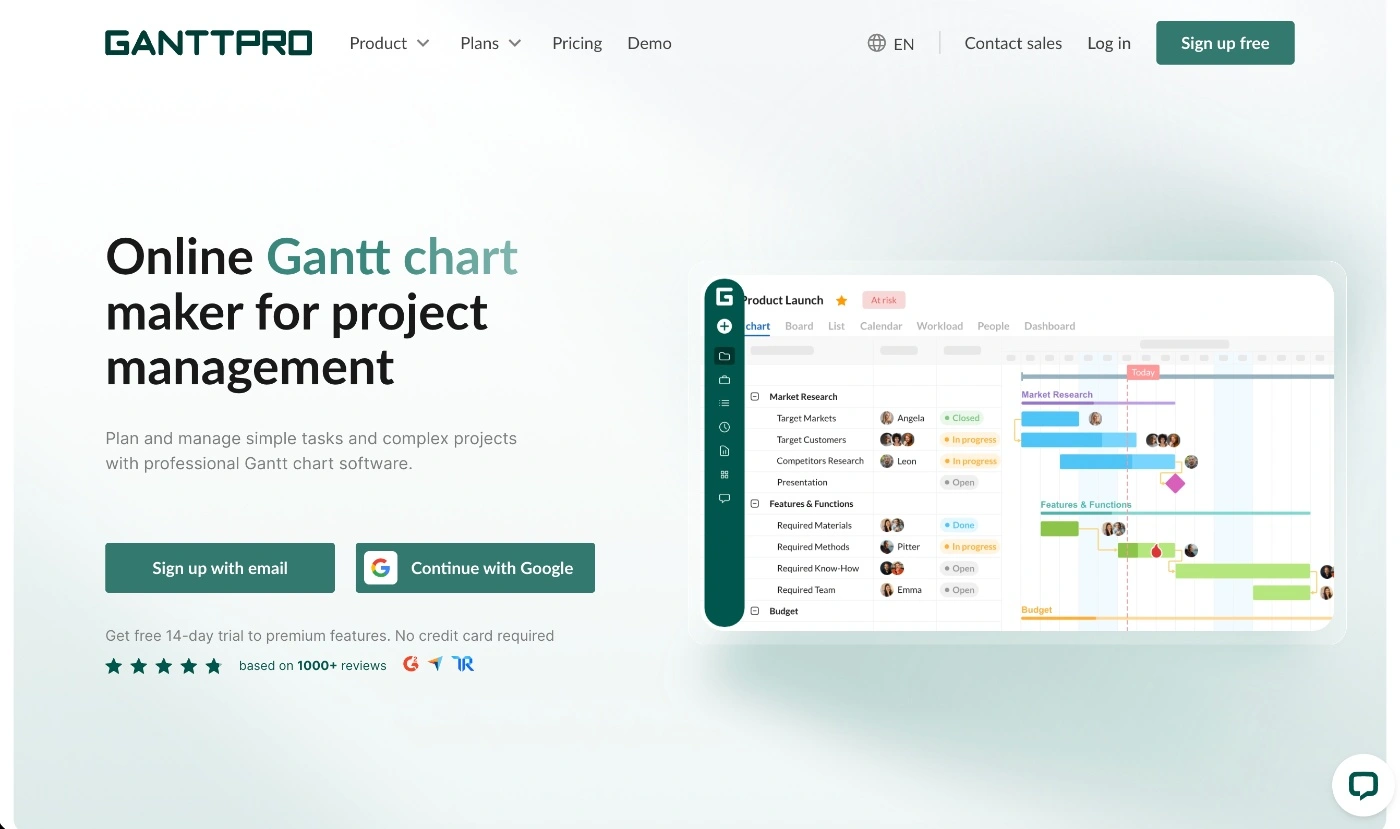
GanttPRO isn't your standard task management tool, but it is a specialized type of project management tool. It operates on the Gantt chart concept, where you create and track projects in a straightforward timeline view.
What makes GanttPRO a good Smartsheet alternative
The thing that makes GanttPro one of the best Smartsheet alternatives is its ease of use and intuitive and guiding interface. Unlike Smartsheet, where the UI is fairly complex, GanttPRO lets you manage projects quickly and easily via its drag-and-drop function.
If your team doesn't have particularly advanced project management skills, but needs a project management tool, GanttPRO is a good option because it's made to be picked up by anyone.
The platform gives you ready-made templates for a variety of different project types, which you can work off and get the project rolling quickly.
Also, a key thing worth mentioning is that, unlike Smartsheet, where you need to do some manual pre-work to set up dependencies, GanttPRO makes it a core, ready-to-use feature.
Who is GanttPRO for?
Essentially, GanttPRO is designed for project managers and project teams that work in a timeline-based mode. As for team size, it works best for small to mid-sized teams that find enterprise-level tools a bit too much and simpler task tracking tools too simple.
Some of the business types GanttPRO is a good fit for include:
- Construction & engineering teams – To handle messy sequencing where managers need to do CPA, Work Breakdown Structures (WBS), and manage resource and material tracking.
- Manufacturing companies – To connect product ideation and production, where teams map out the entire lifecycle from prototype to final product.
- Marketing teams – Ideal for multi-channel planning and coordination of campaign roll-outs and launches, and to manage client assets as well as feedback.
GanttPRO's best features
- Drag-and-drop with dependencies – This is GanttPRO's start feature. It lets you make project adjustments simply by dragging and dropping an individual task, and the tool will automatically update and connect and update dependent tasks instantly.
- Workload & resource management – You can assign resources like people or equipment to individual tasks and then use the workload chart to monitor and manage resource allocations across all projects.
- Change tracking & collaboration tools – Any task or project changes are reflected in the platform instantly, with a history of changes and a notification feature to help provide updates and provide references to past activity.
Possible downsides of GanttPRO
- Limited to Gantt charts – While this is the tool's strongest selling point, it's also its greatest limitation.
- No native invoicing – Because it doesn't have native invoicing, it lacks a core feature for service businesses that want a project management tool that they can also use for client billing.
5. Adobe Workfront
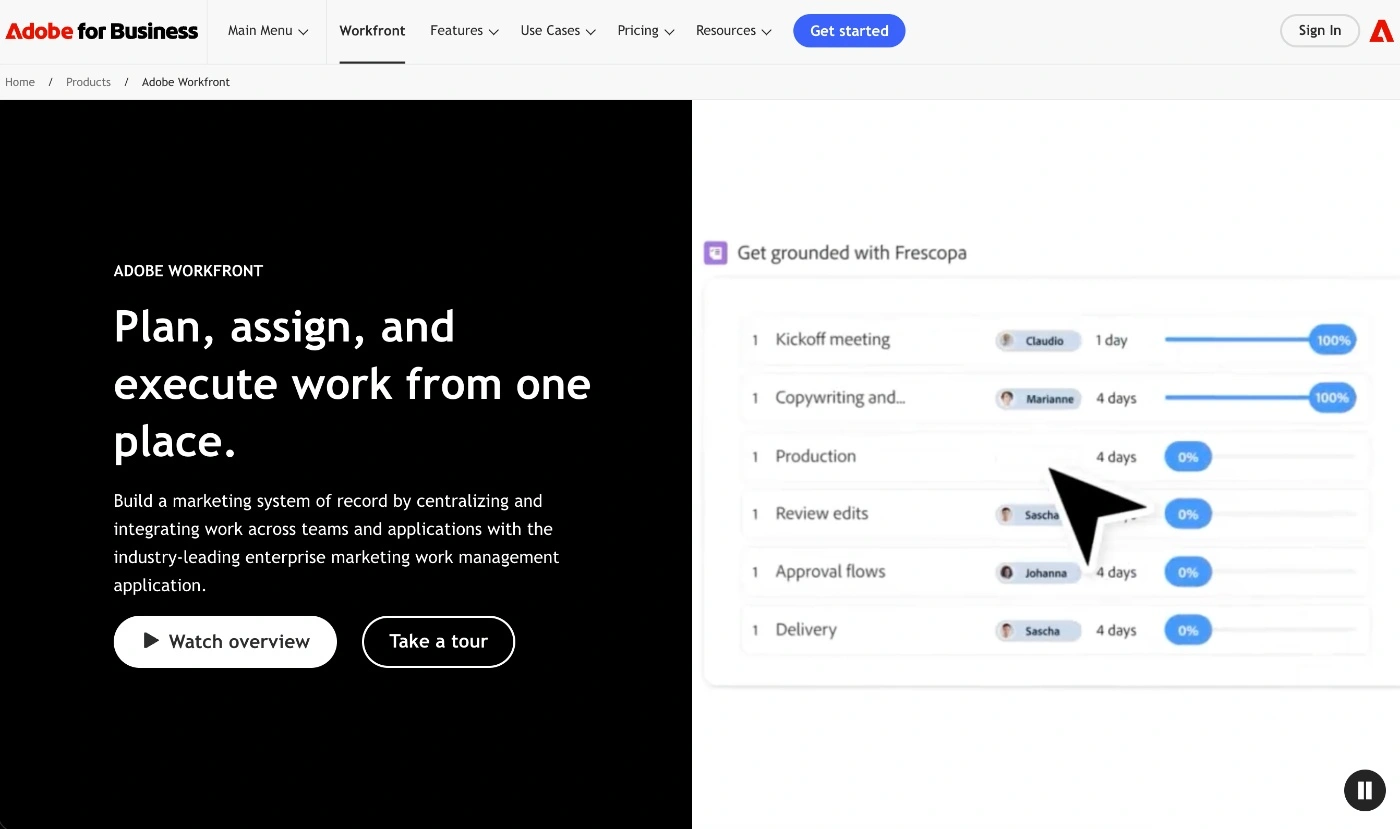
Adobe Workfront is a work management platform for enterprise project teams that need to unify strategic planning, task execution, and resource allocation right across the organization. It basically helps keep multiple cross-departmental teams on the same page, all the way to delivery, when projects involve a high volume of work requests, multiple approvals, and many stakeholders.
What makes Adobe Workfront a good Smartsheet alternative
While Smartsheet is built for customization, Adobe Workfront is built for complete enterprise process control.
Unlike Smartsheet, it offers advanced resource management features where you can do resource modeling, forecasting, and take advantage of built-in timesheet management to monitor time tracking in detail.
Another key difference and advantage of Adobe Workfront is that executives can link multiple portfolios and programs directly to organizational goals, which gives you complete top-down visibility of how all strategic projects interact.
Who is Adobe Workfront for?
Workfront is definitely not a tool for small teams whose workflows are simple and lean. It's exclusively for large organizations that prioritize hierarchical and strict control processes around what's happening, what's been approved, what's been reported, and what's been executed and finalized.
Some business types Adobe Workfront is a good fit for include:
- Enterprise and global teams – Ideal for teams working across different time zones and regions, and highly regulated, complex projects.
- Structured project teams – Perfect for strict approval and rigid workflow processes where things need to go through multiple department approvals before the final green light is given.
- Teams using the Adobe ecosystem – With native integrations to the entire Adobe ecosystem, Workfront is a great choice for teams who already operate with the Adobe tools.
Adobe Workfront's best features
- Proofing & approval tools – You get advanced features for proofing and approvals that let you do digital markups and set up multi-step approval paths.
- Demand management – A feature that lets you customize how new work items enter forms and queues so you standardize processes.
- Workfront Fusion – An automation engine that lets you connect the project management tool to hundreds of third-party apps, including Salesforce and GitHub.
Possible downsides of Adobe Workfront
- Heavy setup – Because it's a highly structured platform, there's quite a steep learning curve, and you'll probably need to have administrators to master and manage it along with the team's training.
- Overwhelming interface – The layered navigation, along with the deep menus, can make the interface feel clunky, messy, and a bit dated.
ActiveCollab: The top Smartsheet alternative for service agencies
We've taken you through our list of the best Smartsheet alternatives in 2026 and told you what we think are each tool's greatest strengths and weaknesses. But choosing the right tool comes down to one single thing: your team's unique needs.
Now, if you're an agency or client-facing service business, ActiveCollab is hard to ignore and even harder to beat. Why? It wraps every core agency project management feature and wraps it up nicely into one compact platform.
ActiveCollab is a tool that gives you complete visibility and control over all your projects, workloads, and profitability insights. On top of that, it lets you partner with your clients as if they were internal team members, taking project collaboration to a whole new level. It will work just as well for simple project workflows as it will for mid-level complex projects with multiple task dependencies.
Smartsheet's specific structure may be great for automations and customizations, but if you're an agency, you don't need to go through the fuss of manual configurations when you have ActiveCollab, a tool that's been built in line with agency operations.
And because it understands agencies, it aims to deliver clarity, collaboration, and cash flow management all in one tool.
So if you're an agency or service business looking for the right project management tool or an alternative to Smartsheet, don't walk past ActiveCollab. Stop by our website, book a demo to have one of our people show you exactly what our platform can do for you, and sign up for the 14-day free trial to see what we're all about.