
If you’re a service business, managing client relationships isn’t just important – it’s everything. Your livelihood (as well as the livelihoods of your team) depends on it.
And that’s why you’re here – to find the best client management software. You want a user-friendly platform. One that will take care of client onboarding and customer data. Customer relationships, and collaboration (with communication history), assign tasks, track tasks, and possibly even offer some automated workflows.
Basically, you want client management software that's going to be your hub for new clients and their customer information, that will let you nurture loyal clients thanks to its smooth customer engagement features.
The list of client management software we’ve prepared isn’t a long one, but it is one worth reading. We’ve put together six of the best tools on the market for service businesses of different sizes, at different stages, and across key industries. You’ll find there are similarities and differences across all six. Your job is to pinpoint the one that gives you most (if not all) of the things you need to run your agency, consultancy, or studio client base as smoothly as possible, but which doesn’t stretch your budget.
1. ActiveCollab – Best overall client management software

ActiveCollab is an all-in-one platform designed for agencies and service businesses that want to manage clients, projects, time, teams, and billing in one place. Whether you’re a micro team of four people or a 40-person strong agency, this client management software tool is a powerhouse that lets you start small and scale your digital agency confidently, at your own pace.
Who is ActiveCollab best for?
It’s best for small-to-mid-sized businesses with up to 50 team members. When it comes to the business industry and type, its core customer base is marketing, design, and creative agencies, and to a smaller degree, consultancies, software developers, and startups.
If you’re a business looking to consolidate your business tool stack and replace it with one centralized and streamlined system, ActiveCollab has your name all over it. Letting you manage your client relationships through a mix of collaboration options and integrated project workflows, you make the journey from estimate to invoice a smooth one for both parties.
ActiveCollab’s top features
- Collaborative workspace: It combines project management and client management under one roof to allow a collaborative approach to project workflows.
- Interactive communication: Invite clients to project tasks, store client information, set access permissions, create discussions, upload files, and let them provide feedback and approvals via comments or in-app chat.
- Task & project tracking: Create project roadmaps, set dependencies, allocate task owners, and let your clients view project progress in real time.
- Time & billing transparency: Integrated time, budgets, and billing give you client transparency that builds trust and lets them know exactly how much time was spent on each task and what they are paying for.
- Client profitability: A huge benefit for the business is being able to uncover valuable insights into profit margins across projects and clients. You can do that through ActiveCollab reports and dashboards.
What users are saying about ActiveCollab
With almost 800 online reviews and a Capterra rating of 4.6, most users call out the intuitive user interface and the benefits of having an all-in-one tool. Some other perks include:
- Client access – You can invite an unlimited number of clients and customize access and permission levels so internal work stays for internal eyes only. Smooth onboarding is a given.
- Project progress transparency – With activity logs and instant notifications, the whole team keeps pace and up to date automatically. So there’s less misalignment, questions, and confusion.
- Communication simplified – With multiple in-app communication options such as chat, in-task mentions, and discussions, you never get lost in client email trails.
Check out our pricing plans or let us simply show you how ActiveCollab works and find the best plan for you!
2. Basecamp
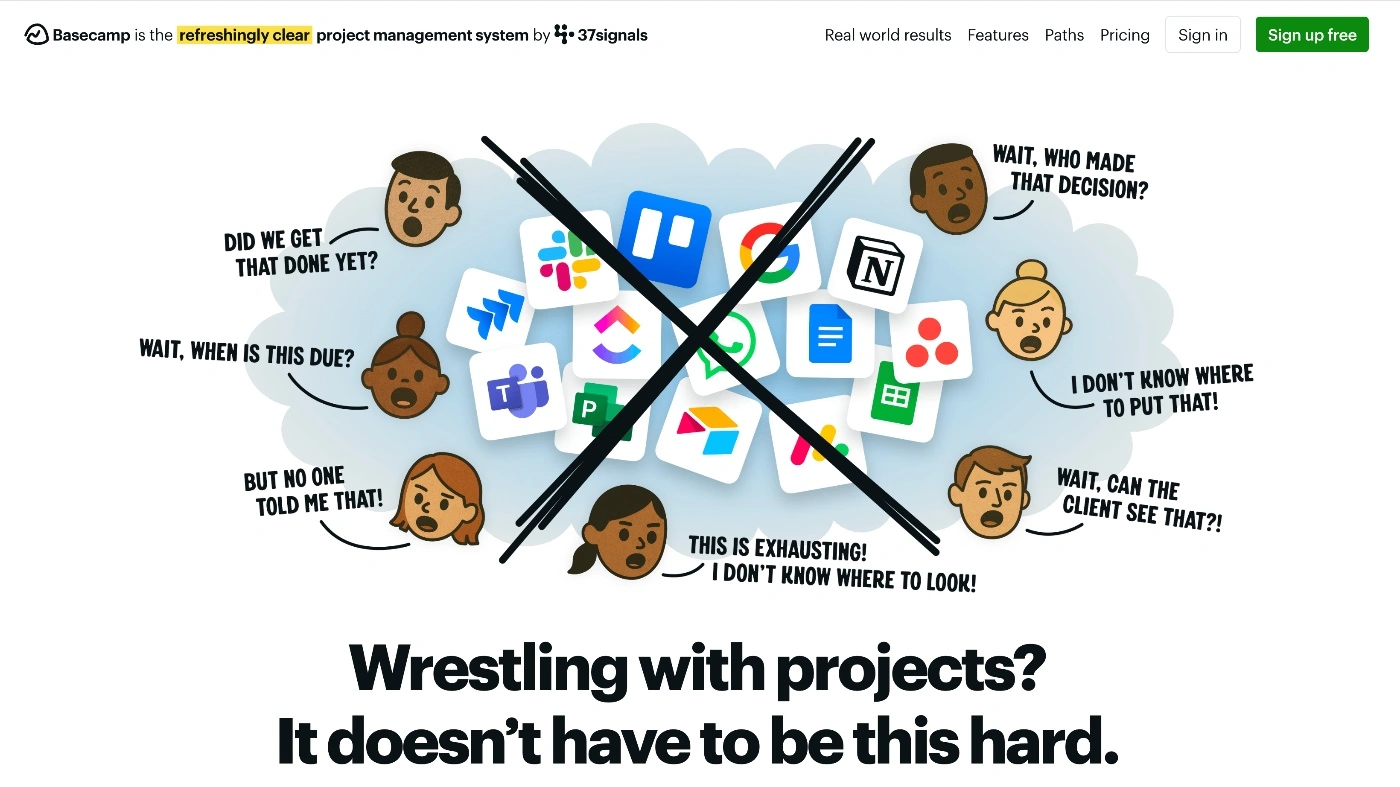
Basecamp is a workspace for small and medium teams that prioritize simplicity, basic client communication, and don't need CRM software (so it's not ideal for sales teams).
Who is Basecamp best for?
Because of its visual and intuitive design, Basecamp's client management software is ideal for teams that want to keep track progress of client work, complete tasks without too much fuss and aren’t looking for a traditional project management tool.
It’s a good choice for teams whose projects revolve around to-do-list-type tasks, discussions, and deadlines. But if you need complex task dependencies and intricate timelines, it won’t be able to cater to those needs.
Basecamp's top features
- Sections/boards menu: The UI is set up as a board with sections for messages, to-do lists, calendars, and projects, making it easy to navigate.
- Client mode: When you invite clients to a project, you choose what’s client-viewable or private.
- Schedule for important dates: The schedule module shares important dates and events, giving clients and team members a bird's-eye view of important deadlines or meetings.
What users are saying about Basecamp
With thousands of online reviews, Basecamp has a loyal user base that values the app’s ease of use.
The greatest pros of Basecamp include:
- Low learning curve (you get the hang of it almost instantly)
- Collaboration tools ( Campfire chat, discussions, and files all in one tool)
Possible cons of Basecamp:
- Limited feature set (for time-tracking, budgeting & billing, you’ll need integrations)
- Basic project tracking (not for complex projects with dependencies)
Pricing
Basecamp offers a freemium option that might be OK for a freelancer, but it might not meet the needs of a service business. Paid plans for Basecamp's client management software start at $15 per person, per month.
3. Teamwork
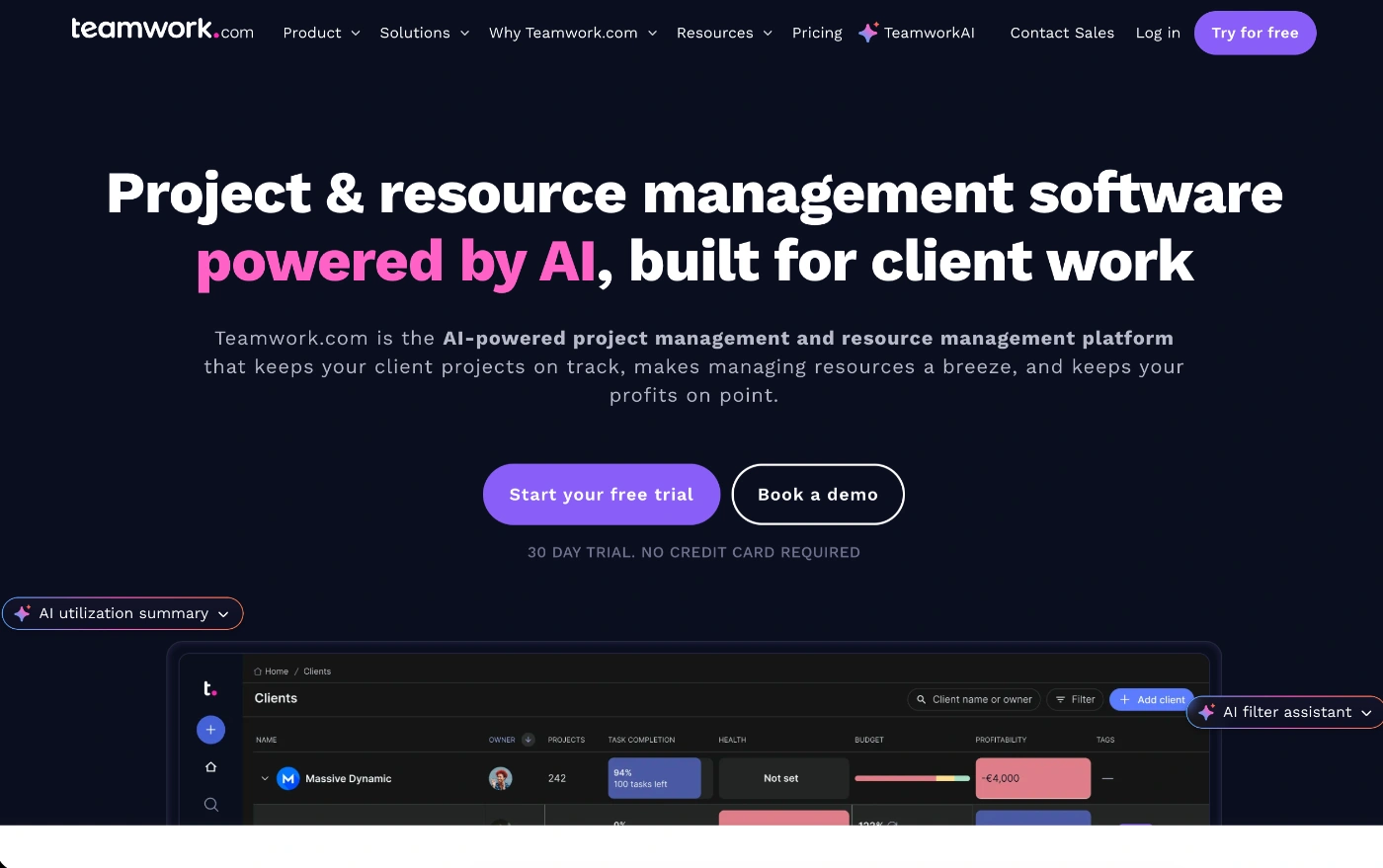
Teamwork is a client service tool with advanced project management features as well as proofing. It’s almost a PSA tool, but not quite, as it lacks CRM functionality.
Who is Teamwork best for?
If you want equal levels of project management and client collaboration capabilities in one tool, Teamwork brings the two together.
It’s a comprehensive toolkit for managing client projects from the initial planning stage all the way through to workflow execution, task and time tracking, collaboration, and billing.
Teamwork’s top features
- Templates & automations: Create and use your own templates and apply basic automation rules to speed up manual process flows.
- Email integration: Let clients respond to email updates and have them updated in the Teamwork tool.
- Client permissions: You can control client permissions in projects by setting them as collaborators with limited access or paid users who let them use a broader range of features.
What users are saying about Teamwork
With over 2000 online reviews, some users call out the quality of reporting features of Teamwork's client management software, but the tool does have a steep learning curve.
Some of the key pros of Teamwork include:
- Rich feature set (there’s a lot you can do once you get the hang of the tool)
- Proofing & approvals workflow (streamlines client approvals)
Possible cons of Teamwork:
- Complex permission set up (takes time to adjust what internal team members and clients can see)
- User friendliness (some users find navigation complex, making locating features difficult)
Pricing
Teamwork is the only tool in this list that can be considered a free client management app, as it offers a free forever plan. However, while this might be OK for freelancers, the limited features probably won't meet the needs of a professional service agency or teams of 5+ projects and users. The first paid plan starts at $13.99 per user, per month.
4. Scoro

Scoro is an end-to-end business management tool for larger professional service firms. If you want to combine client project management, CRM, and financials and keep track of KPI metrics, it's a good fit.
Who is Scoro best for?
While smaller service businesses such as boutique creative agencies would benefit from Scoro’s holistic offering of features, it might not fit their budgets. It’s more targeted to sales-driven companies.
That’s why this client management software works well for consulting, engineering, IT, legal, and even financial services companies.
Scoro’s top features
- CRM leads & projects: With a full CRM module, you can maintain a database of clients and leads, send quotes and proposals, and turn them into won projects to action.
- Timesheet approvals: Built-in time tracking rolls up into timesheets, which you can then set up for manager approvals before creating invoices for billed time.
- Role-specific reports: You can set up individual reports for role types such as CEO reports, which show sales pipeline, project profitability, and company-wide utilization.
What users are saying about Scoro
With approximately 600 online reviews, the greatest benefit users call out is the interconnectedness of all the core business functions, such as client management, financials, and project and profitability management.
Some of the main pros of Teamwork are:
- Customizable dashboards (view the metrics that matter to you instantly)
- Financial features (track and manage profitability across the board)
Possible cons of Teamwork include:
- Complex setup & onboarding (might be intimidating, especially for smaller teams)
- Expensive (on the dearer end when compared to other providers)
Pricing
Scoro’s plans start at $19.20 per person, per month. For advanced features in financials and project management, you’ll need to move to higher plans.
5. ProofHub
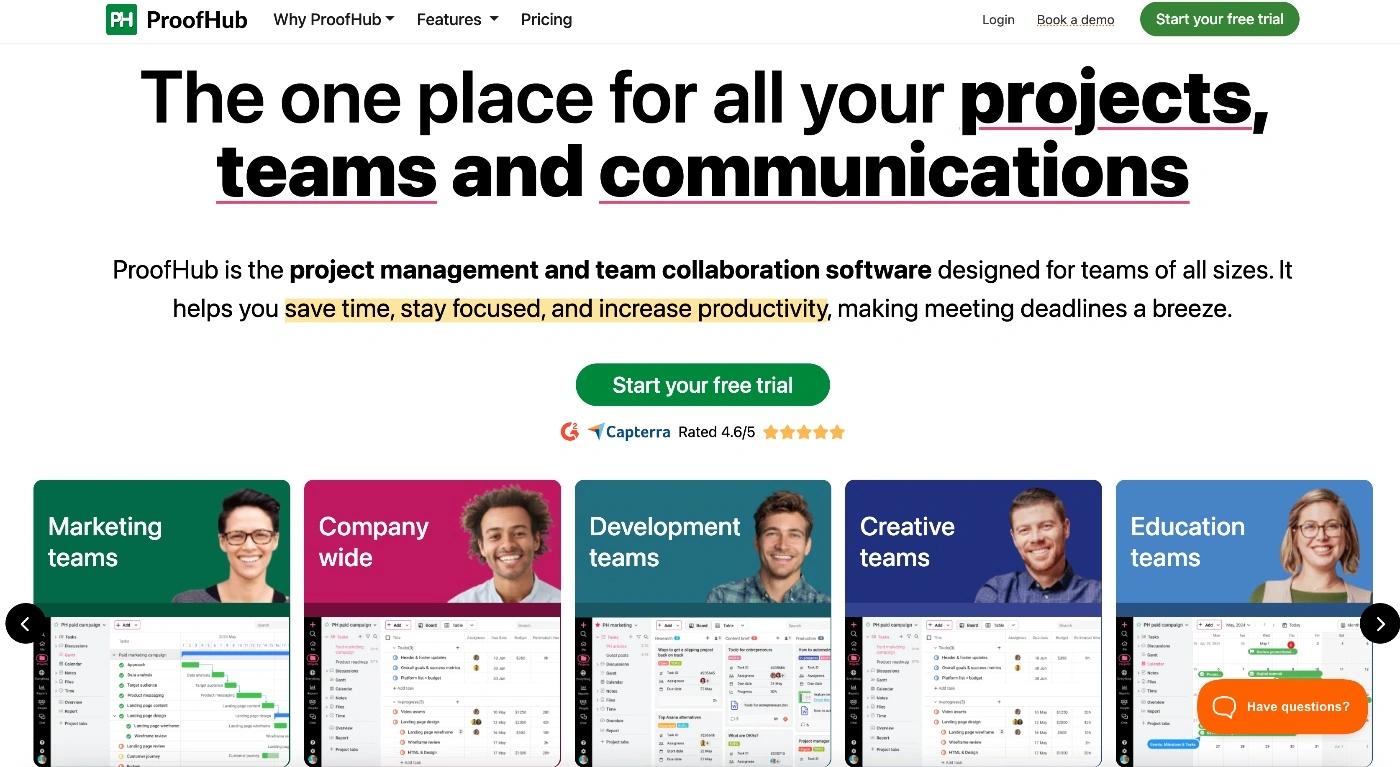
ProofHub, as the name suggests, is a proofing and work collaboration platform. It’s got a bunch of features and customization options to streamline project workflows and enhance communication on tasks, whether that be with internal or external stakeholders.
Who is ProofHub best for?
As a client management tool that focuses on deliverables and project management, it’s ideal for businesses that manage and coordinate multiple content and design campaigns, such as creative agencies and consultancies.
Its standout feature is built-in proofing, which simplifies client feedback and approvals, making client project management smoother.
ProofHub’s top features
- Online proofing: Let clients and teams review creative assets within the tool, add annotations, and give you click options for “ change this color” or “fix this text”.
- Custom roles & access: You have the flexibility to set various custom roles and access permissions so you control who sees what.
- File management: Upload and store files to projects and take advantage of version control features so you never lose that paragraph that was better in V2.
What users are saying about ProofHub
With around 200 online reviews, most users call out the benefits of having an actual proofing feature as part of a project management tool.
The other main benefits of ProofHub include:
- Centralized communication – Having all task comments, files, and discussions in one place makes it easy to collaborate.
- Unlimited user model – There are no caps on the number of team members or clients you choose to onboard and collaborate on projects.
Possible cons of ProofHub include:
- Cluttered interface (might make the learning curve steeper)
- Time tracking is basic (doesn’t link to timesheets or payroll)
Pricing
ProofHub's client management software offers two pricing plans. Starting at $45 flat rate, the Essential plan offers core features, which include proofing but no role customization.
6. Accelo
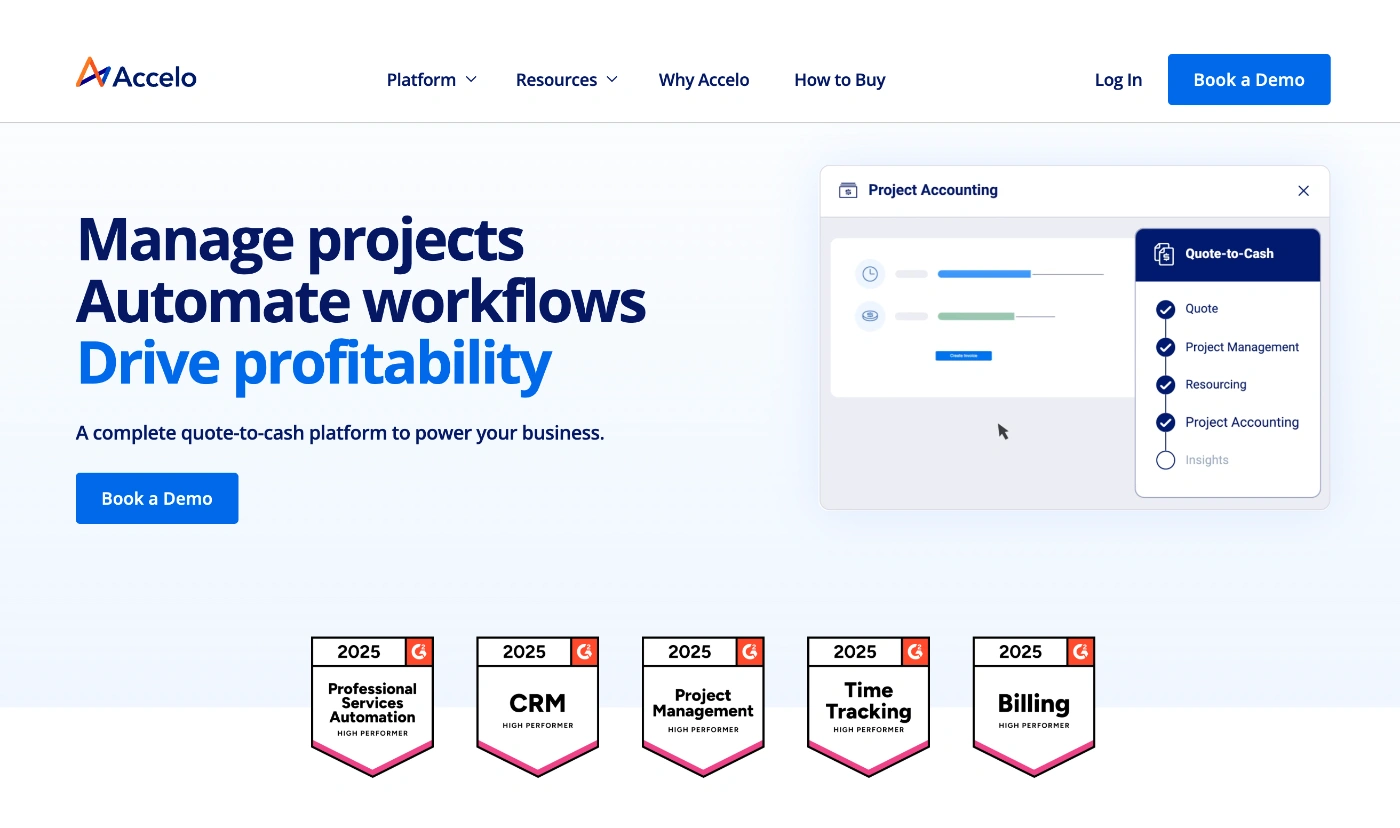
Accelo is more of a Professional Services Platform (PSA) than a simple client management tool. It offers one system to manage your entire client lifecycle.
Who is Accelo best for?
If you’re a well-established, larger organization that needs client project management, a CRM, and a support desk all wrapped up into one comprehensive tool, then Accelo is a good option.
It’s widely used by IT consultancies, accounting and construction firms, and larger marketing agencies that need one space for handling everything from sales leads to project delivery and support tickets.
Because it integrates multiple complex functions, it might be overkill for agencies and service businesses with simple operations or a smaller client base.
Accelo’s top features
- Client database: With a full CRM at its core, you can track sales leads and client communications fully.
- Time tracking & timesheets: Logged time and automated time capture pulled from emails and calendar events aggregate to fill timesheets and make billing less manual.
- Ticketing & support: Businesses with the ongoing backing or retainers can manage client requests via email or the client portal to keep requests organized and tracked.
What users are saying about Accelo
With over 700 online reviews and a Capterra rating of 4.5, many users like the consolidation of features into one platform, but some note that this client management software tool can be overwhelming for new users.
Some of the main pros of Accelo include:
- Robust time tracking – With multiple tracking options, billed time can rarely fall through the cracks.
- Smooth sales hand off – Because every client interaction is connected within the platform, you end up with a smooth handoff from sales to operations.
- Centralized client history – Automatically captures client emails and appointments and logs every interaction so you have the entire history of every client in one place.
Possible cons of Accelo include:
- Steep learning curve (expected in most complex tools)
- Feature-heavy (if you don’t utilize most of the features, it might be too much for your needs)
Pricing
Accelo offers three plans but doesn’t disclose pricing.
ActiveCollab brings your clients, projects, and teams into one tool
Every tool we’ve put into this list has its core strength, whether it be a CRM system, contact management and lead generation or creating and sending professional proposals. All are solid options for managing your client relationships and workflows, but some offer more than others.
The one that’s right for you will depend on your core needs and budget. But if you’re looking for one that’s got the perfect mix of features a small-to-medium-sized service business needs, ActiveCollab is hard to beat.
Even though some of the other tools offer a similar set of capabilities, the pricing is significantly higher. So ActiveCollab not only meets your needs, but also your budget.
As a purpose-built solution for agencies and service teams, it bridges the gap between collaboration, project, billing, and profitability. It integrates everything that goes into a client project into one interconnected ecosystem.
You can create project estimates, let your clients approve them, and then turn them into projects ready for implementation. Choose what you want your clients to see and collaborate with them via messages, discussions, and chat. Then let native time-tracking from project tasks feed into budgets and timesheets so you can populate time logs and bill your clients based on the hours spent on work.
The tool lets you manage client relationships in a way that’s simple, transparent, and scalable. And it gives you a tool that’s easy to use for your team as well as your clients.
Need software that’s going to help you build client relationships instead of fracturing them?
Sign up for ActiveCollab’s 14-day free trial or book a demo with one of our people to test drive the workspace for agencies, consultancies, and startups!