
If you're on the hunt for task management or project management tools, try not to get stuck scrolling through endless lists of features. Focus on what you actually need. And if you’re specifically looking for ClickUp alternatives, you're probably keen to get your hands on something a little less complex.
You want something effective but simple. Something that will be good enough at managing mid-level complex projects, without trying to be and do everything all at once, within the one screen (anyone who's worked in ClickUp knows what this kind of busy screen looks like).
So you want an alternative that helps you manage work, keep clients aligned, and stay profitable without getting lost mid-task and overwhelmed by the user interface.
We're here to help. In this guide, we break down five of the strongest ClickUp alternatives for 2026. For all these tools, we tell you what they do well, where their sore spots are, and how they compare to ClickUp when you take a closer look at all their features.
1. ActiveCollab – Best overall ClickUp alternative
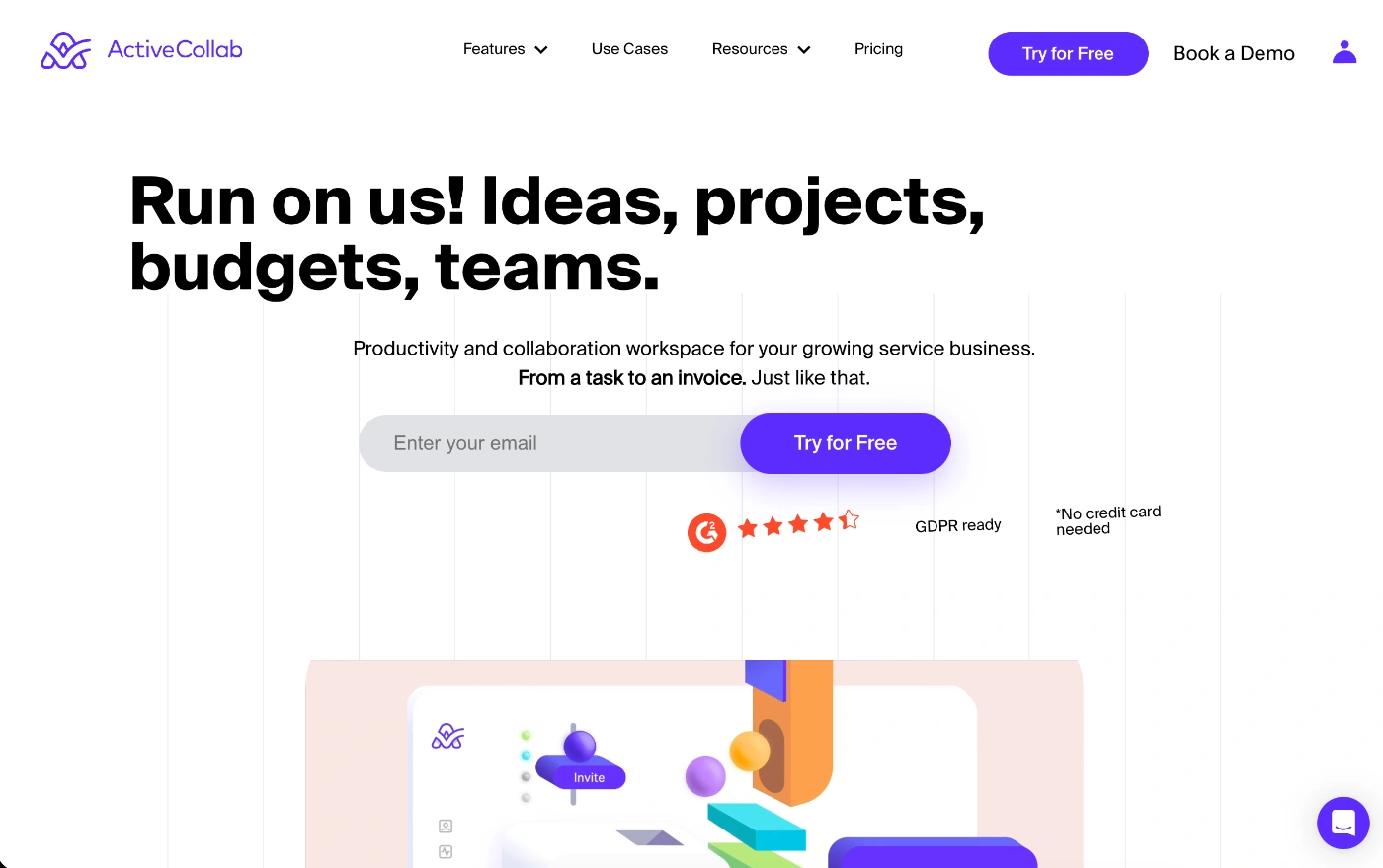
ActiveCollab isn't just a project management tool; it's an all-in-one agency, productivity, team collaboration, and client management platform.
Letting you take care of everything from client campaigns and invoicing to collaboration and capacity planning, all the way to productivity and business profitability, it combines multiple tools into one easy-to-use system.
What makes ActiveCollab the best ClickUp alternative
If there's one key thing that makes ActiveCollab a better ClickUp alternative, it's this:
You get all the core functions a service business running a team and multiple clients needs, without the clutter and confusion of ClickUp.
ClickUp is feature-rich and powerful, and that's why many businesses choose it. But it's one of those project management tools that takes time to learn, and that's time client-facing businesses would rather spend on client projects.
ActiveCollab has spent years building a system that empowers users, not overwhelms them.
You get all the advanced project management features you need to organize and run client work. But you also get all the core business management features like time tracking, resource management, and reporting tools that let you see where you're making money, and where you're losing money.
Who is ActiveCollab best for?
Unlike ClickUp, which is a generalist project management tool designed to serve a broad range of users, ActiveCollab focuses on a specific type of user and business: professional service businesses that want an end-to-end client and work management tool.
ActiveCollab is perfect for a growing agency, consultancy, or service-based team looking for an uncomplicated tool. Want to streamline workflows, boost team productivity, and make project collaboration easy by giving clients access to their work items? Then ActiveCollab is one of the best ClickUp alternatives you can get your hands on in 2026.
So, if any of the below describe you or your team, ActiveCollab promises to provide all the features you seek:
- Client-facing business (marketing, PR & creative agencies, design studios, business consultancies)
- Professional team looking for comprehensive, all-in-one business management software
- Hybrid or remote team in need of a joint workspace for client and team collaboration
- A scaling business set on finding a multi-purpose tool with project, productivity, and profitability management features in one place
- "In-between" business tossing between “limited project management tools” and “overpriced PSA systems” – what you actually want (and need) is the perfect in-between mix of the two.
ActiveCollab's best features
With ActiveCollab, advanced project management features are a given. What makes ActiveCollab the best ClickUp alternative is that it's an end-to-end solution for service folk. On top of that, it also gives you the core features a service business needs, right out of the box.
- Invoicing, payments, expenses & budget tracking – Forget about integrations with third-party tools. ActiveCollab lets you create estimates, turn them into active projects, track expenses and project budgets while they're liveand then generate and invoice that clients can pay online instantly.
- Time tracking, resource, workload & capacity planning – Spend less time guessing capacity and use integrated project task time tracking that feeds into your entire team's workload, so you see availability instantly and prevent burnout before it happens.
- Purpose-built team & client collaboration – ActiveCollab keeps communication seamless for teams and clients. With centralized discussions, task mentions, comments, and in-app chat, feedback isn't scattered across platforms, and information never gets lost.
- Invite & manage clients – Clients value transparency. With ActiveCollab, you can invite an unlimited number of clients, give them controlled access to their projects, and interact via the app daily through task comments and the built-in chat option.
- Reporting for profit-first decisions – Create dashboards and generate reports on project profitability, team time, and productivity, or set up customized reports to understand the financial health of your service business operation.
2. Bitrix24
Bitrix24 is an advanced all-in-one online workspace and business management platform. It's a great ClickUp alternative if you want to combine your Customer Relationship Management (CRM) tool with project management, communication, and HR features all in one system.
What makes Bitrix24 a good ClickUp alternative
Like ClickUp, Bitrix24 is project management software that covers a broad scope of integrated features that go beyond your standard project management tool.
- Integrated modules: With a full CRM system, invoicing, built-in telephony, and HR management, Bitrix gives you a complete business solution on one platform.
- Social intranet: The tool takes a slightly different approach to team communication and collaboration with its Activity Feed, which is a form of social intranet (Activity Feed). It's less focused on task communication and more on the organization-wide community.
- More flexibility: Offering both cloud-based and self-hosted versions, Bitrix24 gives you more flexibility when it comes to setup, security, and customization.
Who is Bitrix24 best for?
Bitrix24 is best for small and medium-sized teams looking for a comprehensive but cost-effective solution. The majority of its users are IT services, marketing, and advertising teams.
As a ClickUp alternative, Bitrix24 is a good fit for:
- Startups that need a generous free plan with unlimited users and manage multiple projects.
- Sales and marketing teams who want a CRM, lead tracking, sales automation, email campaigns, and website/landing page building features.
- Remote or hybrid teams that need a one hub for cross-department communication and collaboration with HR features.
Bitrix24's best features
Unlike ClickUp, which focuses on project management, Bitrix24's core feature is CRM. It integrates with all the other functionalities the tool offers, giving you a 360-degree view of interactions, sales, and projects.
Some of its other standout features include:
- Project, task & time management – You'll get everything you need to run sophisticated projects, including multiple project views, Scrum methodology support, task dependencies, and time tracking.
- Robust communication tools: With built-in team chats, video calls, online meetings, shared calendars, and a company "feed" for announcements and engagement, it's a bit like an enterprise-wide intranet/community.
- HR & automations: There are a bunch of employee and culture management features, letting you take care of team absence and performance, as well as workflow automations for approvals and expense reports.
- Website & store builder: A nice additional feature not offered by most other project management tools is the no-code builder that lets you create landing pages and online stores that integrate with the CRM and payment systems.
Bitrix24's cons
- Be prepared for a steep learning curve (with multiple features and modules, it can be an overwhelming onboarding experience)
- It's not the friendliest UI (The interface feels cluttered and less intuitive when compared to other, simpler, newer project management tools)
- Limiting workload & capacity planning features (even though the tool offers various HR tools, it's not as intuitive or robust when it comes to accounting for freelance or part-time employee hours)
3. Toggl Focus (Toggl Plan's successor)
Toggl Focus is a super simple project management software with built-in time tracking and resource management features to help teams manage workloads and capacity.
It's an excellent ClickUp alternative if you want fewer features and more clarity in a visual format around who is doing what, and how much your people can take on.
What makes Toggl Focus a good ClickUp alternative
If the core functions you are looking for are project planning, time tracking, capacity planning, and workload management, that's exactly what you'll get with Toggl Plan, and nothing more. Unlike ClickUp, which comes with all these features and a dozen others, Toggl Plan is a much simpler, leaner tool that's quick to adopt.
- Integrated planning & time tracking – With a tightly integrated connection between planning and time tracking, you'll always be able to see if planned time matches the actual effort, and if not, you'll know where forecasting and planning changes need to be made.
- Drag-and-drop widget – You can view team capacity and manage scheduling conflicts via the simple drag-and-drop widget.
- Privacy-focused – Unlike many other employee time tracking apps, Toggl Focus does not use intrusive monitoring features like screenshots or keystroke logging. It operates on a user privacy-first model.
Who is Toggl Focus best for?
Toggl Focus is perfect for solo and smaller teams that want a basic project and time management tool.
It's a ClickUp alternative that makes a good fit for:
- Freelancers & consultants who need an effective way to track billable client hours and manage projects.
- Micro teams & boutique agencies that need to understand and manage team workloads and client deliverables.
- Non-invasive productivity monitoring teams that value trust and privacy above all else when it comes to time tracking and employee monitoring.
Toggl Focus's best features
- Intuitive UI – With an intuitive and colorful design, Toggle Flocus is one of the easiest tools to learn and adopt.
- Visual timelines & workload management – You have an immediate birds-eye view of your entire team's tasks and workloads, so you can pick up any capacity red flags quickly and take care of task management efficiently.
- Flexible time tracker – You have idle detection, and you can track time via the one-click timer or by logging manual time entries. The tool also integrates with calendars to convert events into time logs.
Toggl Focus's cons
- Not an all-in-one tool (you only get three core functions, so it's not an all-in-one business management tool)
- No advanced project management features (there is no task dependencies feature, or complex Gantt charts)
- Fewer two-way sync integration options (unlike ClickUp, which offers a long list of two-way sync integrations, so if you plan on connecting to other third-party tools, check if the integration is available)
4. Float
Float is a unique tool that focuses mostly on resource management and capacity planning, but it also offers project management and reporting tools.
Even though it's not an all-in-one project management tool, it's still a strong ClickUp alternative, especially for professional service and in-house teams who need to manage people, track time, and forecast project profitability.
What makes Float a good ClickUp alternative
While it's not as comprehensive in task management as ClickUp, Float is a more visual tool that offers deeper customization options for resource planning for teams of all sizes.
- Simpler to use with visual clarity – You'll get a much simpler, more intuitive interface for scheduling, which is a huge benefit when compared to Clickup's overwhelming design.
- Purpose-built for capacity planning – If capacity planning and understanding utilization are your top priorities, this tool is super functional and provides a more comprehensive solution than your standard all-in-one tool like ClickUp.
- Resources integrated with project budgeting tools – Float ties project budgets directly to resource scheduling, so you can track task costs and compare estimates to outcomes, giving you full insight into project financials.
Who is Float best for?
Float is a top ClickUp alternative for project managers who need deep customization options to understand project success, particularly around resource management, forecasting, and budgets. It works for teams of all sizes, from small and medium-sized operations to large teams.
It's a good fit for:
- Teams of all sizes that need a simple solution for managing team schedules.
- IT services and consulting teams that manage projects and want to optimize resource allocation, accurate project scoping, and financial project management tools.
- Project managers and ops leads who want to understand team performance with a focus on optimizing employee utilization and project profitability.
Float's best features
- Capacity & utilization planning – Advanced features to get real-time visibility into your team's availability, roles, skills, and workloads to prioritize tasks and capacity plan for future projects.
- Scenario planning – If you need to model different scenarios to understand and land the best resource allocation options, the tool will help answer hiring needs without messing up existing schedules.
- Native time tracking for billing – For service businesses that bill by the hour, you get streamlined time logging and even pre-filled timesheets based on scheduled work.
Float's cons
- Fewer reporting customization options (when compared to ClickUp's highly flexible tools)
- It's not a full-scale project management tool (even though you get the basics, Float doesn't come with complex task management like subtasks, dependencies, or Kanban boards)
- No native invoicing or payments features (to send invoices to clients and get paid, you'll need the help of an add-on)
5. ProWorkflow
ProWorkflow is a workflow and project management software tool. It's particularly well known for its strong financial tracking and project profitability analytics tools.
Designed for professional services and client-facing businesses, it's another all-in-one tool ClickUp alternative.
What makes ProWorkflow a good ClickUp alternative
If your priority is managing and staying on top of client work, but you don't want a complex project management tool like ClickUp, ProWorkflow will give you everything you need to run your operations.
- Built for client workflows – With client portals, quoting, invoicing, and file-sharing features, the tool is built for client management and projects.
- Project financials focus – With cost tracking and profitability analysis, ProWorkflow helps you clarify and understand the financial aspects of project management.
- Simpler UI – With a user-friendly design and less clutter, the tool's layout is quick to adopt.
Who is ProWorkflow best for?
ProWorkflow is a tool built for professional services businesses of any size that are looking for a unified platform.
It's a good fit for:
- Creative teams who need to manage campaign lifecycles while keeping clients involved.
- Consulting firms managing ongoing client relationships and project financials.
- IT teams and organizations seeking clarity on how much time teams spend resolving issues versus working on strategic projects.
ProWorkflow's best features
- Advanced project management tools – You'll get all the key features you need to run complex projects and manage project workflows. Create and assign tasks, set task dependencies, and monitor milestones to manage goal tracking.
- Time tracking & reporting – With a built-in timer and timesheet view, you get to monitor the progress of multiple projects, their performance, and profitability.
- Client collaboration & communication – You can invite clients and external stakeholders to take part in project discussions.
ProWorkflow's cons
- Limited customization options (particularly for invoicing and reports)
- Fewer automated workflows (there is no automatic routing for approvals)
- Time-and-expense focused billing (might not work so well for fixed-fee projects)
Why choose ActiveCollab instead of ClickUp
If your team is looking to replace ClickUp, there's every chance you're looking for a less robust, less chaotic tool. But that doesn't necessarily mean you want a less functional tool. Teams don't leave ClickUp because it isn't powerful; they leave because it's too difficult to get the hang of.
If you're a service business, you juggle clients, deadlines, team capacity, and budgets. You don't want or have the time to study and juggle the ins and outs of how your project management tool works.
ActiveCollab is a productivity and work management tool, and a ClickUp alternative made for service businesses. It doesn't try to out-feature ClickUp; it just gives you exactly what you need to run a profitable service business. Nothing more, nothing less.
With a user interface that doesn't strain the brain cells and a setup that's aligned to agency workflows, you can focus on client project delivery instead of operational efficiency.
You get advanced project management, team collaboration, time tracking, budgeting, invoicing, scheduling, capacity planning, and client collaboration in one easy platform.
Client-facing teams need more than task organization; they need client management and resource management. With ActiveCollab, you can communicate with your clients in real time, and you'll know exactly who’s overloaded. A quick scan of your project overview dashboard and you'll know which projects are drifting, where time is going, and which clients are actually profitable.
And when compared to ClickUp’s learning curve (seriously steep), ActiveCollab feels like the developers consulted you before they made it. It's as intuitive a tool as can be. Every feature exists for a reason, and there's nothing that will make you get lost in the app.
Ready to make the switch? Sign up for ActiveCollab's 14-day free trial or book a demo with one of our people to see how we simplify the way you do client work.