What’s New

Projects & Tasks Cloud and Self-Hosted

Reorder Task Lists

No more dragging long lists up and down the page. Open the new Reorder Task Lists dialog from the list header, drag the lists into the order you want, and save.

One dialog

Open Reorder Task Lists from the list header and drag the lists into the order you want.

No more long drags

Stop dragging long lists up and down the page. Click Reorder, and the new order is saved.
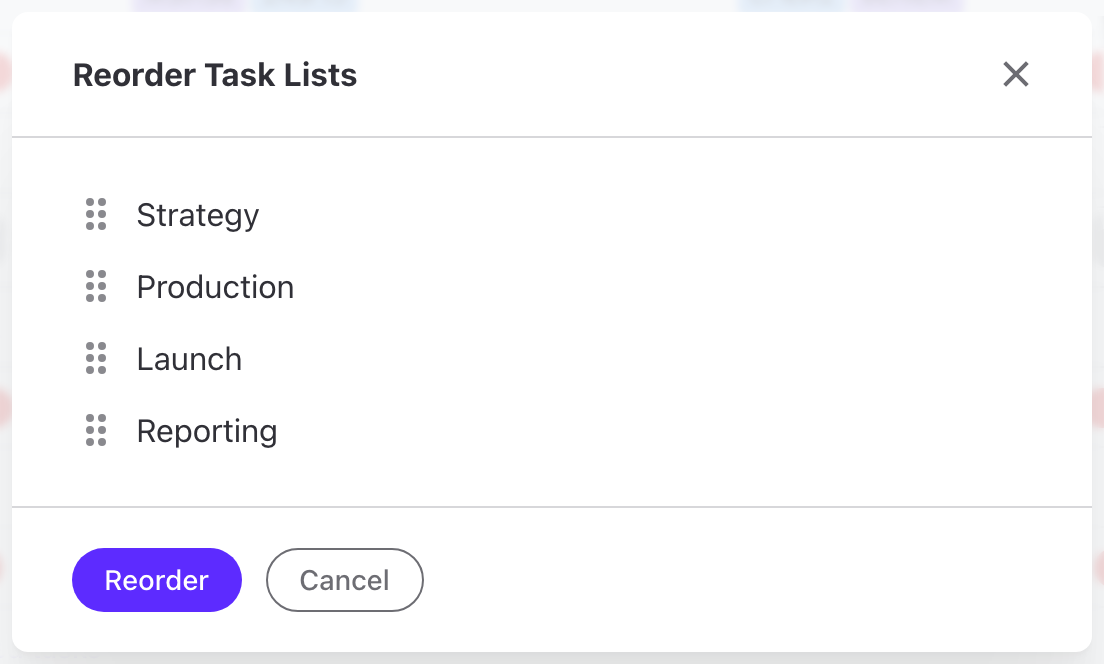
Reorder Task Lists dialog

Your workspace awaits

Just your email, and the full ActiveCollab is yours to try free - every feature, no limits.


or

By signing up you agree to ActiveCollab's Terms of Service & Privacy Policy.

Great! Just a few seconds, and you're in.

All done! Redirecting you to your account.

Your workspace is one click away.
Check your email to continue.

Sorry, we couldn't create an account for you at this moment.
Please double check your email address. If the issue still persists, please let us know by sending an email to support@activecollab.com


Try Again