Import Tasks and Projects
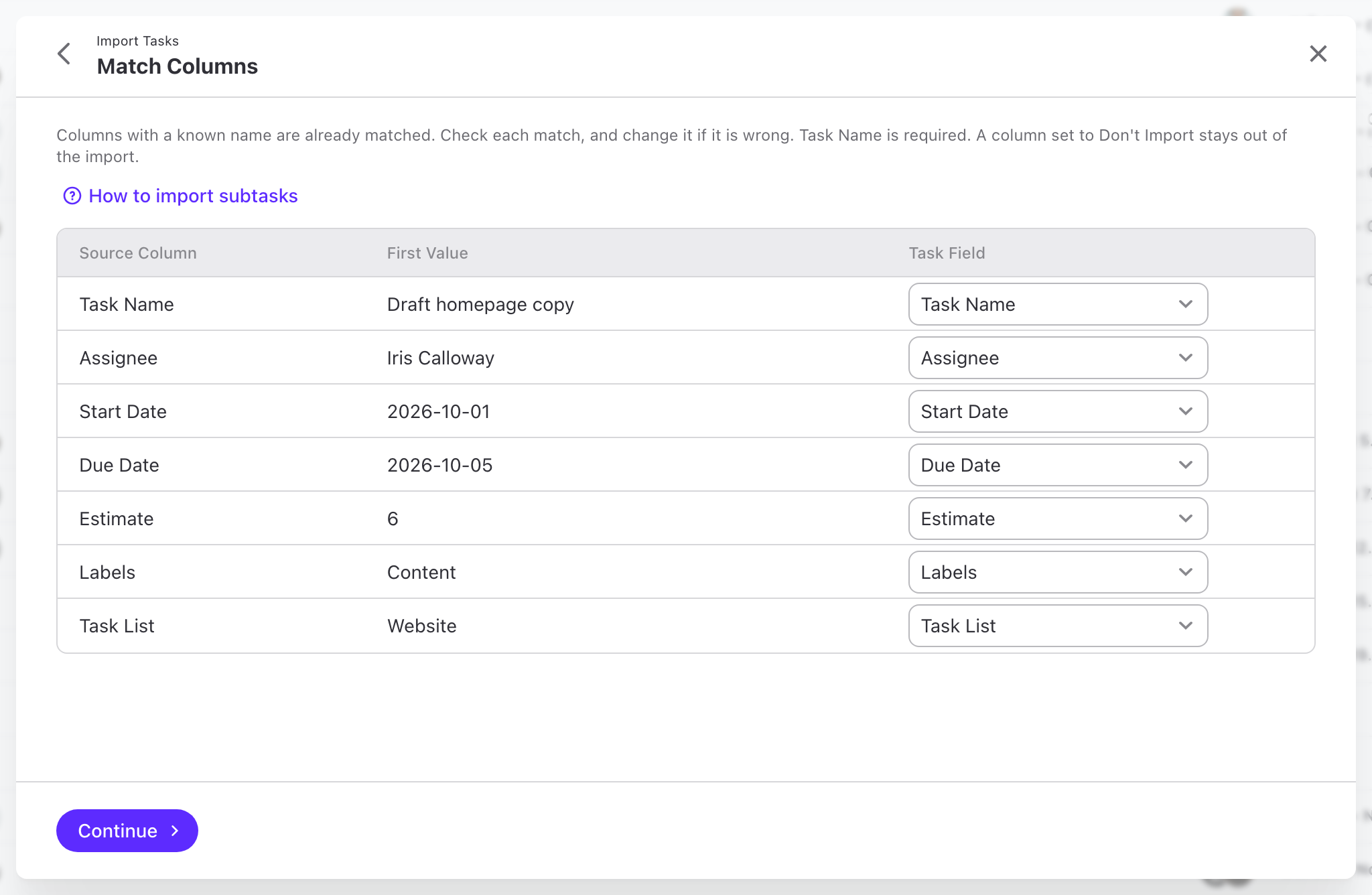
Bring your plan in from a CSV or Excel file, or paste it straight from a spreadsheet. The import matches your columns, creates the tasks, and tells you what it could not use.
From spreadsheet to tasks
- Start from the plan you already have. A project plan from a spreadsheet or another tool becomes real tasks in minutes, not an afternoon of copying.
- Many projects in one go. A column with project names creates one new project for each name, with its tasks inside.
- Your file, your words. Columns are matched for you. People and labels that ActiveCollab does not know yet become virtual users and new labels, or you pick existing ones.
- No noise for your team. Imported tasks do not send notifications or invitations.