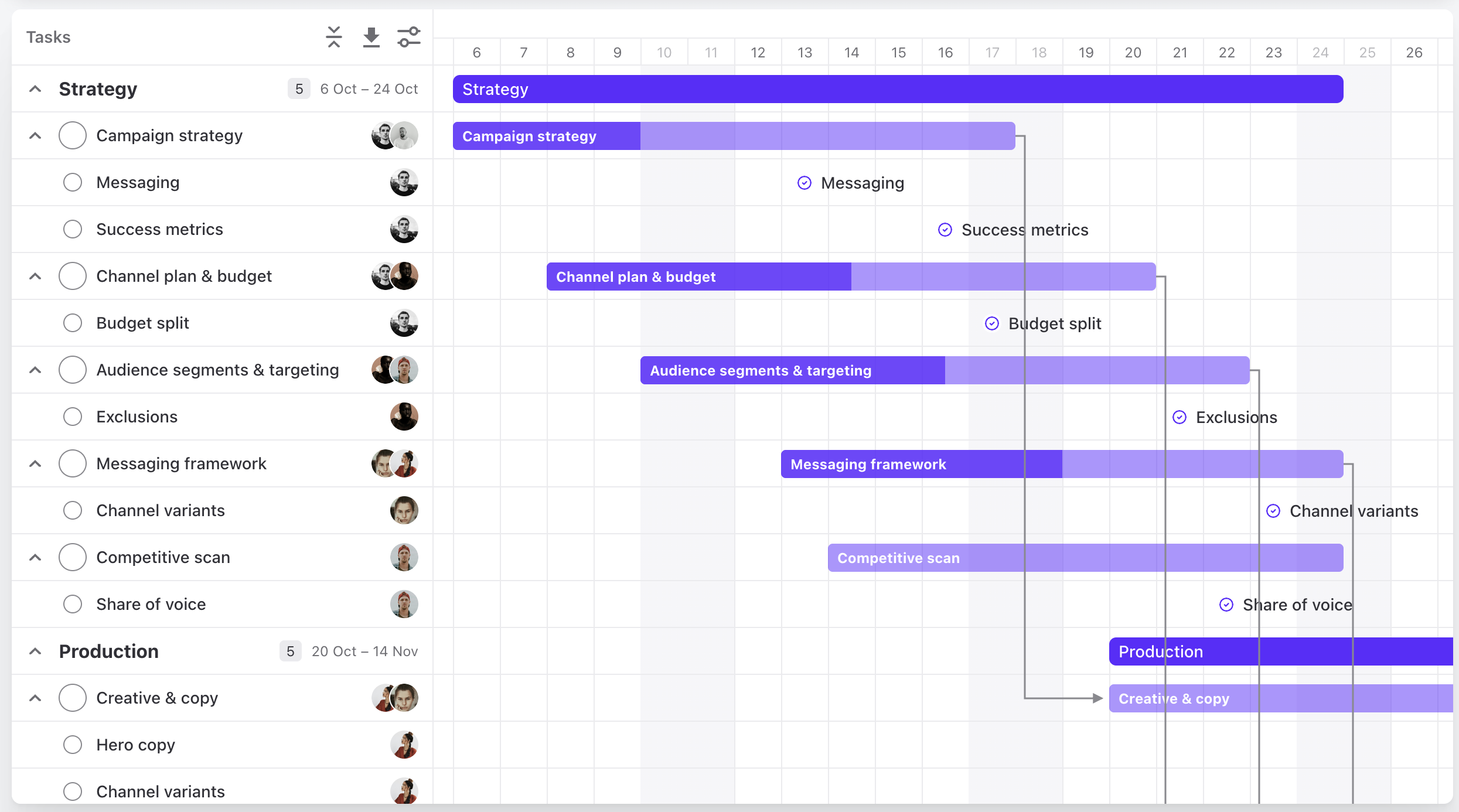
New Project Timeline
The project timeline is rebuilt from the ground up. It stays fast on large projects, and you can change the plan right on the chart.
Plan right on the chart
- Fast on large projects. Scroll and zoom without waiting, even when a project has hundreds of tasks.
- Change dates where you see them. Drag a task to new dates, or drag its edge to make it longer or shorter.
- Connect the work. Draw dependencies from one task to the next, right on the chart.
- See the whole plan. Zoom from one day to a full year, or fit the whole project on one screen.