Webhooks
Webhooks can notify 3rd party services about what's happening in ActiveCollab. To push data back to your ActiveCollab, use our API (webhooks can only take data from ActiveCollab).
The URLs specified here will be triggered with a POST HTTP request when:
- A new Project, Discussion, Task, Comment, Note, or Company is created.
- A Task is edited, copied/duplicated, completed, or moved to a different Task list or a Project.
- A new user is invited or accepts the invitation.
- A new File is uploaded.
- A Time record or Expenses are logged.
- Something is moved to or back from the Trash.
A 3rd party app sends a POST HTTP request to a webhook in ActiveCollab and receives a JSON payload; the format depends on the webhook and can’t be changed.
JSON payload format:
To add a new webhook:
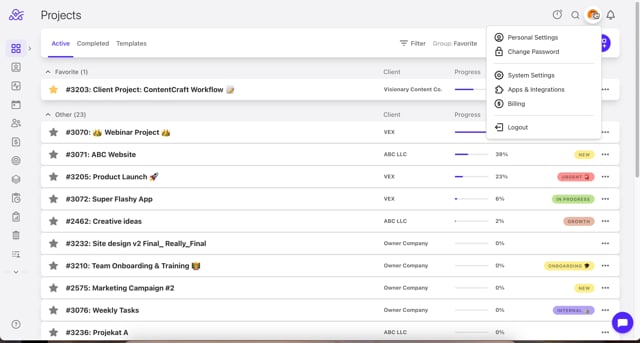
Step21: Enter the Description of your webhook,
Step 3: Enter the Target URL from which your app receives POST requests,
Step 4: Enter the Secret used for authentication (optional),
Step 5: Click Add New Webhook.
Video Tutorial: https://vimeo.com/1159728508
Note: Only the Owner role can see, change and add these settings and they will apply to the entire account.
Zapier
Zapier lets you create custom workflows by connecting ActiveCollab to thousands of web apps. After enabling the integration, you’ll be able to create “Zaps” that trigger events when something happens in ActiveCollab.
After enabling the integration under Add-Ons in ActiveCollab, go to Zapier and create a new zap with ActiveCollab.
ActiveCollab can either be the "trigger" (doing something in ActiveCollab does something else in another app) or the "action" (when something happens in another app, it triggers an action in ActiveCollab).
Video Tutorial: https://vimeo.com/1159729837
Note: Only the Owner role can see, change and add these settings and they will apply to the entire account.