Your code and your tasks, in one place
"Is this merged yet?" should not need a message to a developer. Connect GitHub or GitLab, and the work behind each task comes to the task itself.
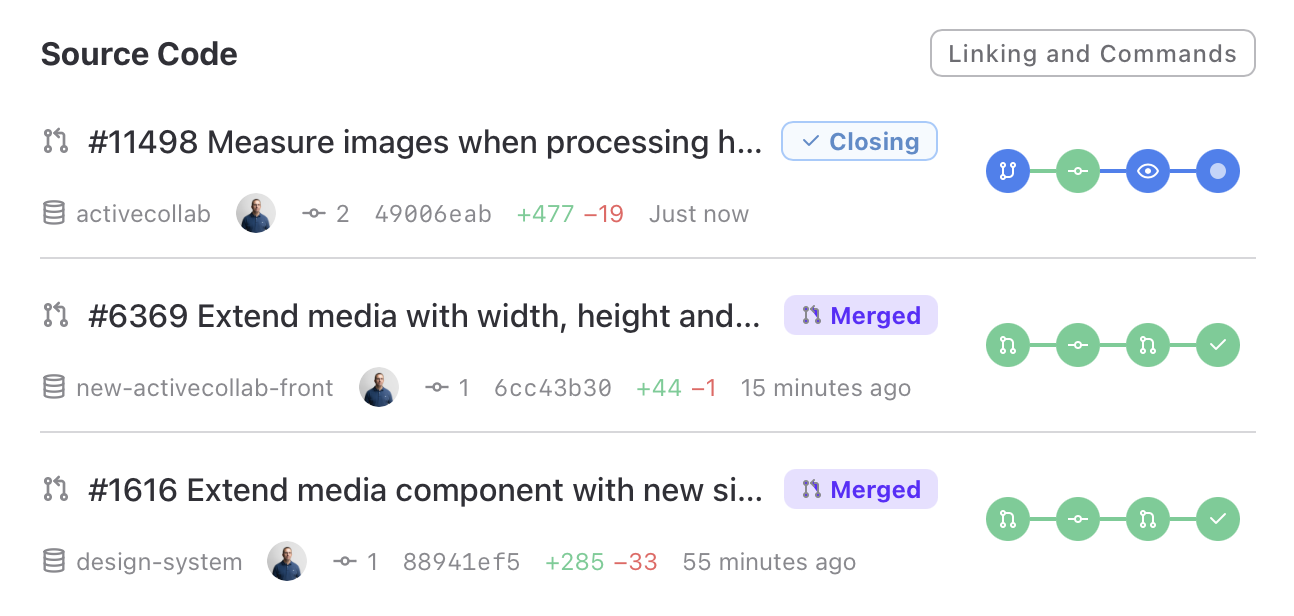
See where work stands
The branches, pull requests, and issues you link show on the task with their build and deploy state. They stay current on their own.
Spot the stuck task
Turn on the Source column in the task list to see one status per task. A failing check is easy to see among the healthy tasks.
Link without extra steps
Put the task ID in a branch name or a pull request, and ActiveCollab links it. A closing word completes the task when the pull request merges.
Turn code into tracked time
Short commands in a commit or a pull request log time, set estimates, assign, and comment on the linked task.
It works with github.com, gitlab.com, and your own GitLab server. Developers who use AI agents can do the same linking through the ActiveCollab MCP server.